course · new for 2026
Inside the Einstein: The Disc
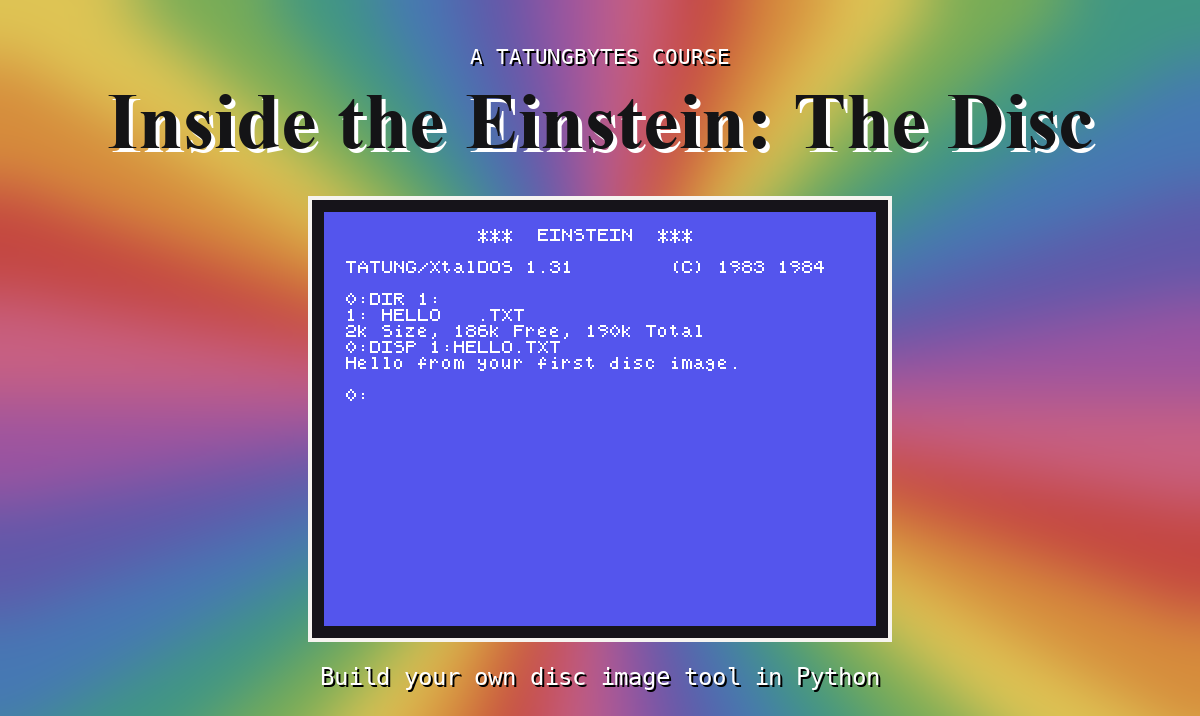
Somewhere on your computer there may be a file whose name ends in .dsk: a copy of a floppy disc from a Tatung Einstein, the kind of file you put into an emulator to play a game or run an old program. This course is about what is inside that file, every byte of it, and you learn it by writing a program that opens one, reads it, and makes new ones.
You do not need to know how to program, or anything about discs. The course starts with installing Python and making a single byte, and explains each new piece of Python the moment it is needed. It does not depend on any other course on the site.
Twenty seven sections and five appendices, in five parts. Starting From Nothing installs Python and MAME and teaches the Python the rest of the course stands on. The Container takes apart the wrapping a disc image carries: its headers, its tracks and its sectors, until you can find any sector on the disc. Reading works through the Einstein's own disc: the directory, its 32 byte entries, blocks and extents, until you can list a disc and copy any file off it. Writing builds a blank disc from nothing, then adds, renames and removes files. Finishing teaches the tool to check a disc before trusting it, and gives it a proper command line.
What you build is edisc.py, one file of Python that needs nothing but Python itself. By the end it lists the files on an Einstein disc image, shows the raw bytes of any sector, copies files off and on, creates new empty images and deletes files. You write all of it yourself, a piece at a time, and run each piece as soon as it is in.
Every time your program changes a disc image, you put the image into an emulated Einstein and ask the Einstein's own disc operating system, XtalDOS, what it sees. If it lists your file with the right name and the right size, your program got the bytes right.
A computer running Windows, macOS or Linux, and Python 3, which S2 installs. MAME with the Einstein ROM set (Einstein System ROM) and the TC01 System Master Disc (XtalDOS), which S3 sets up. The practice disc images, the program from every section and the finished tool are one download, Inside the Einstein: The Disc Course Files. The practice discs were made for the course, so you can do what you like to them.
The same way as our other courses. Every listing was run on Python 3.9 and 3.13 before it was written down, and every change the tool makes to a disc was checked by XtalDOS in MAME. The pictures of the Einstein's screen are the screens it showed.
This course was written with Claude Code, directed by Gavin Watson. We say so openly because we think it is the right way to use these tools, and because you deserve to know how the thing you are learning from was built.
This form is protected by reCAPTCHA, and the Google Privacy Policy and Terms of Service apply.
