module
18
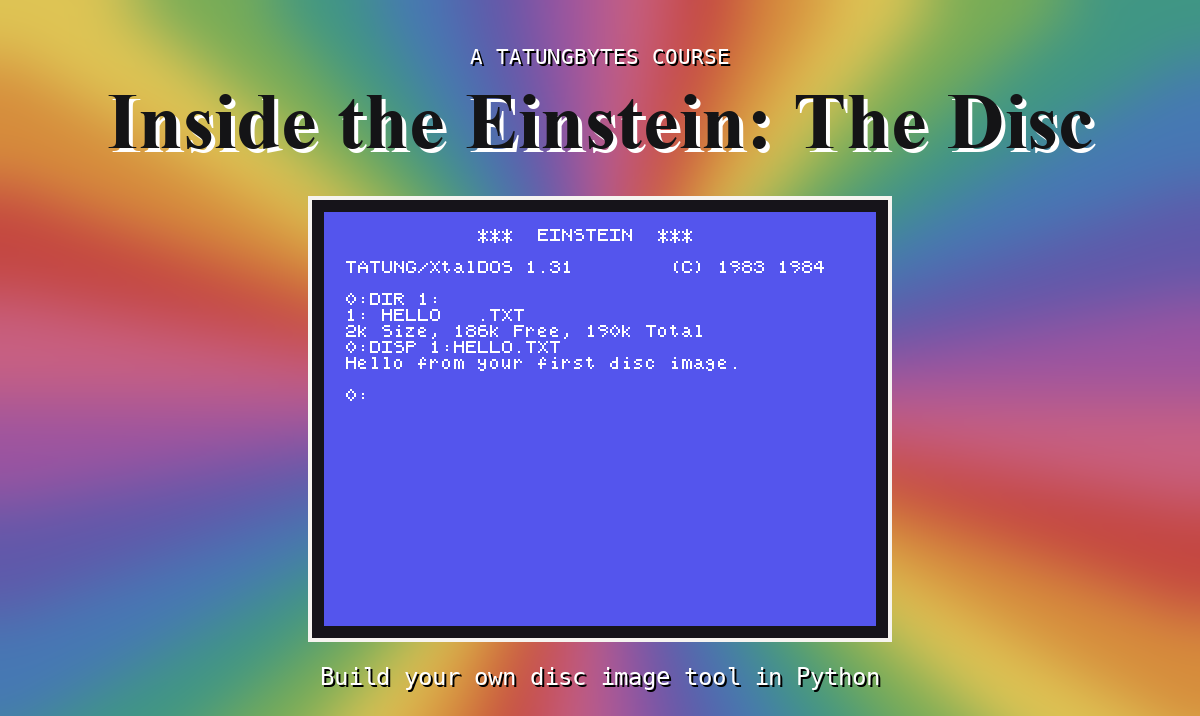
type shows a text file. Most files on an Einstein disc are not text: programs, BASIC files, game data. To work with those you need the file itself, on your computer, exactly as it is on the disc. That is extract, the last of the tool's reading commands.
You already have every piece: read_file gives the file's bytes, and S5 showed how to write bytes to a file with open(..., "wb"). extract puts them together, and names the new file after the file on the disc unless you give it another name.
A name on an Einstein disc is just eleven bytes, and it can hold characters your computer will not allow in a file name. There are real Einstein discs with a file called R/SUN.XBS - to the Einstein the / is just a character, but to your computer it means "a folder called R". So host_name keeps letters, digits, ., _ and -, and turns anything else into _. isalnum() is True for a letter or digit, and ch in "._-" asks whether a character is one of those three. or joins the two: the whole condition is true if either part is.
R/SUN.XBS   ->  R_SUN.XBS
MY FILE.TXT ->  MY_FILE.TXT
extract takes a third word - the name to write - but only if you want it. len(sys.argv) says how many words there were: more than four means the name was given. If not, the tool passes None, and extract uses the disc name instead.
After read_file:
def host_name(name):
    safe = ""
    for ch in name:
        if ch.isalnum() or ch in "._-":
            safe = safe + ch
        else:
            safe = safe + "_"
    return safe
for ch in name goes through text a character at a time, as for b in data goes through bytes. After type_file:
def extract(disc, name, out):
    data = read_file(disc, name)
    if out is None:
        out = host_name(name)
    with open(out, "wb") as f:
        f.write(data)
    print(f"Wrote {out}: {len(data)} bytes")
And before the else::
elif command == "extract":
    if len(sys.argv) > 4:
        extract(disc, sys.argv[3], sys.argv[4])
    else:
        extract(disc, sys.argv[3], None)
(The whole program: s18-edisc.py.)
Run it
python3 edisc.py extract FILES.DSK NUMBERS.BIN
python3 edisc.py extract FILES.DSK STORY.TXT
What you should see
Wrote NUMBERS.BIN: 3072 bytes
Wrote STORY.TXT: 20096 bytes
and two new files, NUMBERS.BIN and STORY.TXT, in your edisc folder. Keep them: later sections use them.
NUMBERS.BIN was made by counting: its bytes are 0, 1, 2 ... 255, then 0 again, and so on, 3,000 of them. Check what you got, with what you learned in S5 - save these three lines as check.py and run it:
with open("NUMBERS.BIN", "rb") as f:
    data = f.read()
print(len(data), data[0], data[255], data[256], data[2999], data[3000:3004])
3072 0 255 0 183 b'\x1a\x1a\x1a\x1a'
Every byte where it should be: 0 at the start, 255 at 255, back to 0 at 256, and 2,999 % 256 = 183 at the last. But the file is 3,072 bytes, not 3,000. The disc only records whole 128-byte records - 24 of them - so that is what comes off it, and the 72 bytes after the real end are the 1As that filled out the last record. For a text file they do no harm. For other files, if you know the real length, cut the file to it; the disc cannot tell you.
extract gives you exactly what the Einstein itself would read: every record, nothing past the last one.
extract FILES.DSK STORY.TXT story.txt and open story.txt in your text editor. Where does it end, and what is after line 409?extract FILES.DSK NOPE.TXT. Which function stopped the program?host_name's list of allowed characters, " " (a space). What would MY FILE.TXT become - and would your computer mind?| Symptom | Cause |
|---|---|
There is no file called NOPE.TXT on this disc | No such file - check the name with list |
| The extracted file is bigger than the original you put on the disc | The disc keeps records, not lengths: up to 127 bytes of padding come back with it |
extract reads a file - every extent, every record - and writes it to your computer, under its disc name made safe (or a name you give). What comes off is exactly what the Einstein would read: the file's records, with the padding at the end of the last one. Part three is done: edisc.py can show you anything on an Einstein disc, and get anything off it.
S19, A Blank Disc From Nothing - Part four, writing. First: building a whole disc image, every header and every sector, from an empty file.
This form is protected by reCAPTCHA, and the Google Privacy Policy and Terms of Service apply.
