module
16
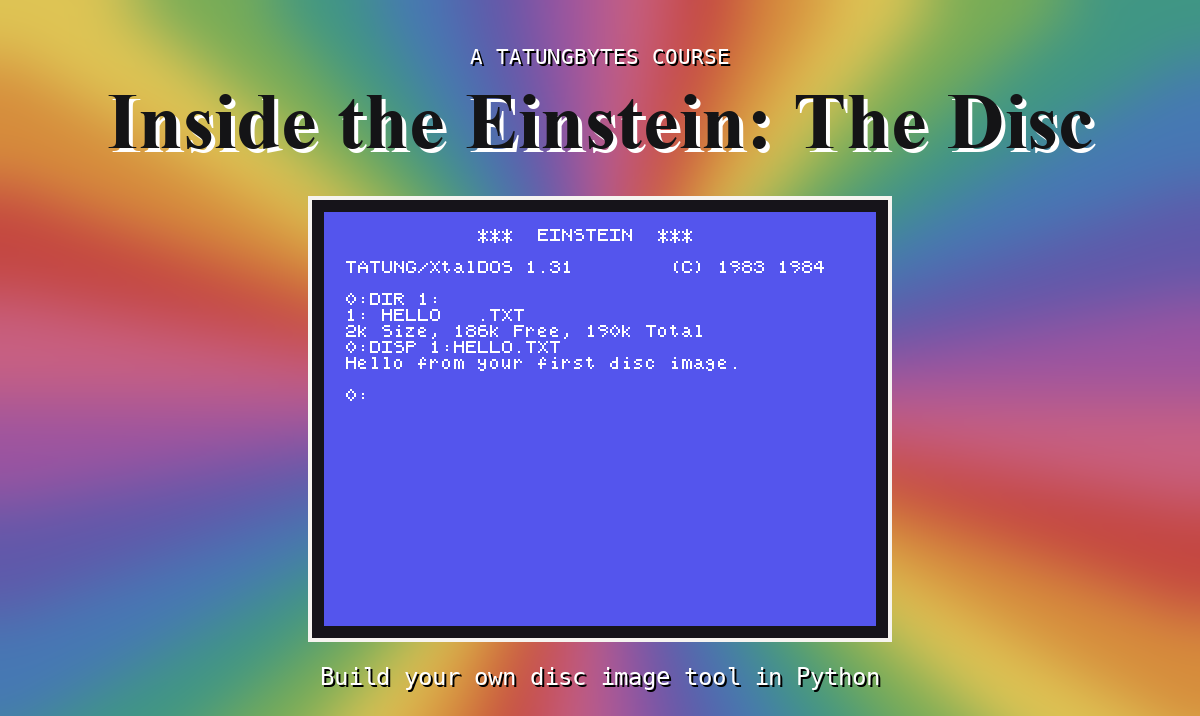
Everything is in place. The directory says where a file's blocks are, and read_block can read any block. Put the two together and edisc.py can read a file - and show you a text file on your own screen, the way XtalDOS's DISP shows it on the Einstein's.
find_file goes through the entries in use and collects every one whose name matches, compared in capitals as list does. If there are none, the tool says so and stops: there is no sensible way to carry on.
It gives back a list of entries, because a big file has several. This section reads only the first - which, for any file of 16K or less, is all there is. S17 deals with the rest.
Read each block the entry names, in the order it names them, and join them. That gives a whole number of blocks - 2K, 4K, 6K - but the file is usually shorter than its last block. The entry's record count says how much of it is the file: records x 128 bytes. Cut there, and stop.
What is past the cut is not part of the file. In FIRST.DSK (S11) the sector after HELLO.TXT's text was 1As and then E5s: the 1As filled out the text's last record, and the E5s are the blank disc, never written. The Einstein never reads past the record count, and neither does the tool.
The record count is still not the exact length: the last record is 128 bytes whether the text fills it or not. So text files mark their own end. The text ends with the byte 1A, and the rest of the record is filled with 1A. Anything that shows a text file - XtalDOS's DISP, and now type - stops at the first 1A.
The 1A matters. If a text file's last record were left full of E5 instead, DISP would print the text and then a line or more of graphics characters: it has no other way to know where the text stops.
type also tidies line endings: on the Einstein a line ends with two bytes, 0D 0A (carriage return, new line). type keeps the new line and drops the carriage return, and shows anything that is not printable as a dot.
break inside a loop stops the loop altogether - here, at the first 1A.
After read_block:
def find_file(disc, name):
    entries = []
    for entry in live_entries(disc):
        if entry_name(entry).upper() == name.upper():
            entries.append(entry)
    if len(entries) == 0:
        sys.exit(f"There is no file called {name} on this disc")
    return entries


def read_file(disc, name):
    entry = find_file(disc, name)[0]
    data = b""
    for block in entry_blocks(entry):
        data = data + read_block(disc, block)
    return data[:entry[15] * 128]
data[:n] is a slice from the start: the first n bytes. After show_block:
def type_file(disc, name):
    text = ""
    for b in read_file(disc, name):
        if b == 0x1A:
            break
        if b == 10:
            text = text + "\n"
        elif b != 13:
            text = text + show_byte(b)
    print(text)
"\n" is how Python writes a new-line character inside quotes. And before the else::
elif command == "type":
    type_file(disc, sys.argv[3])
(The whole program: s16-edisc.py.)
Run it
python3 edisc.py type FILES.DSK README.TXT
What you should see
FILES.DSK - practice disc for Inside the Einstein: The Disc.
README.TXT is locked. OLD.TXT was deleted.
The text, then an empty line: the text's own last new line, and then the one print adds. Try it as readme.txt, in small letters - it works, because the names are compared in capitals.
Now a bigger file:
python3 edisc.py type FILES.DSK STORY.TXT
It prints 335 lines and stops part way through a sentence:
Line 333 of STORY.TXT, which needs two extents.
Line 334 of STORY.TXT, which needs two extents.
Line 335 of STORY.
That is exactly 16,384 bytes: one entry's worth, 128 records. The rest of the story is in STORY.TXT's second entry, which read_file has not looked at. That is S17's job.
type FILES.DSK OLD.TXT. Its bytes are still on the disc (S14). Why can type not find it?if b == 0x1A: break lines and type README.TXT. What appears after the text - and how many of them, and why that many?read_file, leave off the [:entry[15] * 128]. Type README.TXT again, with the 1A check still out. What is the extra, and where did it come from?| Symptom | Cause |
|---|---|
There is no file called OLD.TXT on this disc | The file was deleted - its slot starts E5 - or the name is mistyped |
To read a file: find its entry by name (in capitals), read the blocks it lists in order, and keep records x 128 bytes. A text file ends at its first 1A, and type stops there, as DISP does. One entry is at most 16K, so a bigger file needs more than one entry - and so far edisc.py reads only the first.
S17, Files Bigger Than 16K - extents, and putting a big file back together.
This form is protected by reCAPTCHA, and the Google Privacy Policy and Terms of Service apply.
