course · new for 2026
Devpac80 Companion: Assembly the 1985 Way

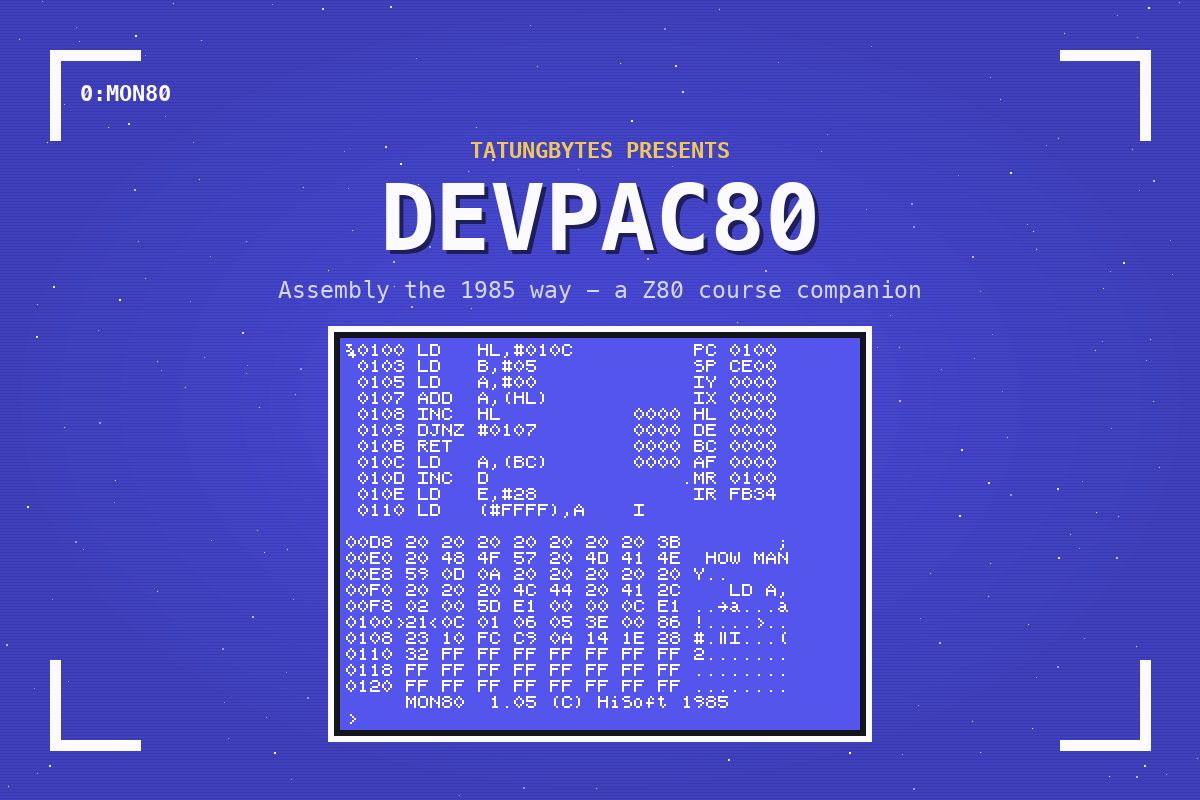
In the Z80 assembly course you wrote in VS Code on a modern computer and pressed Run. Nobody in 1985 could. If you owned an Einstein and wanted to write machine code, the Einstein was the computer you wrote it on - and one of the ways to do it was HiSoft Devpac80: ED80 to type your program, GEN80 to assemble it (it signs on GEN80 1.06 Copyright (C) HiSoft 1985), and MON80 to watch it run.
This is a companion, and it follows on from the assembly course. It does not teach Z80 again. It takes four small programs you already wrote there and builds them again the 1985 way - typed, saved, assembled, run and debugged on the Einstein itself, with nothing but the machine and one disc. If you have not done the assembly course, start there.
You do not need to own an Einstein. Everything here runs on an emulator on your own computer, and everything you need is free.
Eight short sections and three appendices. You set up the disc, type the assembly course's first program into ED80 and assemble and run it; learn the editor properly, with its blocks; read GEN80's errors and warnings and get a listing; convert an assembly-course program for GEN80, including the one trap it will not warn you about; and load a program into MON80, step it an instruction at a time, run it to a breakpoint and change its data. The appendices put everything that changes between z80asm and GEN80 on one page, and all of ED80's and MON80's keys on another.
Every section has the house shape: an explanation, the code to type, what you should see, and a few single changes to make, each with a question.
What you set up for the assembly course - MAME and the Einstein ROM - and the Devpac80 Companion Disc from our Downloads page. It boots by itself and carries all three tools, with 84K of free space for your own work.
The same way as the other courses. Devpac was sold for many machines, and almost everything that can be read about it describes another one. So nothing here is taken from Devpac on another computer, from WordStar (whose keys ED80's resemble), or from HiSoft's manual alone without first running it on the Einstein and watching what happens.
That mattered. On this disc ED80's commands are CONTROL keys, where the copy that came with HiSoft C used GRAPH. GEN80 takes a character in double quotes but not single ones, takes no strings after DEFB, counts only ten characters of a label, and silently drops everything after the string in DEFM "HELLO",0. A failed assembly leaves your old program's file on the disc - empty - so running it runs whatever is in memory. And MON80's J does not start a program at the address you give: it runs from where the program counter is and stops there. Every one of those is in the companion because the machine showed it to us.
Every listing was typed into ED80, assembled with GEN80 and run, and every change the sections suggest was run too, before it was written down; every screenshot is of the machine actually doing it. What has not been done is a test on real hardware: the companion was written and checked entirely under emulation, and if you follow it on a real Einstein we would like to hear what differs.
Devpac80 as it came is in the library as HiSoft Devpac80.
This companion was written with Claude Code, directed and tested by Gavin Watson. We say so openly because we think it is the right way to use these tools, and because you deserve to know how the thing you are learning from was built.
