module
2
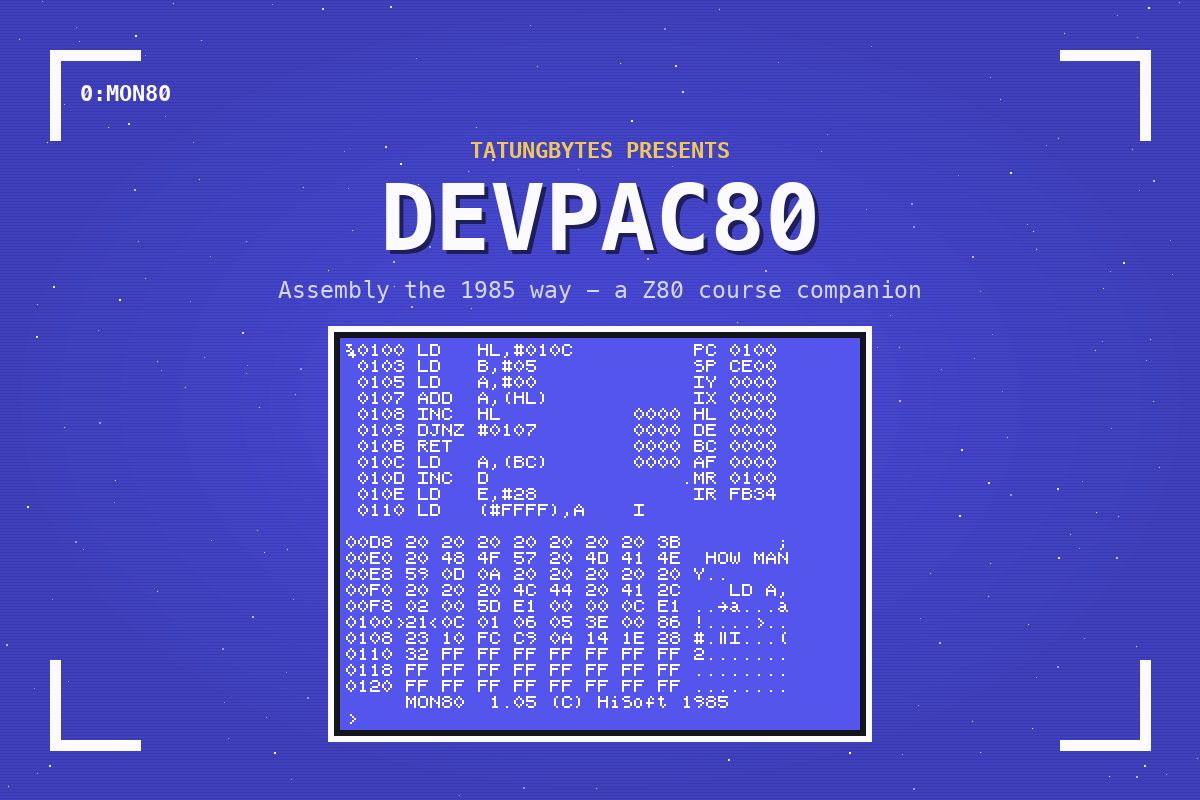
In the assembly course, VS Code started MAME for you whenever you pressed Run. This time you start the Einstein yourself, from a disc that holds everything the companion needs, and leave it running while you work - which is what owning one in 1985 was like.
The companion's disc is also there as devpac.dsk. Put it on your Einstein the way the assembly course's Appendix VIII describes, start the machine with it in drive 0, and pick this section up at What Is On The Disc. Lines beginning "In MAME:" are not for you.
Download the Devpac80 Companion disc, devpac.mfi, from this site, and keep it in a folder of its own - ~/einstein/ will do.
Everything you save while you work is written into that file. Keep a copy of it as it came, so that you can always start again.
On macOS, in Terminal:
mame -rompath ~/roms einstein -flop1 ~/einstein/devpac.mfi -window -skip_gameinfo
On Windows, in a Command Prompt in MAME's folder:
mame.exe -rompath roms einstein -flop1 devpac.mfi -window -skip_gameinfo
The Einstein boots from the disc:
           ***  EINSTEIN  ***

TATUNG/XtalDOS 1.31        (C) 1983 1984

0:
0: is the DOS prompt: drive 0, waiting for a command. Wait for it to come back after each command before you type the next one.
Type DIR and press ENTER:
0: ED80    .COM : ED80    .HLP
0: ED80INST.COM : ED80INST.MSG
0: EINPATCH.COM : EINPATCH.GEN
0: EXTRA   .WOK : FIXDOS  .COM
0: GEN80   .COM : GEN80INS.COM
0: JABBER  .WOK : KBDASC  .COM
0: KBDNORM .COM : MON80   .COM
0: MON80   .MON : MON80INS.COM
0: MON80INS.MSG : READ    .ME
104k Size, 84k Free, 190k Total
Three of these are the programs you will use:
| File | Program |
|---|---|
ED80.COM, ED80.HLP | ED80, the editor |
GEN80.COM | GEN80, the assembler |
MON80.COM, MON80.MON | MON80, the monitor |
The rest came with Devpac80 from HiSoft, and this companion does not need them. 84k free is plenty: every program in the companion fits in a few k.
Type GEN80 on its own:
GEN80 1.06 Copyright (C) HiSoft 1985

Command Line Format is:
GEN80 [object=]source [;opts]
[ ] means optional.
'opts' are:
L +/-       (list) M +/-     (expand)
P +/-      (print) N      (no object)
T  (print symbols) D        (type in)
S n (label length) B n (table size K)
F (force 2nd pass) K    (kill object)
C n (comment posn) W (write PRN file)
V (virtual disking).
Default: L-,K,S 10,M-,P-,C 50

0:
With nothing to assemble, GEN80 tells you how to use it and goes back to 0:. You will need very little of this - S3 and S5 cover the parts that matter.
Type MON80. The screen fills with MON80's display - memory, registers, and at the bottom:
     MON80  1.05 (C) HiSoft 1985
>
S7 is all about it. For now, leave it: hold CONTROL and press C. (In MAME: CONTROL is Ctrl.) You are back at 0:.
ED80 you will meet properly in S3, with a program to type into it.
One disc, booted in drive 0, holds all three tools. DIR lists them; GEN80 alone shows its options; CONTROL-C leaves MON80.
S3: your first program, the 1985 way.
