module
30
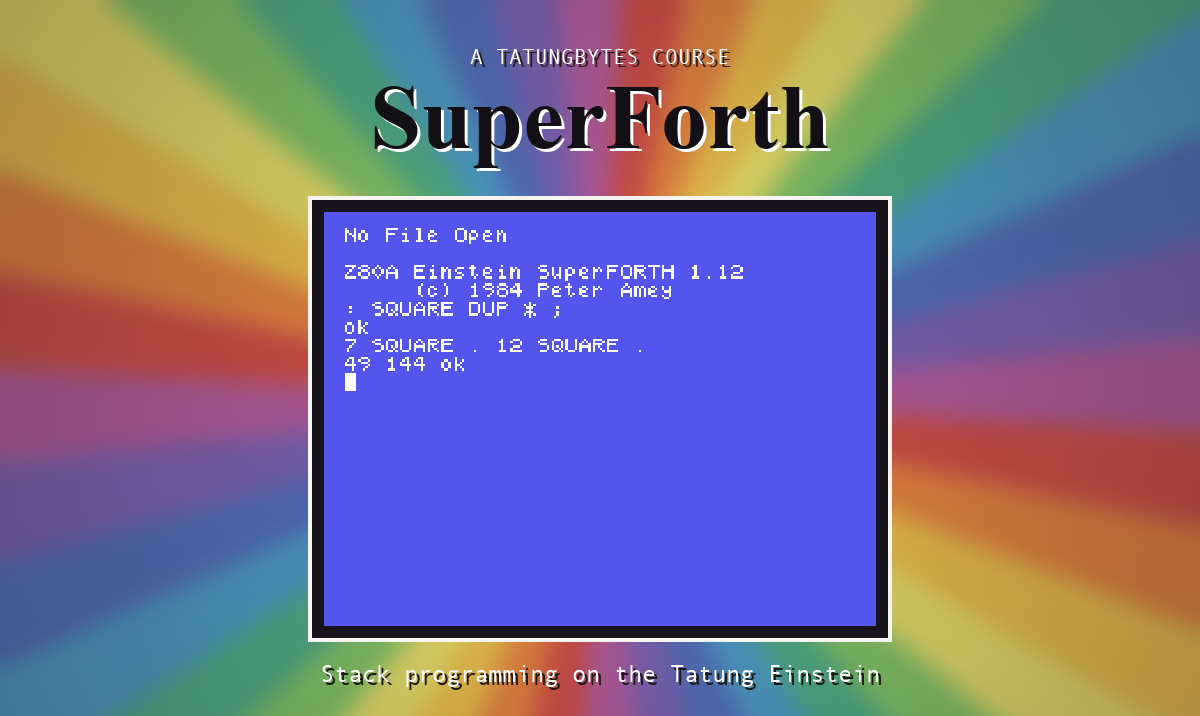
You have been using two SuperForths: the bare one, and one with an editor in it that somebody made for you. The last thing this course shows you is that there was never anything special about the second one. You can make your own, with whatever you like built in, in five lines.
Loading the graphics takes a quarter of a minute every session. If you draw a lot, build them in.
SAVE is the word. It does not write anything itself. It works out how big SuperForth has become with everything you have loaded, tells you, and drops you out to DOS - with SuperForth, grown, still sitting in memory. A DOS command then writes that memory to the disc as a program.
The DOS SAVE has to be the very next thing you do, before anything else gets a chance to use that memory. The manual suggests one more line before it: define an empty word called TASK, as a marker between the saved system and whatever you add later. SuperForth will say it Isn't Unique, which does not matter.
At the 0: prompt:
BIGFORTH GRAPHICS
Then:
1 LOAD
: TASK ;
SAVE
SuperForth answers SAVE 65 BLOCKS and you are at the 0: prompt. Now, to DOS:
SAVE 65 DRAW4TH.COM
Starting from
A fresh boot of the course disc, at the 0: prompt.
What you should see
: TASK ;
TASK Isn't Unique ok
SAVE
SAVE 65 BLOCKS

0:SAVE 65 DRAW4TH.COM
0:
Use the number SuperForth gives you. It will be 65 only if you loaded exactly what is shown here.
Type DIR and the new program is there; it has taken 18K of the disc. From now on, DRAW4TH MYWORK at the 0: prompt gives you an editor, the disc tools and the graphics, ready at once. CLS 128 96 40 40 0 ELLIPSE, with nothing loaded:

That is precisely how BIGFORTH was made: FORTH, with DOSTOOLS and EDITOR40 loaded, saved.
The same trick turns a finished program into something anyone can run: load your game, SAVE it, and give the result a name.
SuperForth is bigger than thirty sections. These are all on your disc or in your word list, and the original manual - in the Downloads section of the site - describes each.
UTILITY: the real-time clock, the serial port, the joystick and analogue ports, reading several keys at once, and arithmetic on numbers too big for one cell.GRAPHICS: SECTOR, PARTPOLY, POINT and ORIGIN, which the manual describes as drawing pie slices and arcs, reading a dot back and moving 0,0; and SHIP, a drawing on the file's fourth screen.FLOAT: typed-in decimal numbers, the other trigonometry words, floating variables.ARRAY and STRING are not built in; they are each a line of Forth, using <BUILDS and DOES>. With them you can make new kinds of word. It is the deepest idea in the language.EDITOR80 and is not on the course disc, which has no use for it.For the machine underneath - the video chip, the sound chip, the ports and the memory - the assembly course on this site is the place to go.
Forth has many dialects, and books and magazine listings of the period were written for all of them. Sooner or later one will tell you that a word does something, and your SuperForth will do something else. When a book and the machine differ, believe the machine. STON, a small test, and thirty seconds will settle most arguments.
SAVE report?DRAW4TH, check the free space with DIR. How many more such programs would the disc hold?DRAW4TH and type VLIST. Are the graphics words in the list?DRAW4TH, define a word or two, and type FORGET TASK. What went, and what stayed? What is that marker for?30.1 Build the SuperForth you would actually like to start every session with. Decide what goes in by asking what you loaded most often during the course.
30.2 Take the guessing game from S20 and turn it into a program that someone else could start with one word at the 0: prompt and one more at SuperForth.
30.3 Pick one item from "What This Course Did Not Cover", read about it in the manual, and find out by experiment whether the manual is right.
Worked solutions are in Appendix II.
| Symptom | Cause |
|---|---|
Bad Data, Drive 0: | The disc cannot be written to. You need the course disc, an .mfi. |
| No room | The disc is full. DIR shows what is free. |
SAVE reports SuperForth's present size and leaves for DOS, where SAVE n name.COM writes it out - extensions, your own words and all - as a program that starts ready. That is how BIGFORTH was made and how a finished program is delivered. The rest of the language is on your disc and in the manual. Try it, and believe what you see.
This form is protected by reCAPTCHA, and the Google Privacy Policy and Terms of Service apply.
