module
29
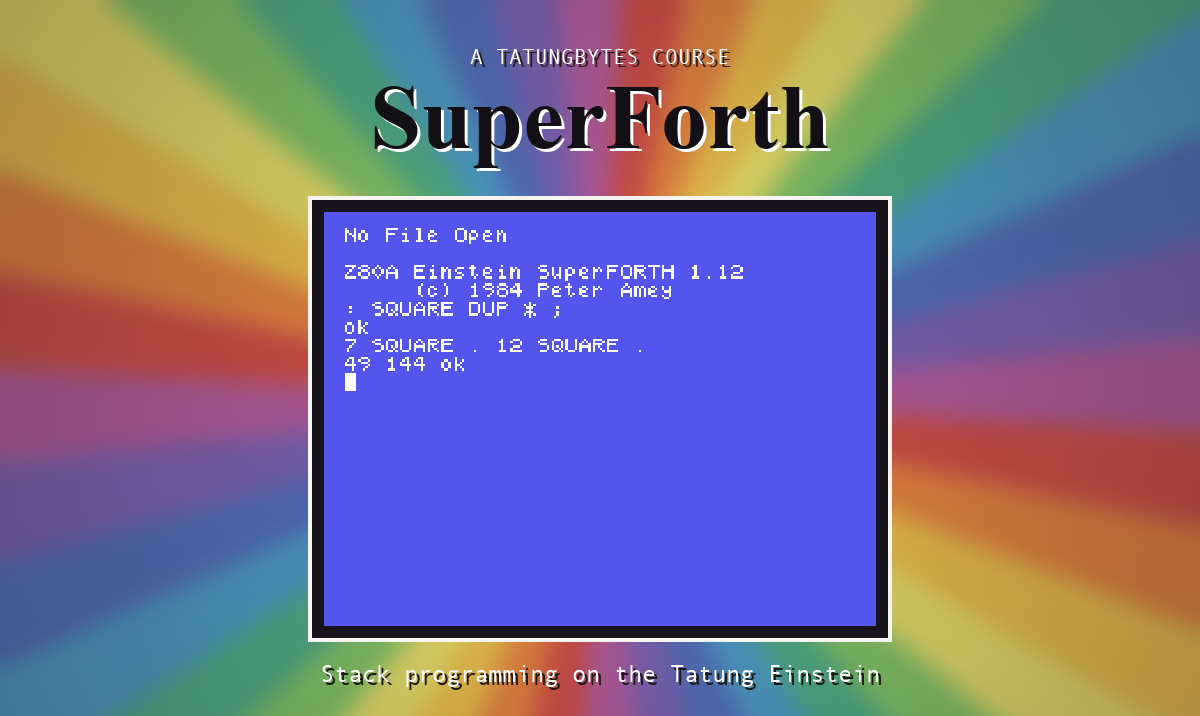
SuperForth is a terse companion. It checks very little, and when something does go wrong it tells you in three or four words. The good news is that there are not many messages and they all have the same shape. The bad news is that the mistakes it says nothing about outnumber the ones it reports.
This section covers both.
DUP? In Protected Dictionary
Every error is the word SuperForth was dealing with, a question mark, and then the complaint. When the complaint is missing, the word itself is the problem: it is not in the dictionary.
Two things happen along with an unknown word, and it is safest to assume them of any error. The stack is emptied, and if you were in the middle of a definition, the definition is thrown away. So after any message, check your stack with .S before carrying on.
If you type fast, note that for a moment after printing a message SuperForth does not hear the keyboard. The first letter or two of your next line can go missing.
| Message | You did this | Do this |
|---|---|---|
(a word and ? alone) | Typed a word SuperForth does not know - misspelt, in small letters, not yet loaded, or lost when you restarted | Check the spelling and CAPS LOCK; load what defines it |
Empty Stack | The stack ended up with less than nothing on it | Count what the line puts on and takes off |
Stack Depth Inadequate | A drawing word was given too few numbers | Count them against its stack picture |
Isn't Unique | Defined a name that already exists | Only a warning. If it was not your name, pick another |
Compilation only, Use in Definition | Used IF, DO, BEGIN and the like at the keyboard - or a line over 40 characters lost its colon | Put it inside a word; keep lines short |
Execution Only | Started a definition inside another | The earlier one is missing its ; |
Conditionals not Paired | THEN without IF, or UNTIL without BEGIN | Match them up |
Definition not Finished | Reached ; with an IF, DO or BEGIN still open | Add the missing THEN, LOOP or UNTIL |
In Protected Dictionary | Tried to FORGET one of SuperForth's own words | You meant one of yours |
Use Only When Loading | Typed --> at the keyboard | It belongs on a screen |
No File Open | LIST with no file open | NEWFILE name |
Lowest Block Available is No 1 | Asked for screen 0 | Screens start at 1 |
File is Locked - Read Only! | Tried to save to a file marked * | UNLOCK, if you mean it |
The messages live in a file on the disc, MESSAGES, and it holds a few more that this course never ran into. If you meet one, the routine below still applies.
4 MESSAGE prints message number 4, if you are curious.
These are the ones that cost evenings, because SuperForth says ok.
| What happened | Why | Section |
|---|---|---|
| A word you just defined does not exist | The line was exactly 40 characters and was never read | S7 |
| A sum gives a wrong, often negative, answer | It went past 32767 and wrapped round | S5 |
| A strange number on the stack | A stack word ran with too little under it | S6 |
| Dividing by zero gives a number | Nothing checks | S5 |
| Something unrelated breaks later | You stored outside an array | S21 |
| You fixed a word and nothing changed | Words built on it still use the old one | S7 |
A word fails with a bare ? | A floating E inside a definition | S26 |
Your own question comes back with a ? | #IN read the prompt; you need a CR | S19 |
| Once, when you wanted never | A DO loop always runs at least once | S12 |
1. Read the word before the ?. It is the word that failed, not necessarily the word that is wrong. Empty Stack from + usually means the word before it used up a number it should have left.
2. Turn on STON. Then type the contents of the failing word at the keyboard, a piece at a time, and watch the stack after each. The moment it differs from what you expected, you have found it. This is the single most useful habit in Forth.
3. Test from the bottom. A word made of small words can be checked one small word at a time. If BOX is wrong, try EDGE. If EDGE is wrong, try STARS.
4. For a screen that will not load, type WHERE. It opens the editor at the word that stopped the load.
5. Write the stack picture. If you cannot say what a word takes and leaves, you do not yet know what it does. Put ( before -- after ) beside every word, and check that the words inside it add up to it.
This section has no program. Do these at the keyboard instead, and read what comes back.
FORGET DUP.: A IF ; and then : B THEN ;. Two different messages: which goes with which?0 WARNING ! and then . on an empty stack. Now 1 WARNING ! and try again. What is WARNING for, and why might you want numbers?11 22 33, then a word that does not exist, then .S.29.1 This word is meant to print the larger of two numbers and leave the stack empty. It does not. Find out why with STON, without running the word itself: : LARGER 2DUP > IF . ELSE SWAP . THEN ;
29.2 : AVG + 2 / ; works for 10 20 and fails for 30000 30000. Explain, and say what you could do about it.
29.3 Go back to the longest word you have written in this course and write its stack picture. Then write one for each word inside it.
Worked solutions are in Appendix II.
Every error is a word, a ?, and a short complaint, and after one you should assume the stack has gone. The dangerous mistakes are the silent ones, and the cure for nearly all of them is the same: STON, and the word's contents typed in by hand, a piece at a time.
S30, Where You Go From Here - a SuperForth built to your own taste, and what the course did not cover.
This form is protected by reCAPTCHA, and the Google Privacy Policy and Terms of Service apply.
