module
1
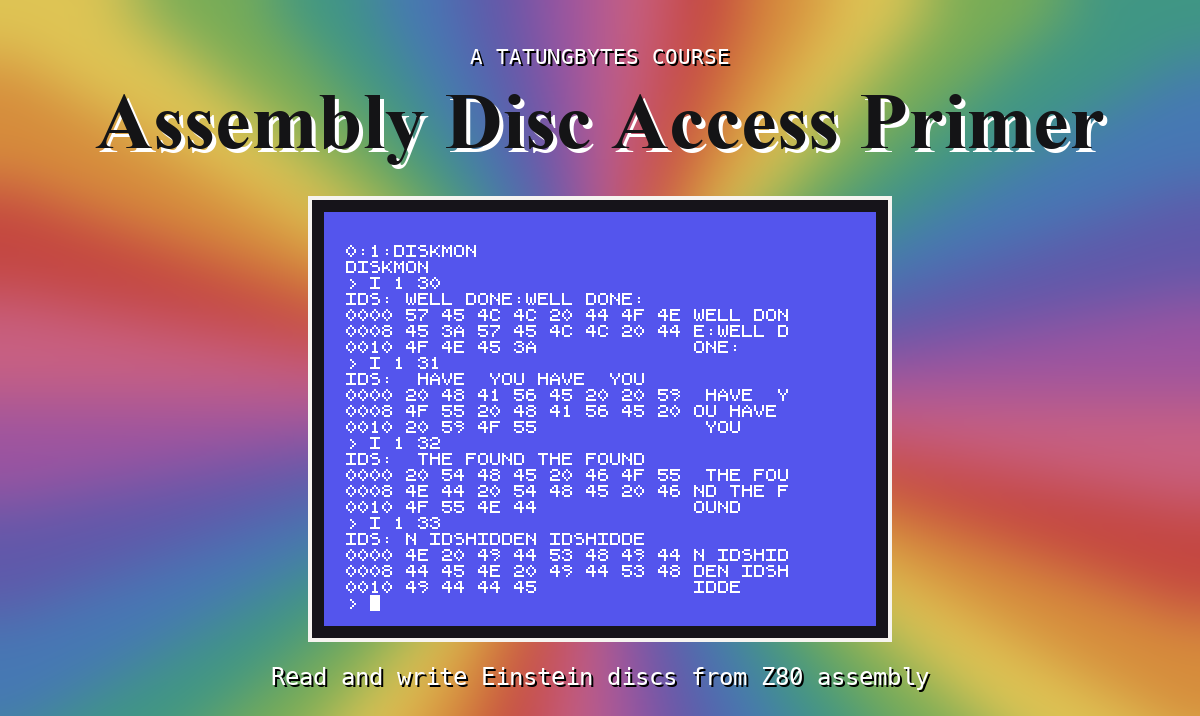
You can write Z80 programs for the Einstein: you can print, read keys, loop and call subroutines. What your programs cannot do yet is touch the disc. Every byte they work with is typed into the source or worked out as they run, and nothing they make survives the machine being switched off. This primer changes that.
A program called DISKMON - a disc monitor - that grows one capability a section. By the end it will:
| Part | DISKMON can... |
|---|---|
| Two - through the DOS | open a file by name, show it, jump straight to any record of it, write a new file, delete and rename files |
| Three - under the DOS | read any sector of a disc by drive, track and sector number; list a disc's files by reading the directory itself; load a file by following its blocks; write a sector |
| Four - without the DOS | start from a disc of its own, with no DOS in memory at all, and still find and load its files |
| Five - the controller itself | drive the floppy controller through its ports: move the head, list a track's sector IDs in the order they pass under it, and read a sector byte by byte - and so read a message hidden in a disc's sector IDs, as Dragon's Lair hides one |
You write all of it yourself, from an empty file, and run each piece in MAME as soon as it is in.

Through the DOS. When the Einstein has started XtalDOS, a part of it
called the BDOS stays in memory, and your program asks it for things
with CALL 5, a function number in C. The BDOS knows about files: you
give it a name and it finds the file, reads it to you 128 bytes at a time,
in order or by record number, and writes new ones. This is how an
ordinary program uses the disc, and it is how Blackwater Hall's engine
reads its game text as the player moves around.
Without the DOS. The Einstein's own ROM - the MOS - can read and write a disc too, but it knows nothing about files. You tell it a drive, a track and a sector, and it reads or writes those 512 bytes. A program that does this does the filesystem's work itself: it reads the directory, finds the entry it wants, and follows the blocks. In return it needs no DOS in memory - it can start from its own disc, have nearly all the memory to itself, and read exactly what it wants, when it wants.
Part two of the primer works through the DOS, because that is where you will start. Part three keeps the DOS loaded but goes underneath it, Part four takes it away altogether, and Part five goes underneath the MOS to the chip that drives the disc.
LD, CALL, loops, RST 8 for printing. Nothing
here re-teaches those.edisc.py, the disc-image tool you build in
Inside the Einstein: The Disc (or the copy in that course's download).
You use it to put your program on a disc image and - when your program
writes - to look at what it wrote.Each section adds one thing to DISKMON. It explains what the thing is for, gives you the whole program so far (or says exactly where the new lines go), shows you how to run it and what you should see, and then asks you to change one thing and predict what happens. Do the predicting before you run it: that is where you find out whether you understood.
DISKMON will reach the disc two ways: through the BDOS, by file name and record; and through the MOS, by drive, track and sector, with no DOS at all by the end.
S2 gets the tools working and puts the first DISKMON - which only prints its name - on a disc image and runs it under XtalDOS.
This form is protected by reCAPTCHA, and the Google Privacy Policy and Terms of Service apply.
