Einstein Flight Simulator 2, by Graham Clarke, came out in 1986 from Myrddin Software and was sold by ScreenSoft as "Flight Sim II". You fly a light aircraft from a cockpit with a full instrument panel, over a map 64,000 units square with airfields, landmarks and a control tower. In civil mode you practise taking off, flying circuits and landing; in military mode you carry eight missiles, enemy aircraft fly into your airspace, and things start to go wrong with your aircraft.
It is not an easy program to fly, and the keys behave in ways that are worth knowing before you start. This guide takes you from the runway, round a circuit and back down onto the runway, then into military mode. Everything here was done in MAME with the library's Flight Simulation disc.
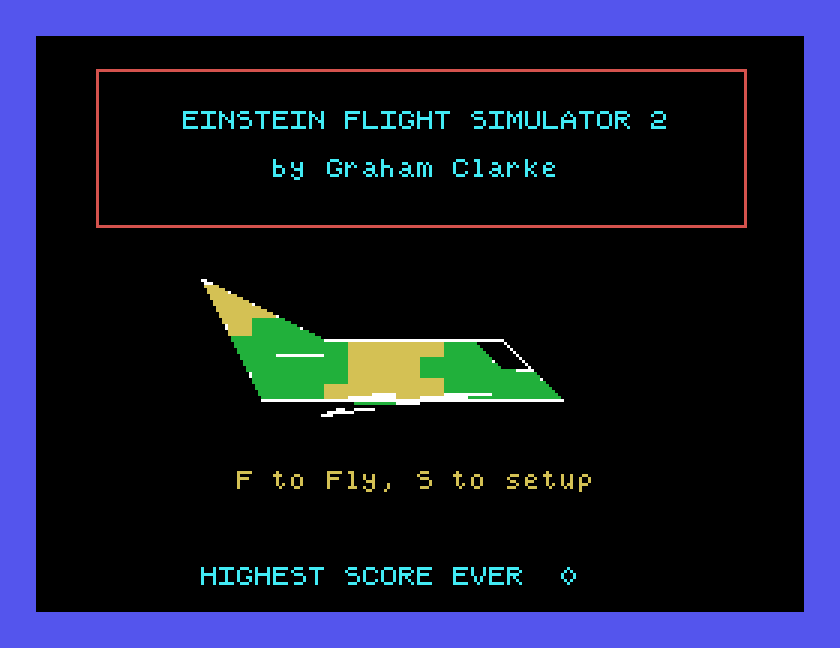
The Flight Simulation disc. It starts the game by itself: switch on or reset with the disc in drive 0 and the title screen appears, with no typing. Under MAME, set up the Einstein as in Setting Up MAME and put the disc image in the first drive.
The manual, if you like. The library's Flight Sim manual is Myrddin's booklet for the earlier version of the game on tape. Most of it is the same text as the sheet that came in the disc's box, but its loading instructions are for tape, and the game on the disc has more in it. The game's own instructions, described below, are the best guide to the keys.
The game only answers to capital letters. If a key seems to do nothing, press ALPHA LOCK once (Caps Lock in MAME) and try again. After going through the setup screen, the keys worked without it; flying straight from the title, we needed to press it.
Hold each key down for about half a second, and leave a gap before the next. The game checks the keyboard only now and then while it redraws the view, so a quick tap is often missed, and two keys pressed close together can lose one of them. Watch the instrument or light that the key should change, and press again if it did not.
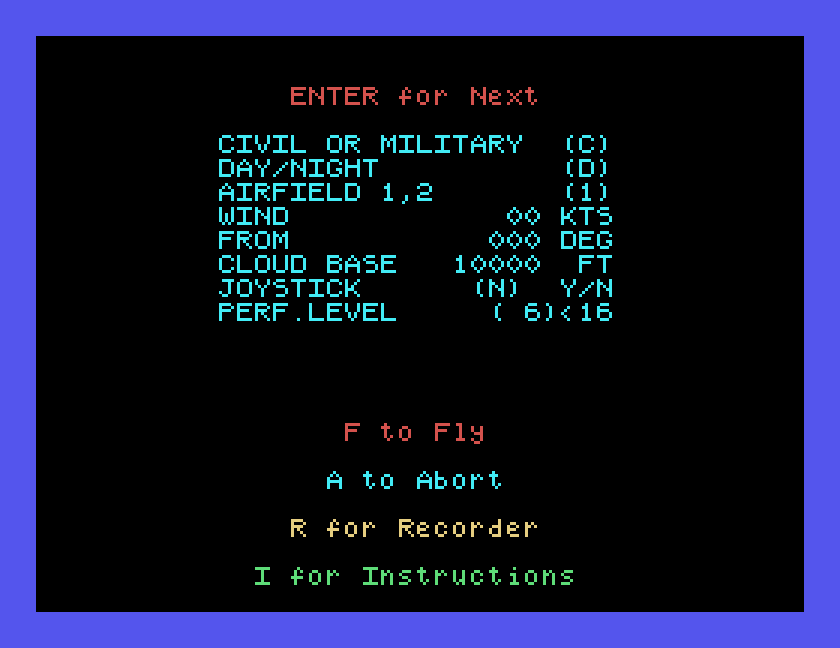
At the title, F flies straight away and S opens the setup screen. The setup screen lists the conditions for the flight: civil or military, day or night, which airfield to start from, the wind and its direction, the cloud base, joystick or keyboard, and a performance level, 6 unless you change it. To change one, type the new value and press ENTER to move to the next; the values in brackets are the ones in use. We changed only the first, for military mode.
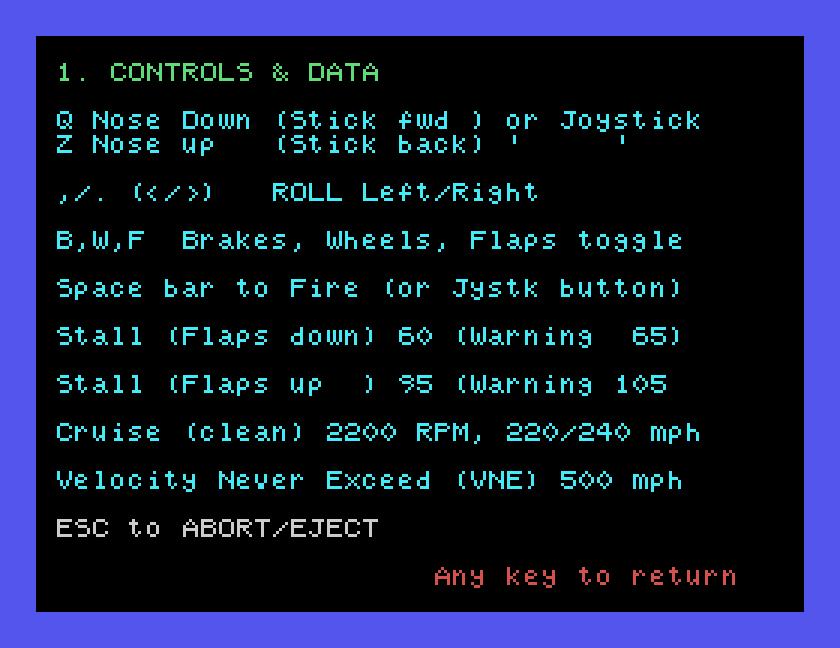
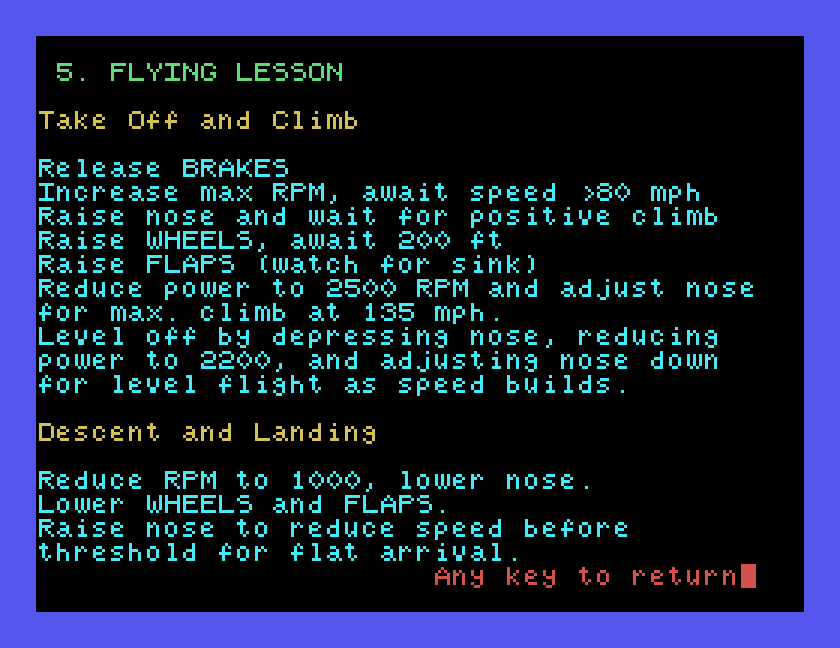
I opens the game's instructions: five pages, chosen with the keys 1 to 5, covering the controls, civil flight, military flight, scoring and a flying lesson. Any key returns from a page, and ESC returns to the setup screen. F flies.
You start on the runway, facing east along it, with the brakes on.
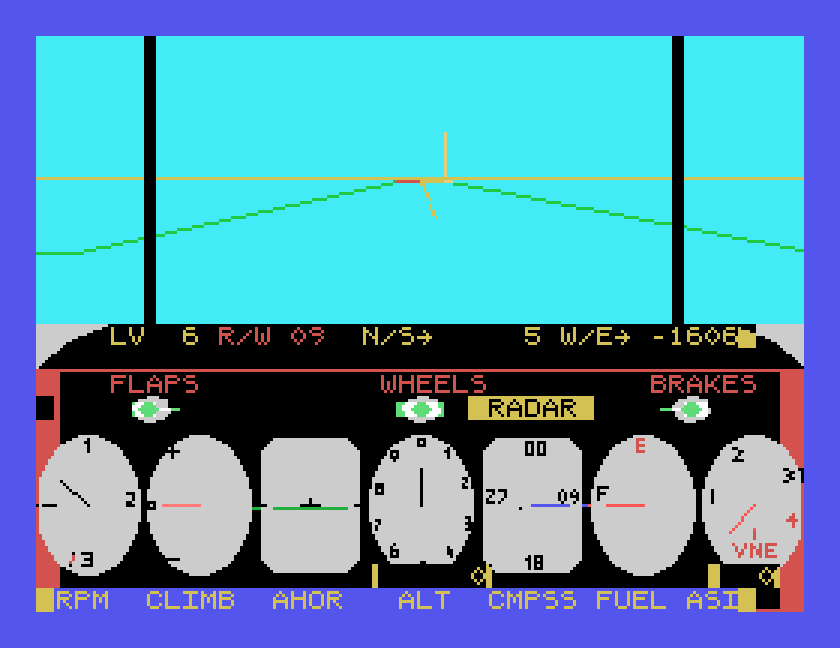
| Key | Does |
|---|---|
| B | brakes on or off |
| P | more throttle |
| L | less throttle |
| Q | nose down |
| Z | nose up |
, and . | roll left and right |
| W | wheels up or down |
| F | flaps up or down |
! (SHIFT 1) | turn round: reverse your direction |
| SPACE | fire (military mode) |
| ESC | pause |
P and L are not on the game's own controls page; the sheet in the box printed two odd symbols for the throttle, and someone had pencilled P and L beside them. Both work.
Rolling turns you. Press . and the plane banks right and keeps turning right until you press ,, which levels the wings on the new heading. , on its own banks left, and . levels. The nose moves in steps: one press of Q or Z makes a real difference, as the dials show.
At about 120 feet, press L three times and Q twice. The plane levels out at around 150 feet and then starts to sink gently, at about 4 feet a second and 95 mph, which is just what you want for coming back to land.
Watch W/E count up as you fly east. When it passes 2000, press !. The plane turns round and heads west, back towards the runway, but the turn leaves you well to the south of it: N/S jumped from about −60 to −153 when we did it.
Step back onto the runway line. Press . to bank right, wait two seconds and press , to level: you are now heading north-west, and N/S climbs. When it reaches about −60, press ,, wait two seconds and press .: you are heading west again. We came out at N/S 6, exactly the line we took off along.
Keep the gentle descent going as the runway comes towards you. At about 8 feet, press Z to raise the nose and flatten out, and the plane settles onto the runway a few seconds later. Press B for the brakes.
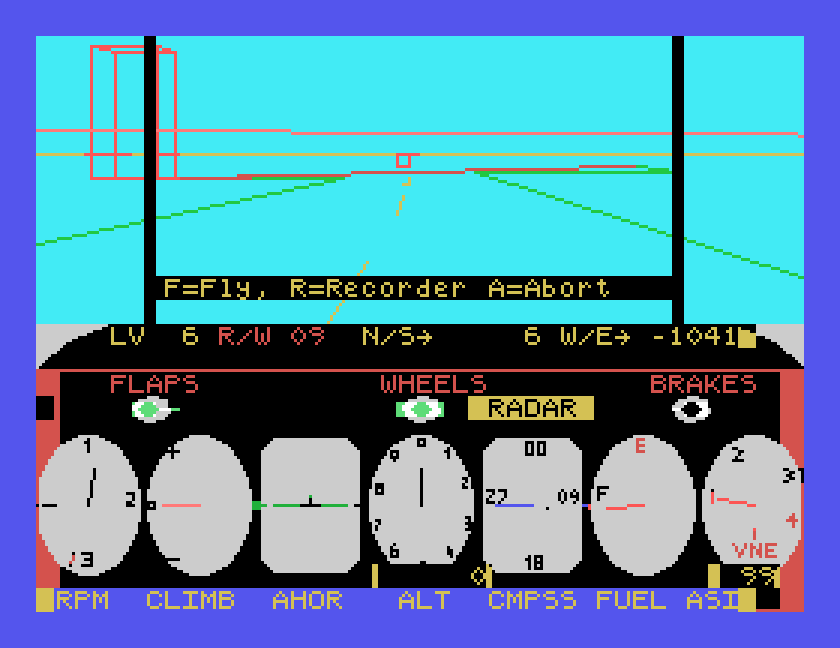
A good landing simply ends the flight: the view stops, and F=Fly, R=Recorder, A=Abort appears with no message. A bad one says why:
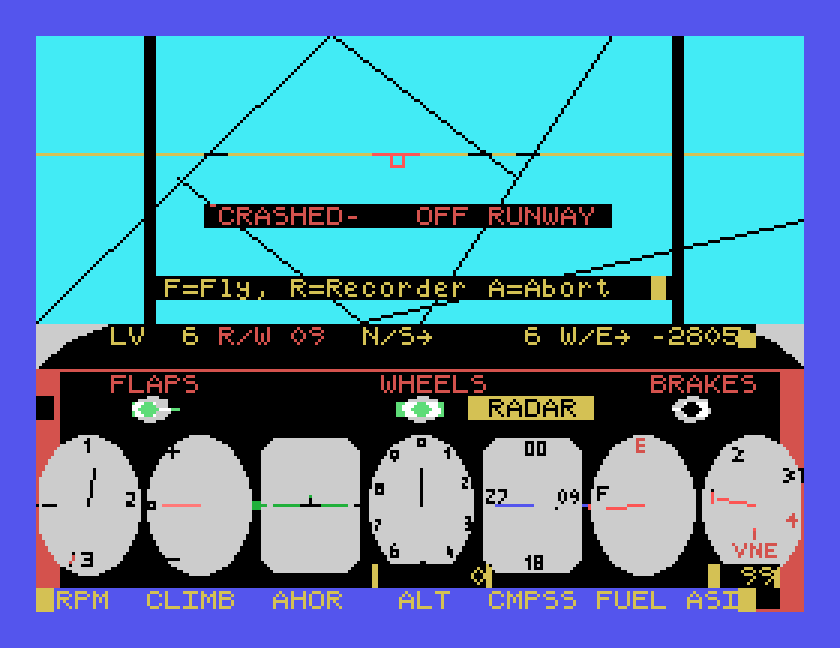
The manual adds that you may land at either of two airfields, and that landing refuels you if you are down to less than half a tank; we used only the one we took off from.
ESC pauses the flight and offers F=Fly, R=Recorder, A=Abort. The recorder replays your flight from above:
The recorder draws your track over the map, a dot at a time, with the airspeed, the height in thousands of feet and the seconds since take-off. Here is the whole circuit, from take-off, out to the east and back down onto the runway, 129 seconds in all:
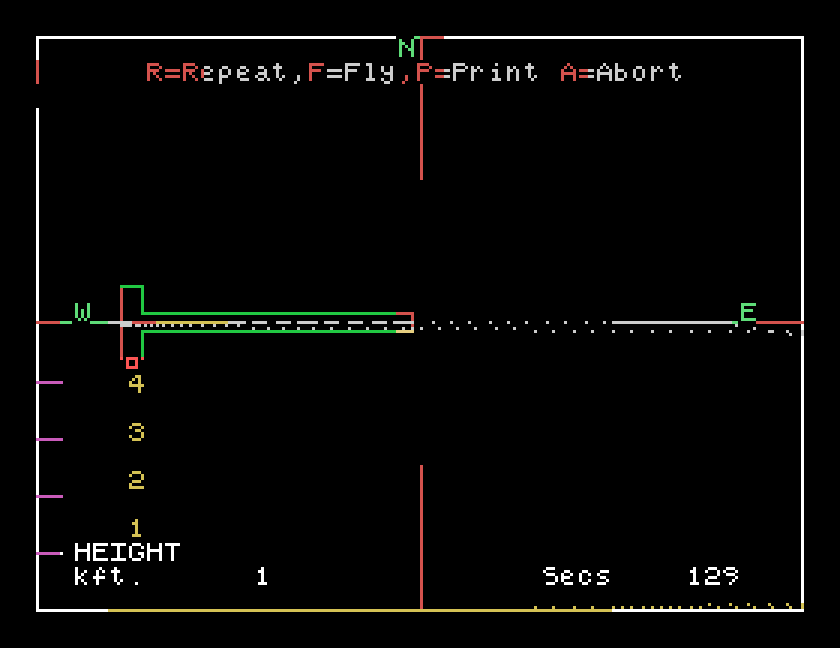
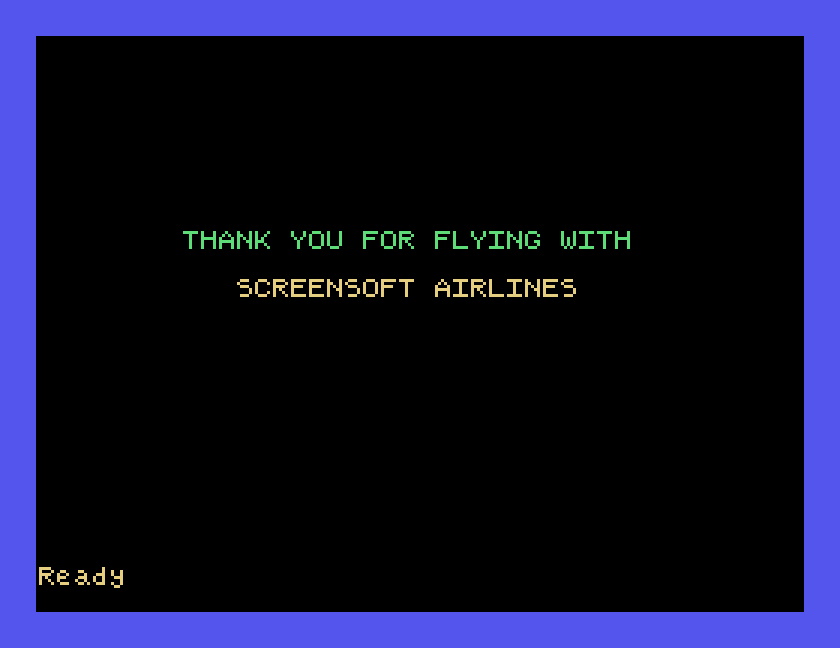
At the end it offers R=Repeat, F=Fly, P=Print, A=Abort. A takes you back to the setup screen, and A there ends the program with a last message:
On the setup screen, type M and ENTER in the first field, then press F. The instrument panel turns green, a pair of firing brackets appears in the middle of the view, and a row of eight missiles sits beside FLAPS.
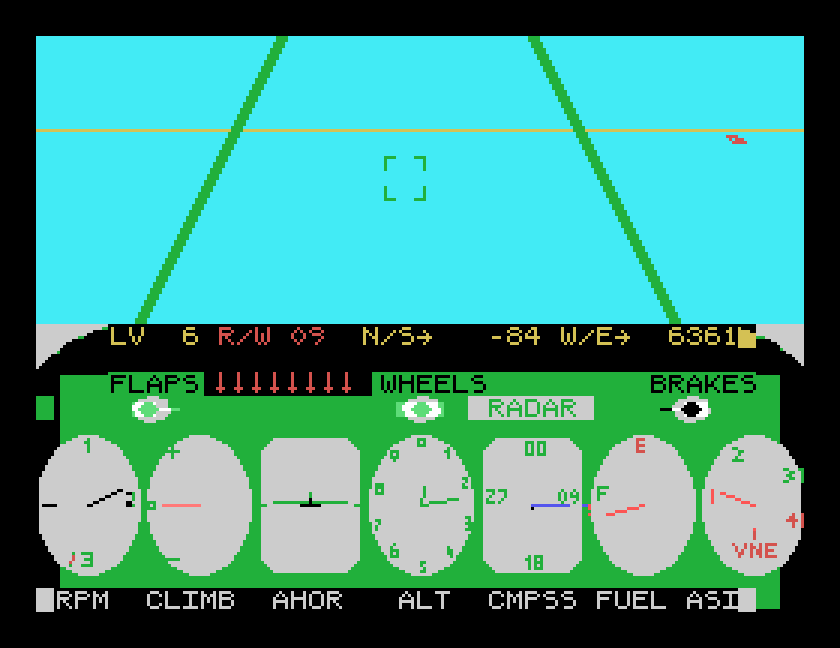
Take off as before. Soon after take-off, enemy aircraft start to appear in the view. The instructions say up to eight come into your airspace, one at a time, and that to down one it must be exactly in the centre of the firing brackets when you fire. SPACE fires a missile, and the row beside FLAPS loses one; we fired at an aircraft off to the right, and missed. Landing reloads the missiles.
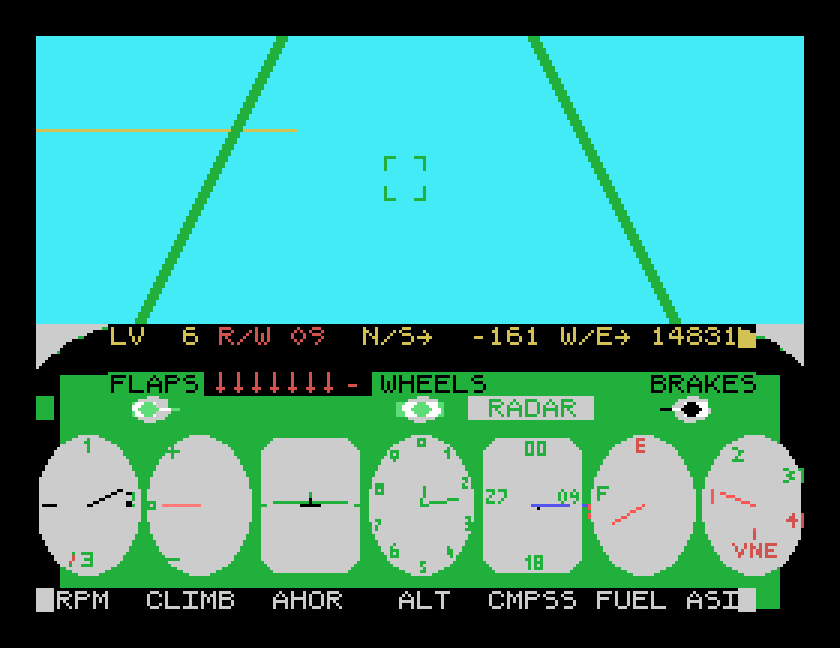
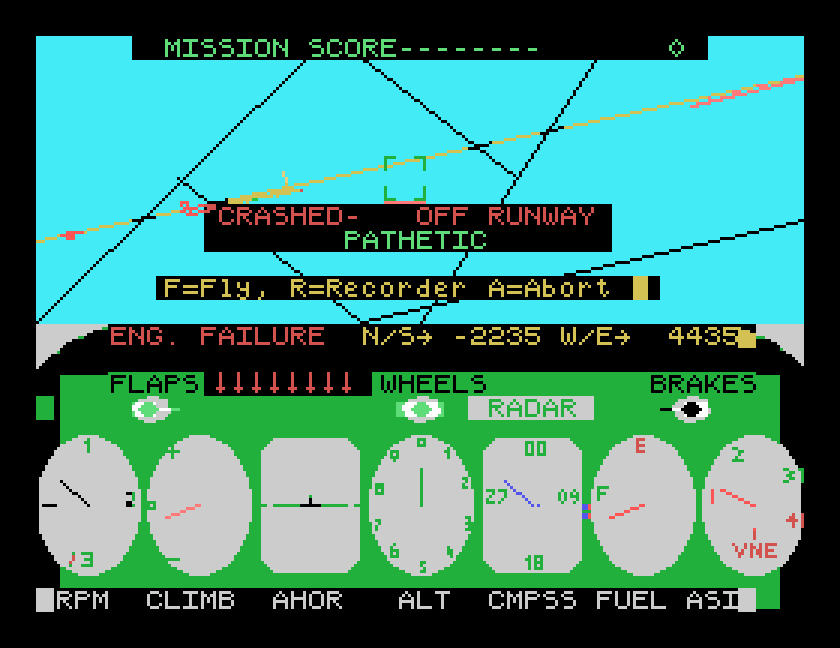
Things go wrong in military mode. The instructions list failures of the flaps, altimeter, airspeed indicator, compass, radar, navigation and engine, a fuel leak, and the enemy bombing your airfield. On one of our flights ENG. FAILURE appeared in the status line, and we could not keep the plane in the air. A crash in military mode shows the MISSION SCORE; ours was 0, with the verdict PATHETIC.
The scoring page gives 1000 points for each aircraft downed, with more for flying at night, for a higher performance level, for wind and for a low cloud base, and less the longer you take. We did not manage to shoot one down, so we have not seen a score above 0.
| Key | Does |
|---|---|
| F / S | at the title: fly / setup |
| B | brakes |
| P / L | throttle up / down |
| Q / Z | nose down / up |
, / . | roll left / right |
| W / F | wheels / flaps |
! | turn round |
| SPACE | fire |
| ESC | pause: F fly, R recorder, A abort |
If you flew Flight Simulator 2 back in the day, or have more of its paperwork, we would like to hear from you. The contact form is at tatungbytes.co.uk/contact.