Super Chess, written by Chris Whittington and published by Kuma in 1984, is a chess program for the Einstein with seven levels of play, from replying in a few seconds to thinking for hours. It draws the board in colour, keeps a list of the moves, suggests a move when you are stuck, and has an analyse mode for setting up any position you like.
This guide takes you through a game, from loading to checkmate, and then through analyse mode. Everything here was done in MAME with the library's Super Chess disc, and checked against the original Super Chess manual.
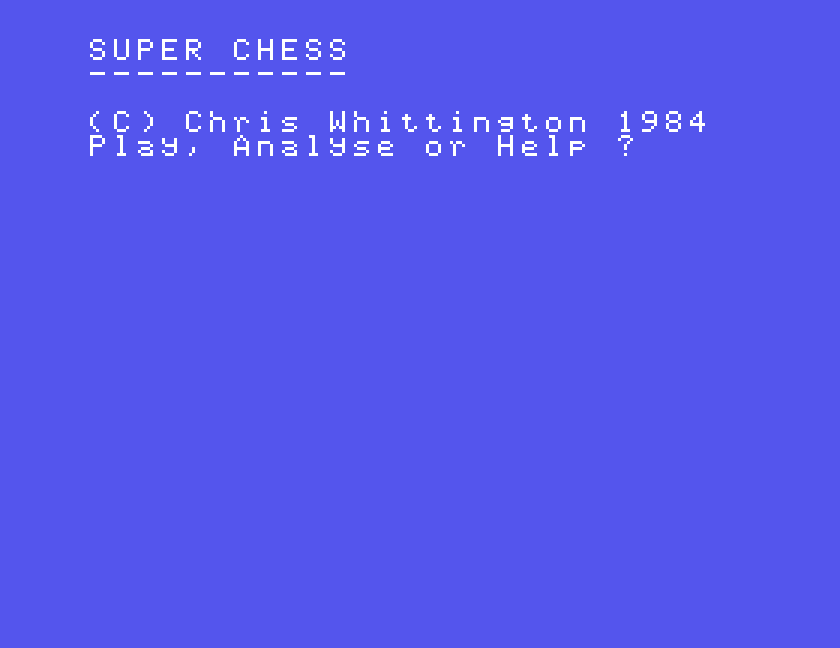
The disc starts by itself and stops at the DOS prompt, 0:. Type CHESS and press ENTER. After about 12 seconds the title appears, with the question Play, Analyse or Help ?
Under MAME, set up the Einstein as in Setting Up MAME. The download holds the disc in several formats; use the .mfi file for side A:
mame einstein -window -flop1 SUPCHESS_A_SUPERCHESS.mfi
Super Chess asks three questions. Answer each with a single key; there is no need to press ENTER.
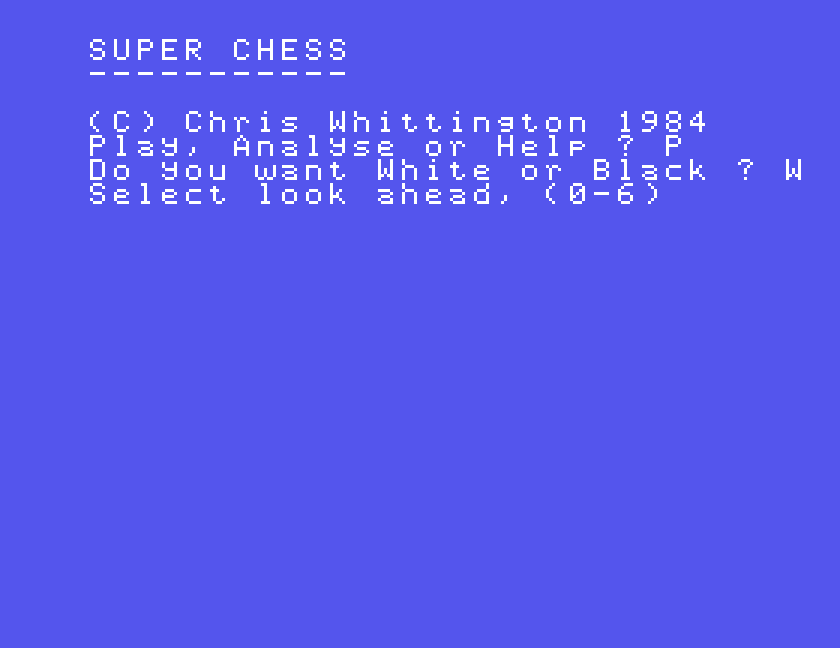
The level sets how far ahead the computer looks, and so how long it takes over each move. The manual gives these as rough times:
| Level | Time per move | |
|---|---|---|
| 0 | 3 seconds | for beginners |
| 1 | 15 seconds | an easy game |
| 2 | 30 seconds | a strong game |
| 3 | 3 minutes | tournament level |
| 4 | 30 minutes | for dedicated players |
| 5 | 3 hours | correspondence games |
| 6 | 12 hours | correspondence games |
The real time depends on the position. In our games, level 0 answered at once, level 1 in about 8 seconds and level 2 in about 45 seconds. Start at 0 or 1.
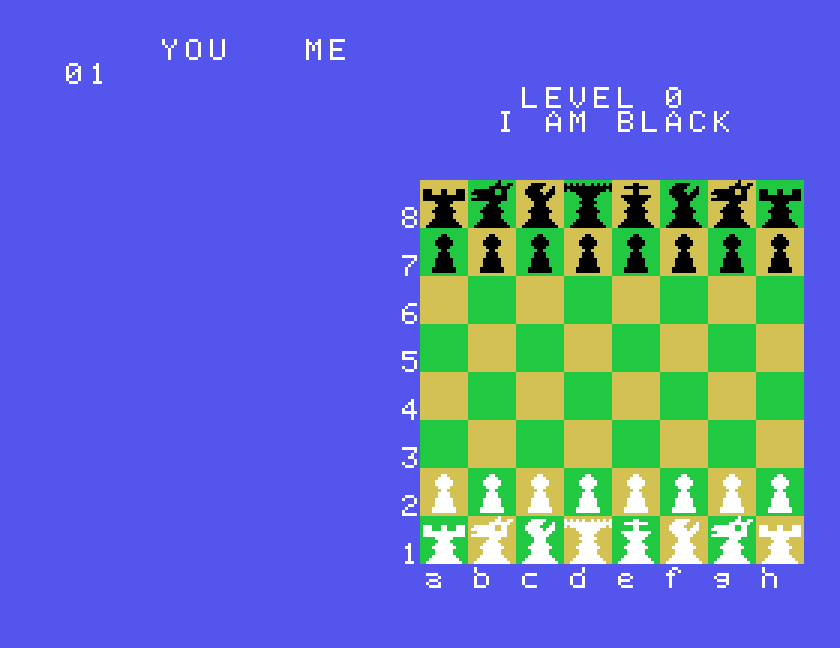
Type the square the piece is on, then the square it is going to. To move the king's pawn two squares, type E2E4. The move is made as soon as you type the fourth character; there is no ENTER. Capital or small letters both work.
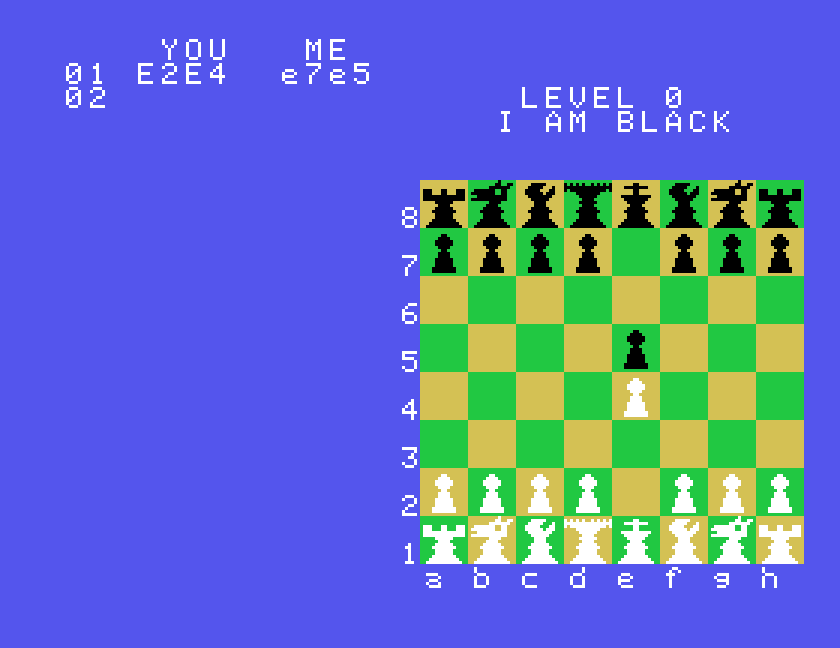
The computer replies, and its move goes in the list in small letters. If you type a move that is not allowed, it says Illegal move and waits for another.
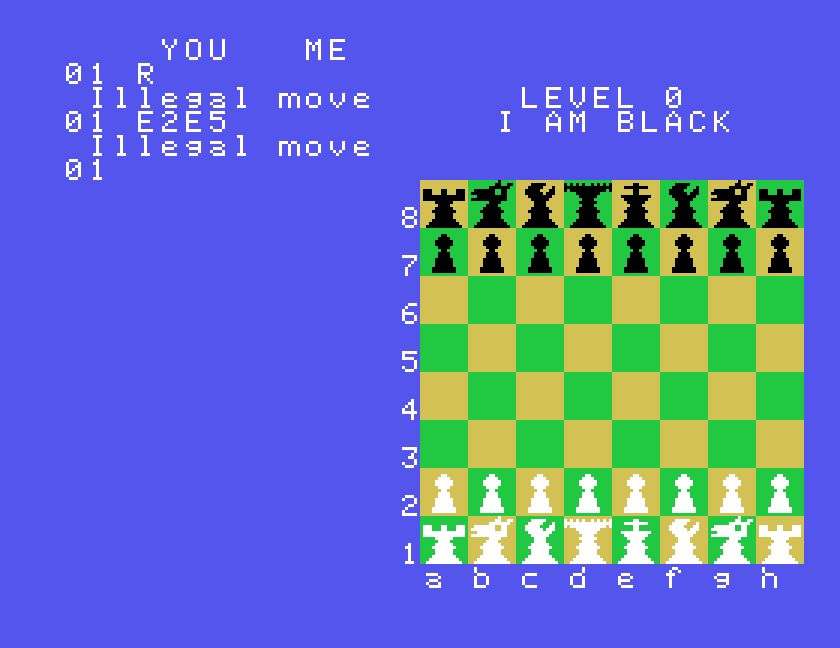
A few moves need a word of explanation:
E1G1. The move list shows it as 0-0.When it is your turn, three letters do something other than make a move:
| Key | Does |
|---|---|
| R | recommends a move |
| S | selfplay: the computer makes your move for you, then its own |
| X | resigns the game, or takes you to analyse mode |
R puts the computer's suggestion in the move list, in small letters, and then waits. The suggestion is not played: type it yourself, or any other move. Early in the game, while the computer is still playing from its book of openings, it has no suggestion to give and says Illegal move instead.
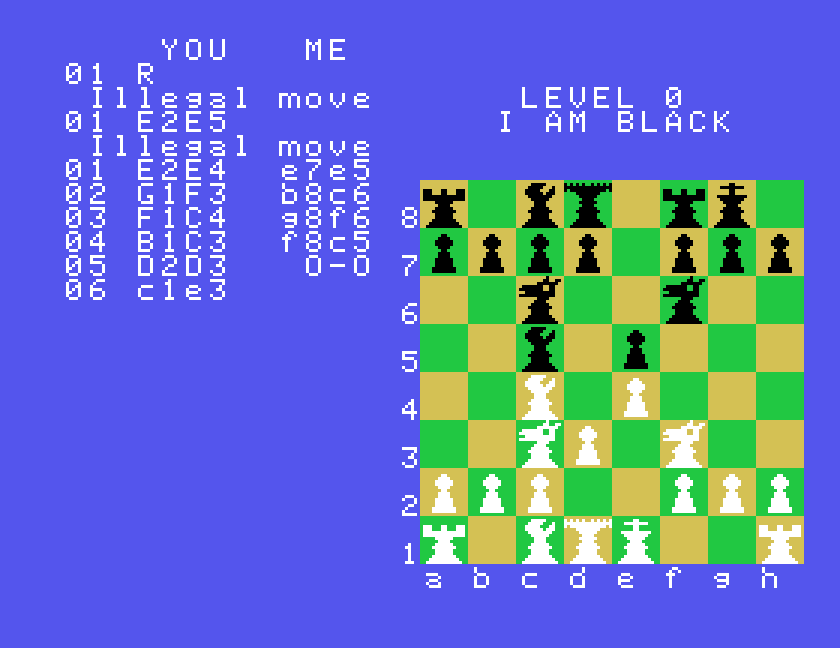
S is handy when you want to see what the computer would do. It chooses a move for you, shows it in small letters in your column, and replies.
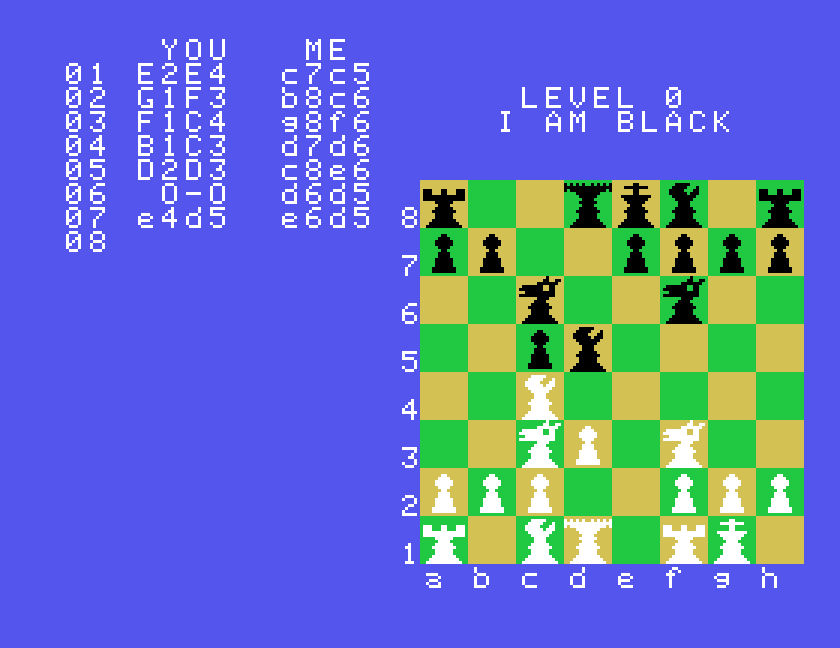
At checkmate the move list shows CHECK MATE and who has won. Press H to go back to Play, Analyse or Help ?
To give up a game, press X when it is your turn. That also takes you back to Play, Analyse or Help ? From there:
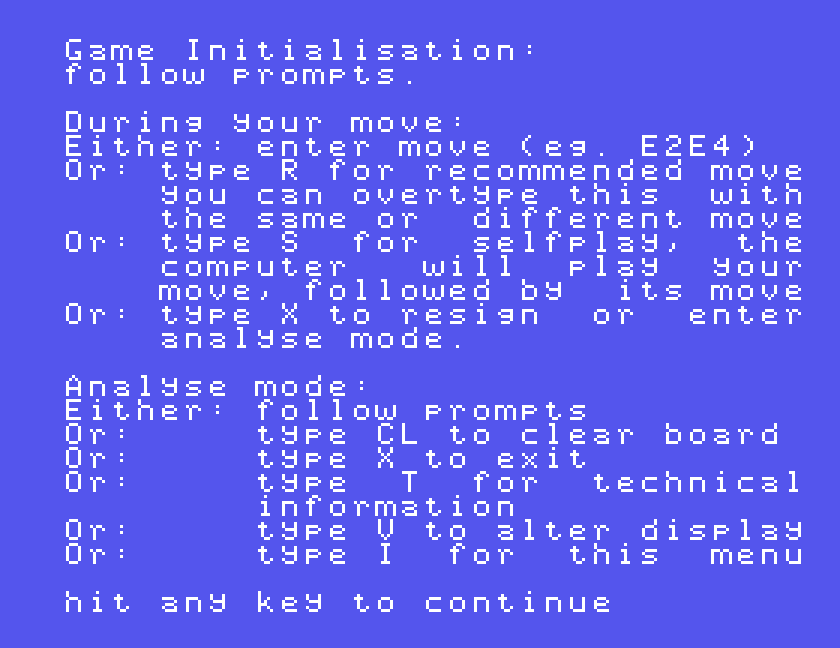
Analyse mode lets you change the position on the board: to try out an idea, set up a puzzle from a book, or carry on a game that has gone wrong. Choose A at Play, Analyse or Help ?
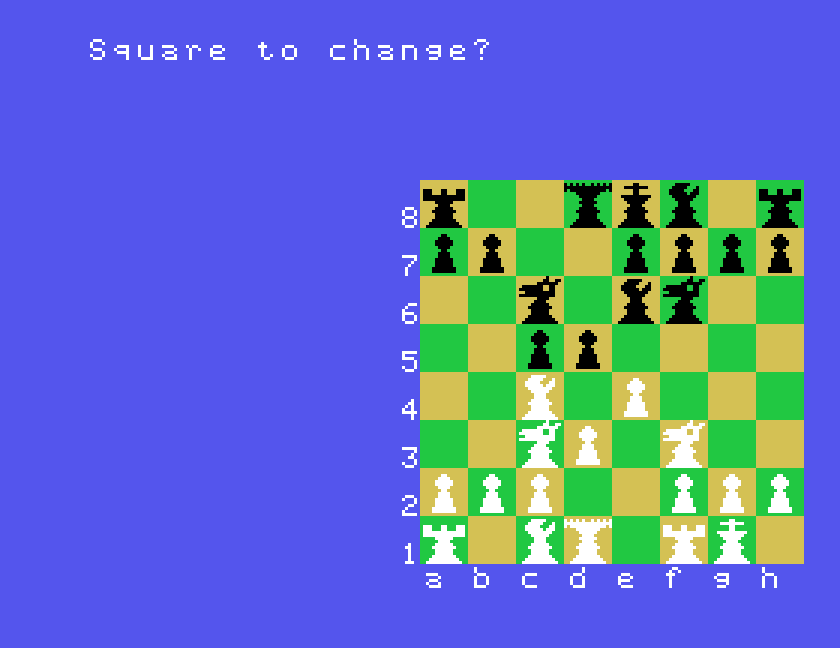
At Square to change? you can type:
| Type | Does |
|---|---|
a square, such as H8 | puts a piece there, or empties it |
CL | clears the board, all but the two kings |
X | leaves analyse mode |
I | the help screen |
T | technical information about how the computer plays |
V | changes the colours |
After a square, Super Chess asks three more questions, each answered with a single key:
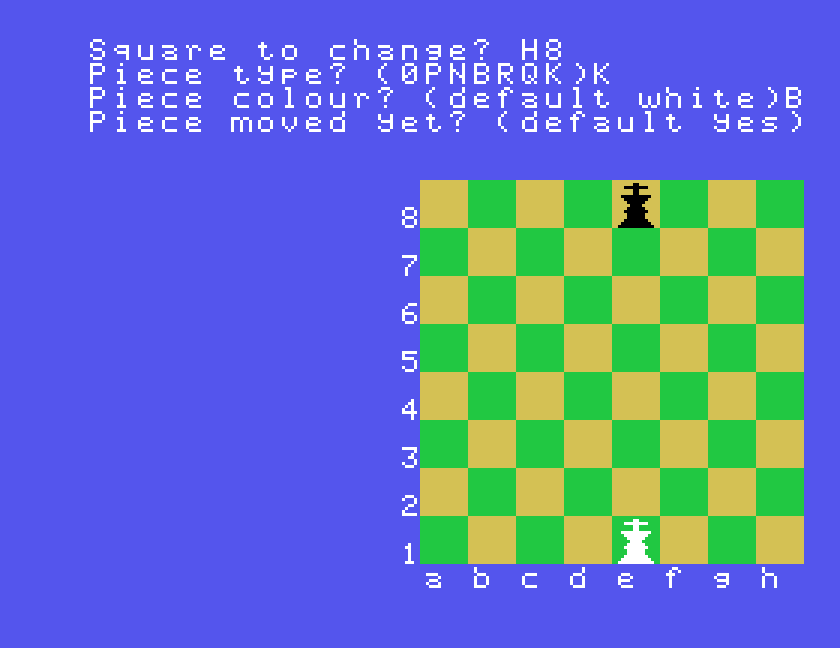
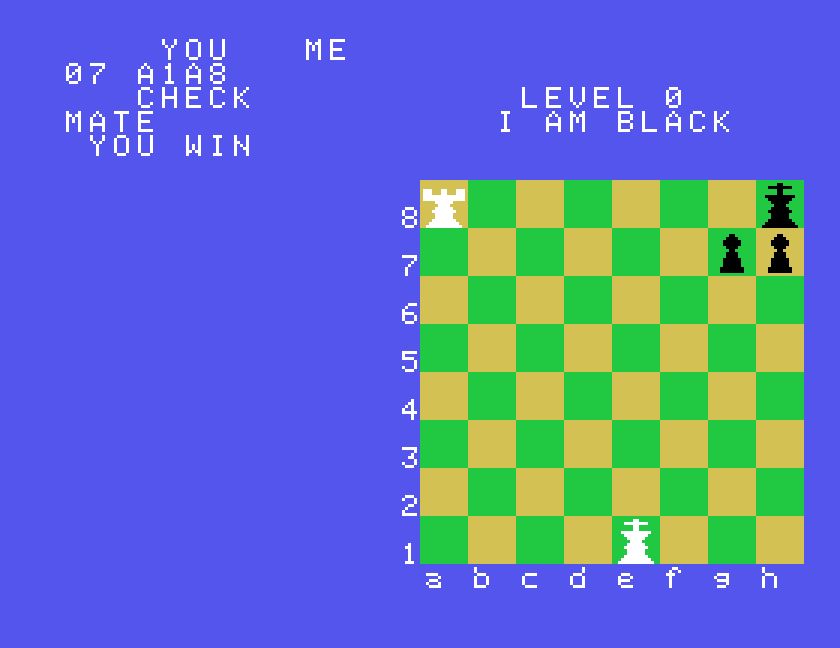
Here is a short example: a back-rank mate in one for White. Starting from a cleared board:
CL. The kings are left on e1 and e8.H8, K, B, N to put a black king on h8.E8, 0 to take the other black king away.G7, P, B, N and H7, P, B, N for two black pawns.A1, R, W, Y for a white rook.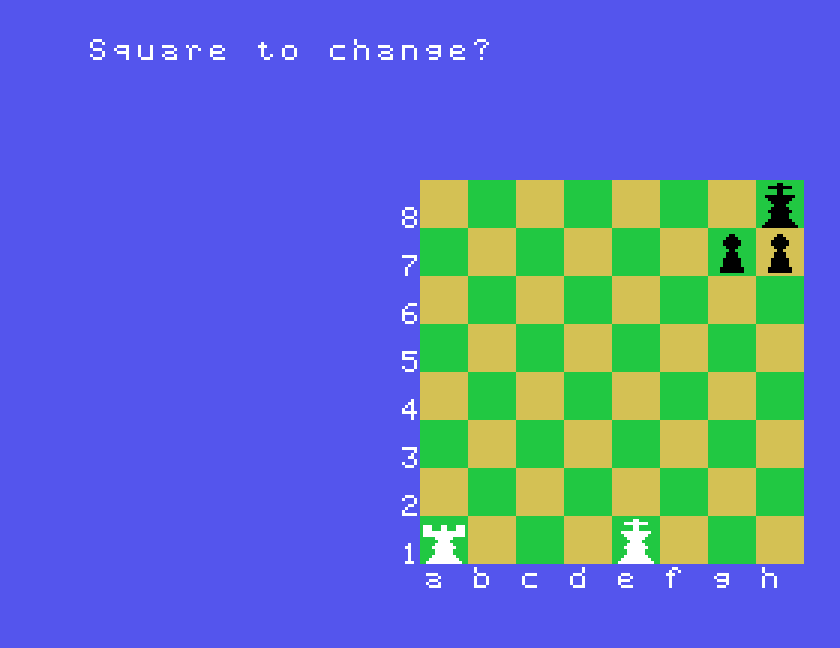
Now press X to leave analyse mode. Super Chess asks three questions:
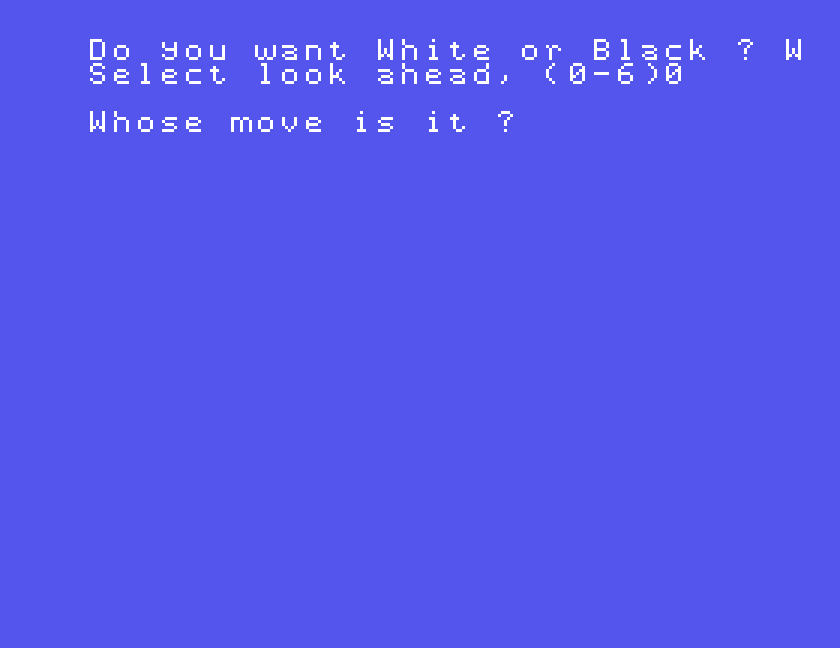
Answer W, 0 and W, then type A1A8.
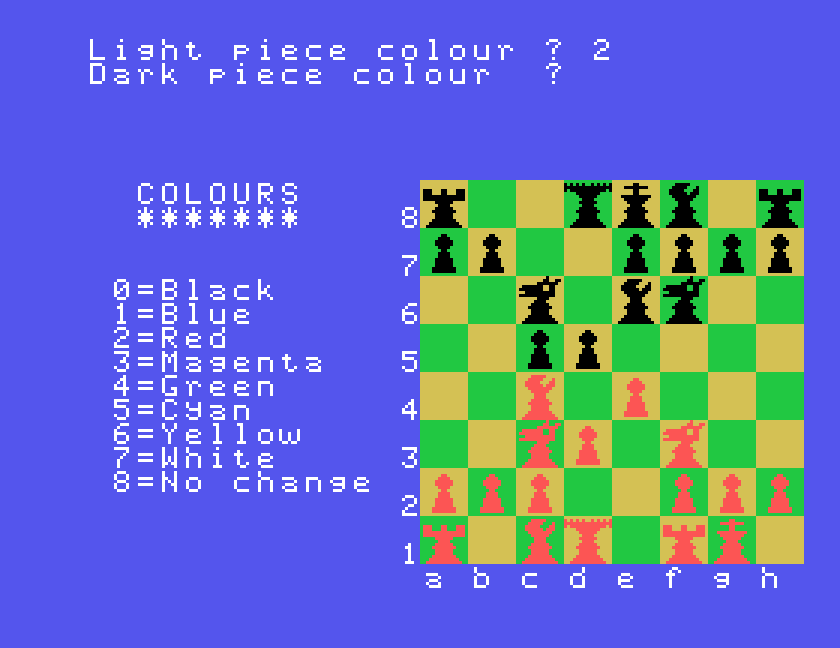
V at Square to change? shows the colours you can choose, from 0 for black to 7 for white, and asks in turn for the colour of the light pieces, the dark pieces, the light squares and the dark squares. Press 8 to leave one as it is. Each change shows on the board straight away.
| When | Key | Does |
|---|---|---|
| At the start | P, A, H | play, analyse, help |
| W, B | your side | |
| 0 to 6 | the level | |
| Your move | e.g. E2E4 | a move, with no ENTER |
| R | recommend a move | |
| S | the computer plays your move | |
| X | resign, back to the start | |
| Analyse mode | a square | change the piece on it |
| CL | clear the board | |
| V | colours | |
| T | technical information | |
| I | help | |
| X | back to the game |
If you played Super Chess on the Einstein back in the day, we would like to hear from you. The contact form is at tatungbytes.co.uk/contact.

This form is protected by reCAPTCHA, and the Google Privacy Policy and Terms of Service apply.
