module
33
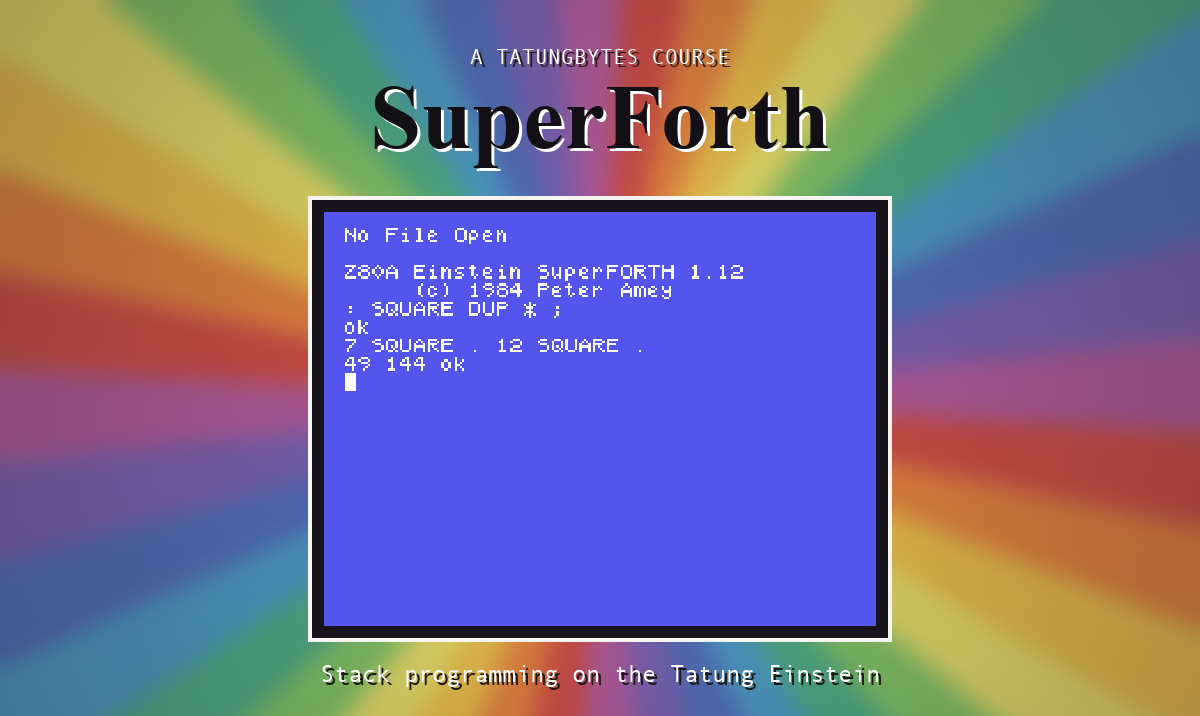
The course disc is the SuperForth 1.12 disc with one program added and two files the course has no use for taken off. Nothing that remains has been altered.
| File | What it is |
|---|---|
FORTH.COM | SuperForth 1.12 as it was sold: the language and nothing else. |
BIGFORTH.COM | The same, with the disc tools and the 40 column editor already loaded. Made for this course, by SuperForth itself. |
BIGFORTH is not a different version and has not been modified. It was made by following the instructions in SuperForth's own manual, which recommends doing exactly this before anything else. For the record, these are the lines that made it. At the 0: prompt:
FORTH DOSTOOLS
then:
1 LOAD 2 LOAD 3 LOAD
NEWFILE EDITOR40
1 LOAD
: TASK ;
SAVE
SuperForth answered SAVE 62 BLOCKS, and at the 0: prompt:
SAVE 62 BIGFORTH.COM
If you are working from a SuperForth disc of your own, on a real Einstein or anywhere else, those same lines will make BIGFORTH for you. Make the backup the manual asks for first, and check with DIR at the 0: prompt that the disc has 16K free.
S30 shows you how to make your own in the same way.
Each is a file of Forth source. Load what you need with NEWFILE and LOAD, as S18 describes. 1 n INDEX lists what is on a file's screens.
| File | Screens | Holds | Section |
|---|---|---|---|
UTILITY.FIG | 1 | CHOOSE - random numbers | S20 |
| 2 | calling machine code | - | |
| 3 | ARRAY, CARRAY, STRING | S21 | |
| 4 | #IN - typed numbers; the analogue ports | S19 | |
| 5 | reading the keyboard directly | - | |
| 6 | the clock | - | |
| 7 | the serial port | - | |
| 8 | more double-length arithmetic | - | |
GRAPHICS.FIG | 1-3 | the drawing words; 1 LOAD loads all three | S23 |
| 4 | SHIP, a demonstration picture | - | |
SPRITES.FIG | 1 | the sprite words | S24 |
SOUNDS.FIG | 1 | the sound words | S25 |
FLOAT.FIG | 1-12 | floating point; 1 LOAD loads all twelve | S26 |
| 14-19 | square root and trigonometry; 14 LOAD | S26 | |
| 21-22 | an alternative number input routine | - | |
FUNKEYS.FIG | 1-2 | FUNKEY, KEYLIST; 1 LOAD loads both | S27 |
| 3 | a ready-made set of keys | S27 | |
GAME.FIG | 1-11 | Red Baron | S28 |
| File | Holds |
|---|---|
DOSTOOLS.FIG | DIR, DELETE-FILE, and a scratchpad for moving a screen from one file to another |
EDITOR40.FIG | the editor you have been using |
Their source is on the disc like the others, and both are worth reading once you have finished S28.
| File | What it is |
|---|---|
MESSAGES.FIG | The text of SuperForth's error messages. Leave it alone. |
The files marked * in a directory listing are locked against being overwritten. BIGFORTH.COM is not locked, and neither is anything you create.
The original disc also carried EDITOR80.FIG, the editor for an Einstein fitted with the 80 column card, and COPY.COM, a DOS program for copying files. Neither is used anywhere in the course, and leaving them off gives you another 18K. Both are on the SuperForth 1.12 disc in the site's Downloads section if you ever want them.
The disc holds 190K. SuperForth and its files take 108K, leaving 80K for your own work. A screen is 1K. Start each file at screen 1 and work upwards; there is nothing to gain by leaving gaps.
Keep a copy of the disc as you downloaded it. If something on the working one gets damaged, you can start again from the copy.
This form is protected by reCAPTCHA, and the Google Privacy Policy and Terms of Service apply.
