module
25
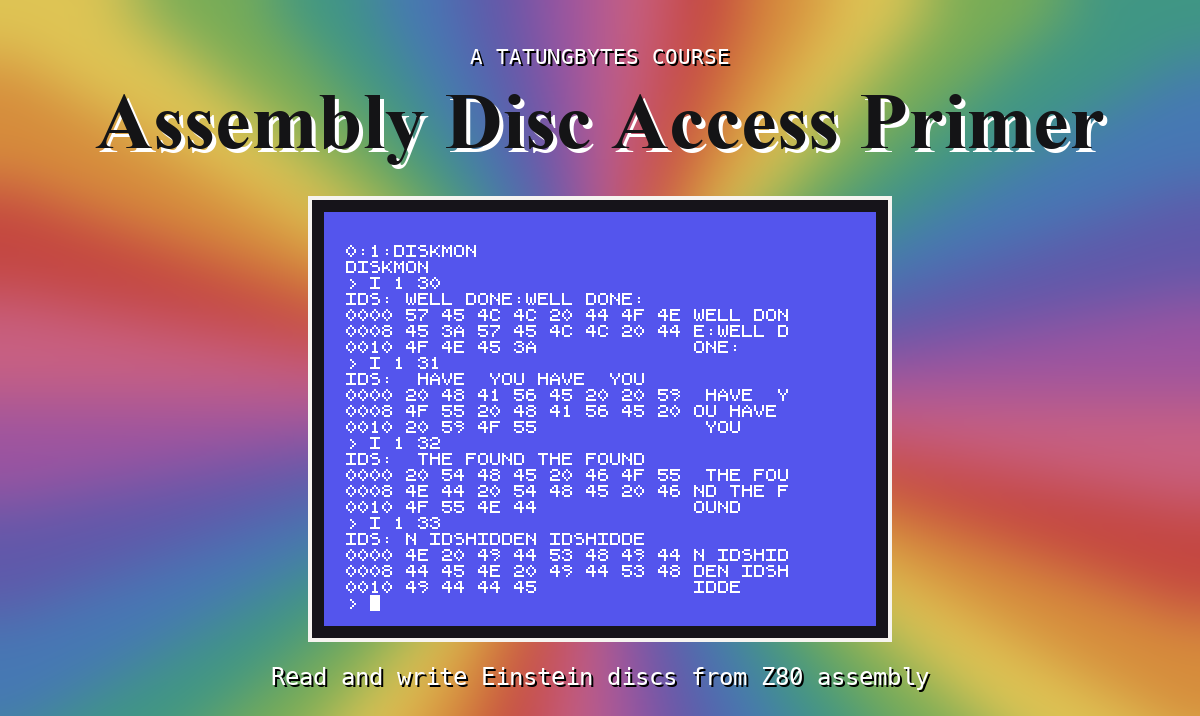
Everything so far went through someone else's code: the BDOS's, then the MOS's. Under both is the floppy disc controller, a WD1770 chip. It moves the head, finds sector IDs, and passes the bytes. A program can talk to it directly through four I/O ports - and a fifth that chooses the drive.
| Port | Write | Read |
|---|---|---|
| 23h | Which drive: 1 for drive 0, 2 for drive 1 | |
| 18h | A command | The status |
| 19h | The track register: where the controller thinks the head is | |
| 1Ah | The sector ID to look for | |
| 1Bh | A byte for the controller (e.g. the track to seek to) | A byte from the disc |
Two status bits matter here: bit 0, busy - a command is still going - and bit 1, a byte is waiting (S27). The others describe the drive; DISKMON shows them but you need not decode them.
FDCCMD: write the command to 18h, wait for busy to come on (the controller takes a moment to start - the MOS waits for this too), then wait for it to go off. The status then says how it went.
Interrupts go off (DI) while DISKMON is driving the controller, so that nothing else runs in the middle, and back on (EI) afterwards.
Both are ORed with the drive's step rate - how fast the head may move - which the MOS keeps at FBB0h. DISKMON borrows it.
G d t: select the drive, Restore, Seek to t, and show both statuses and what the track register says.
After the line JP Z,CMDJ, add:
        CP 'G'
        JP Z,CMDG
After the last line of CMDJ (JP MAIN), add:
; ------------------------------------------------- the controller itself
; G d t: move drive d's head to track t yourself: Restore, then Seek.
CMDG:   CALL GETNUM
        JP C,WHAT
        LD (SDRV),A
        CALL GETNUM
        JP C,WHAT
        LD (STRK),A
        CALL FDCSEL
        CALL FDCHOME
        PUSH AF
        CALL FDCSEEK
        LD B,A
        IN A,(19H)              ; the track register
        LD C,A
        EI
        POP AF
        PUSH BC
        PUSH AF
        LD HL,RESTM
        CALL PRINT              ; PRINT leaves A = 0, so keep the status
        POP AF
        CALL PHEX
        POP BC
        PUSH BC
        LD HL,SEEKM
        CALL PRINT
        LD A,B
        CALL PHEX
        LD HL,TRKM
        CALL PRINT
        POP BC
        LD L,C
        LD H,0
        CALL PDEC
After the last line of CMDG (CALL PDEC), add:
        JP CRMAIN

; FDCSEL: interrupts off; select drive SDRV (port 23h: 1 drive 0, 2 drive 1).
FDCSEL: DI
        LD A,(SDRV)
        LD B,A
        INC B
        LD A,1
        JR FS2
FS1:    ADD A,A
FS2:    DJNZ FS1
        OUT (23H),A
        RET

; FDCHOME: Restore - head to track 0. A = the status after.
FDCHOME: LD A,(0FBB0H)          ; the MOS's step rate
        OR 00H
        JR FDCCMD

; FDCSEEK: Seek to track STRK. A = the status after.
FDCSEEK: LD A,(STRK)
        OUT (1BH),A             ; the track to go to, in the data register
        LD A,(0FBB0H)
        OR 10H
; FDCCMD: give the controller command A, and wait until it has done it.
FDCCMD: OUT (18H),A
        CALL BUSYON
; FDCWAIT: wait until the controller is not busy. A = its status.
FDCWAIT: IN A,(18H)
        BIT 0,A                 ; bit 0: busy
        JR NZ,FDCWAIT
        RET

; BUSYON: wait (a short while at most) for the controller to say it is
; busy - it takes a moment to start a command, as the MOS knows.
BUSYON: PUSH BC
        LD B,0
BO1:    IN A,(18H)
        BIT 0,A
        JR NZ,BO2
        DJNZ BO1
BO2:    POP BC
        RET
After the line RECNO: DEFW 0, add:
RESTM:  DEFB 'RESTORE ',0
SEEKM:  DEFB ' SEEK ',0
TRKM:   DEFB ' TRACK ',0
Run it with a copy of SECRET.DSK in drive 1:
G 1 30
G 1 0
What you should see
> G 1 30
RESTORE A4 SEEK A0 TRACK 30
> G 1 0
RESTORE A4 SEEK A4 TRACK 0
>
After the Seek, the track register says 30: the head is on track 30. The second time, Seek to 0 finds it already there, after the Restore.
FDCSEL always write 1 to port 23h, then type G 1 30. Which drive's head moves - and what would S 0 2 0 cost the MOS next time?CALL BUSYON in FDCCMD. What might G print, and why would it be wrong?Port 23h picks the drive, 18h takes commands and gives the status, 1Bh carries the track to seek to, 19h says where the head is. Restore and Seek move the head.
S26: the MOS keeps its own record of where the head is - and G has just moved it behind the MOS's back.
This form is protected by reCAPTCHA, and the Google Privacy Policy and Terms of Service apply.
