module
5
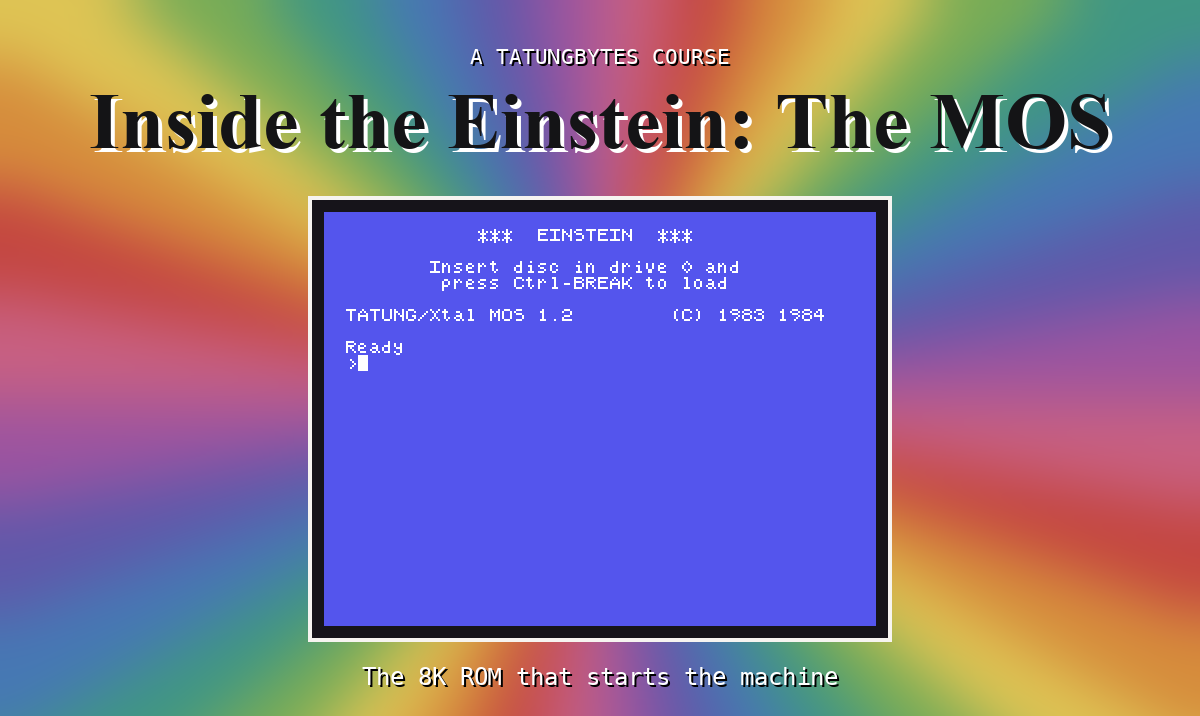
You are about to spend the rest of the course reading the MOS. Before you start, you need the source, a way to know it is exact, and a way to run your own changes. All three take ten minutes to set up and then stay out of your way.
The course's source of the MOS is one file, mos12.asm, in the course's files. Open it and you will see three kinds of line.
Code, one instruction a line, with its ROM address in the comment:
FMC1:
        push hl                 ;0fca
        bit 7,a                 ;0fcb
        res 7,a                 ;0fcd
Data, eight bytes a line, with the address and the bytes as characters where they are printable:
defb 04fh,053h,020h,031h,02eh,032h,020h,020h ;0140 OS 1.2
Labels, of two kinds. Most are just an address: l0f49h is the instruction at 0F49h. Some have real names - FMC1, OUTC, FMTBL. Those are the names the MOS's authors at Crystal Research gave those routines in their own source; the course uses them wherever it explains what the routine does.
A few code lines end in the word inferred. Those are instructions that were reached by following the program's jumps and calls but are not used by anything this course does. Everything else marked as code is code the machine runs while starting up, printing, reading keys or running the monitor.
A disassembly is only useful if it is right. This one is checked the strictest way there is: assembling it produces the original ROM, byte for byte. Not nearly the same - identical. If a single instruction were misread, the assembled bytes would differ.
That is also what makes the next part possible. If the source assembles to the ROM, then an edited source assembles to an edited ROM, which you can run.
MAME looks for the Einstein's ROMs in a file called einstein.zip, holding two images: mos12.i023 (MOS 1.2) and mos121.i023 (MOS 1.21). You will make your own einstein.zip in a folder of its own, and point MAME at that folder. Never change the original - keep it where it is, so the normal Einstein is always one command away.
In a terminal, in a new folder holding mos12.asm:
unzip ~/roms/einstein.zip                # the two original images
z80asm -i mos12.asm -o mos12.i023        # replace MOS 1.2 with your build
zip einstein.zip mos12.i023 mos121.i023  # package them the way MAME wants
mame einstein -rompath . -window         # boot the Einstein from this folder
(Use the path to your own einstein.zip in the first line - wherever you put it when you set up MAME for the assembly course.)
What you should see
The Einstein starts exactly as it always does: the same start-up screen, TATUNG/Xtal MOS 1.2, Ready, >. That is the point. You have built the MOS from source, and it is the real one.
Once you change anything, MAME will print a warning as it starts, mentioning WRONG CHECKSUMS: it knows the real ROM's checksum, and yours no longer matches. It runs your ROM anyway, and the warning is your proof that it is yours.
Everything in this course runs your ROM in MAME. A real Einstein reads its MOS from a chip, so running your ROM on one means programming an 8K EPROM with your mos12.i023 and fitting it in place of the original. The image you build here is exactly what such a chip would hold. If you want to go that far, Appendix VI explains the chip, the programmer you need and how to fit it - it is entirely optional.
The course's source assembles to the original ROM byte for byte, so you can trust what you read in it and rebuild it after any change. Your own einstein.zip, in a folder of its own, lets MAME boot your MOS instead of Tatung's.
Part Two opens the MOS. S6 starts where the machine does: the first instruction after power-on, and everything between it and Ready.
This form is protected by reCAPTCHA, and the Google Privacy Policy and Terms of Service apply.
