module
20

The Einstein has a three-voice sound chip, and Dr Logo gives you one primitive to reach it. It is enough for a beep when the reader gets something right, and enough for a tune.
tones [400 20]
tones takes one input, and that input is a list of two numbers: the frequency in hertz, and how long to hold it, in sixtieths of a second. So [400 20] is a note of 400 Hz lasting a third of a second.
The brackets are not decoration. tones 400 20, two separate numbers, is an error.
Nothing else happens while the note sounds. tones [440 120] holds the machine for two seconds and then goes on to the next thing.
Write them one after another and they run together, with no audible gap:
tones [400 15] tones [500 15] tones [600 15]
That is a tune already. But writing a tune as a row of instructions means editing the procedure every time you want a different one, and by now you know what to do about that.
to play :tune
if emptyp :tune [stop]
tones first :tune
play bf :tune
end
Three lines of body, and every one of them is something you have already met: emptyp and stop to know when to finish (S14), first to take the next item, bf to hand on the rest (S15).
What is new is the shape of the input. :tune is a list of lists: each item is itself a [frequency duration] pair, which is exactly what tones wants. first :tune gives back a whole pair, not a single number.
to play :tune
if emptyp :tune [stop]
tones first :tune
play bf :tune
end

play [[400 20] [500 20] [600 20] [800 40]]
Starting from
A fresh boot, at the ? prompt. Turn the sound up.
What you should hear
Four rising notes, the last one held twice as long as the others.
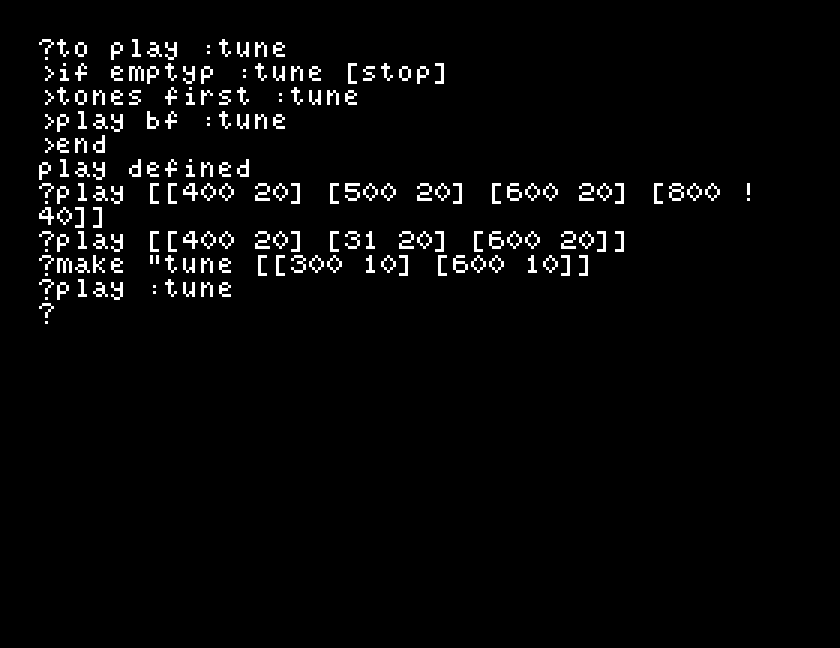
There is nothing to see, which is the point of the screenshot. The screen shows the procedure and the call, and everything the program did went out of the speaker.
A frequency below 32 makes no sound at all, and no complaint, but it still takes its time. That gives you a rest:
play [[400 20] [1 20] [600 20]]
Two notes, with a silence between them about as long as the note you left out.
For a longer pause there is wait:
tones [800 5] wait 2 tones [800 5]
wait does not count in sixtieths. Its unit is about a quarter of a second, so wait 2 is about half a second and wait 60 is about a quarter of a minute. If your program appears to have hung, this is usually why.
?tones [10001 30]
tones doesn't like [10001 30] as input
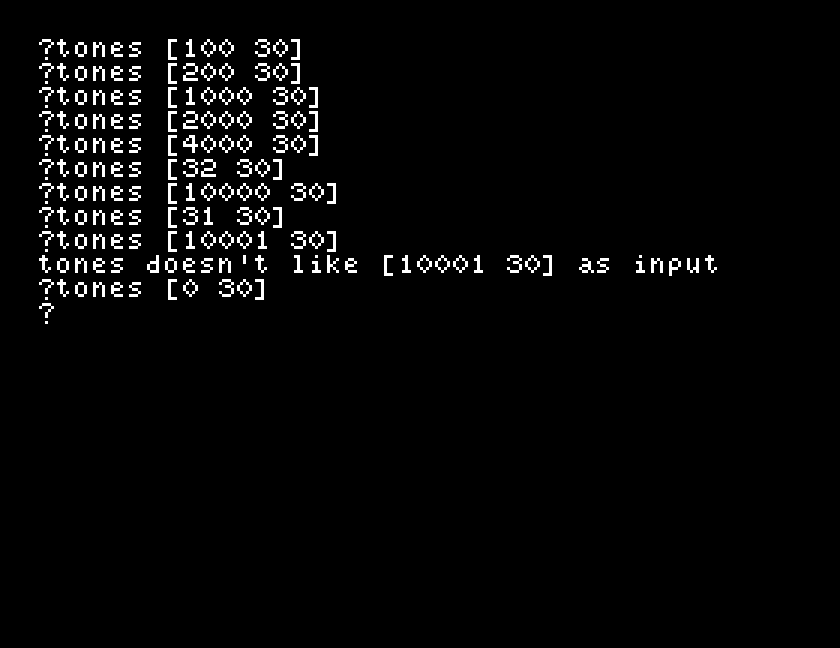
Ten thousand hertz is the ceiling and going over it is an error. There is no matching complaint at the bottom: anything under 32 is simply silence.
[1 20] in the middle of your tune. Count the silence: is it the length of the note you replaced?make "tune [[300 10] [600 10]], then play :tune. The tune is now data. Can you use fput and lput from S16 to add a note to the front or the end of it before playing it?play a tune with a note it cannot play, [[400 20] [20000 20]], and watch where it stops.| Symptom | Cause |
|---|---|
tones doesn't like 400 as input | Two numbers instead of one list. It is tones [400 20], not tones 400 20. |
tones doesn't like [10001 30] as input | The frequency is above 10000. |
| No sound, no error | The frequency is below 32. That is a rest, not a fault. |
| The program seems to hang | A wait with a large number. Its unit is about a quarter of a second, not a sixtieth. |
tones doesn't like 400 as input, from play | first was given a flat list. A tune is a list of lists: [[400 20]], not [400 20]. |
tones [frequency duration] plays one note and waits for it to finish, with the duration in sixtieths of a second. Frequencies run from 32 to 10000; below that is silence, above it is an error. A tune is a list of those pairs, and three lines of recursion will play it. wait pauses in units of about a quarter of a second.
S21, the joystick: paddle and buttonp, and reading something that is not the keyboard.
This form is protected by reCAPTCHA, and the Google Privacy Policy and Terms of Service apply.
