module
19

Every program so far has been a monologue. It draws what it was told to draw and stops. This is the section where it starts listening.
Dr Logo has three ways to read what somebody types, and they differ only in what shape the answer comes back in.
?make "name rl
gavin
?show :name
[gavin]
rl, read list, waits. Nothing is printed, the cursor just sits there, and the program goes no further until Return is pressed. Whatever was typed then comes back as a list.
Note the brackets on [gavin]. One word typed still gives a list of one word, which matters the moment you try to use it.
Waiting with no explanation is unfriendly, so print the question first:
to greet
pr [what is your name?]
make "name rl
pr se [hello] :name
end
se, sentence, from S16, is what joins [hello] and [gavin] into [hello gavin], and pr prints it without the brackets. Using pr :name on its own would have printed just the name; it is se that gets the two halves into one sentence.
to greet
pr [what is your name?]
make "name rl
pr se [hello] :name
end

greet
Starting from
A fresh boot, at the ? prompt. Type the procedure in, then type greet and answer it.
What you should see
?greet
what is your name?
gavin
hello gavin
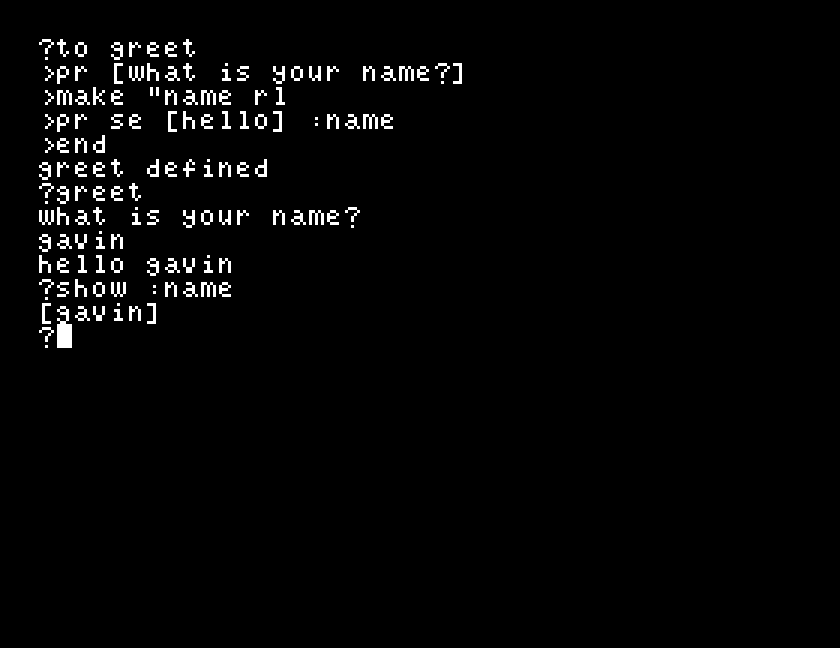
Your own name appears twice: once because Dr Logo echoes what you type, and once because the procedure printed it.
rq, read quote, takes the same line and gives back a word:
?make "name rq
gavin
?show :name
gavin
No brackets. Use rq when the whole line is one thing: a filename, a sentence you only mean to print back.
rc, read character, takes a single keypress and does not wait for Return:
to ask
pr [ready? y or n]
make "k rc
if :k = "y [pr [off we go]]
end
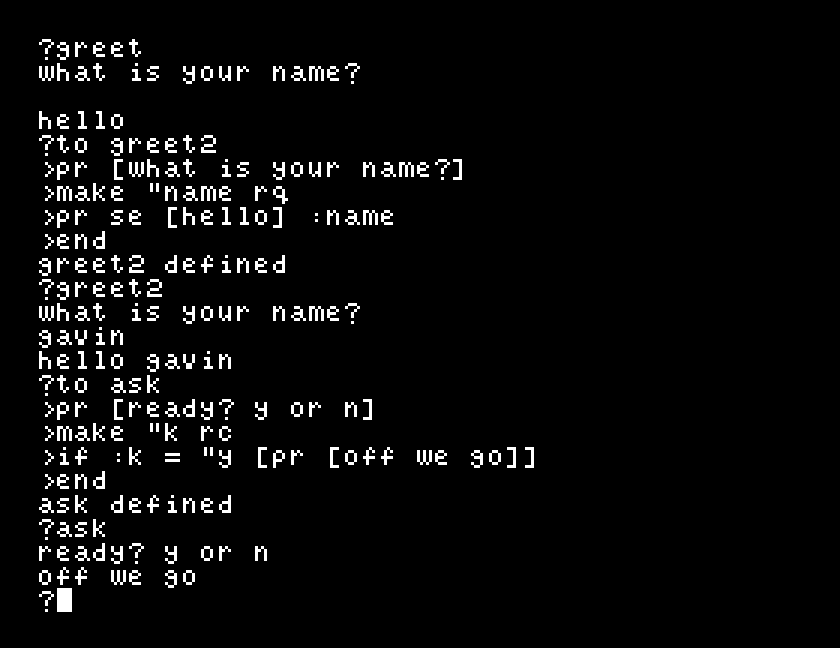
Press y and it prints off we go immediately. Press anything else and it returns to the prompt without a word. = compares two words as happily as it compares two numbers, which is what makes a one-key answer worth having.
The text screen is 40 columns across and 24 lines down, and setcursor takes a list of two numbers, the column first, then the line, counting from zero at the top left.
?setcursor [8 12] pr [what is your name?]
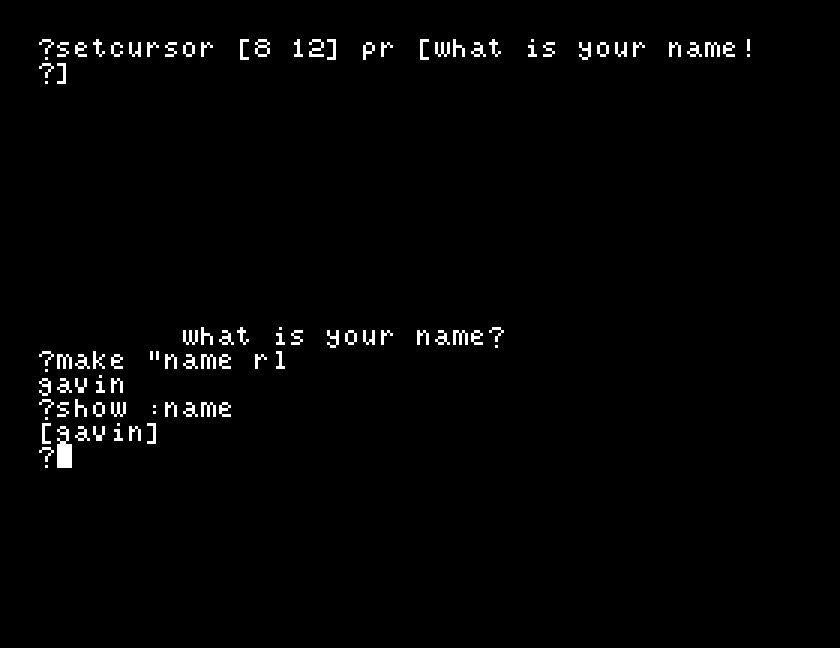
There is no clearing and nothing is moved aside: whatever was at that position is written over. cursor reports where the cursor is now, as the same kind of list.
greet and press Return without typing anything. What does it say, and what does show :name hold afterwards? Would you rather it noticed?rl to rq in greet and run it again. The greeting is identical; so use show :name to find the difference se was hiding.ask an n. Nothing happens. Now give the if a second list, if :k = "y [pr [off we go]] [pr [another time]], and try both keys. One list or the other runs, never both.setcursor [8 12] at the start of greet. Run it twice without clearing the screen in between, and watch what the second run does to the first one's output.| Symptom | Cause |
|---|---|
| The machine appears to have frozen | rl or rq is waiting for Return. It gives no prompt of its own; that is why you print the question first. |
hello with no name after it | Return was pressed with nothing typed. rl gives [], and se has nothing to add. |
hello [gavin] instead of hello gavin | show where the listing says pr. pr drops the outer brackets; show keeps them. |
| The question lands on top of earlier output | setcursor writes over what is there. Pick a line you are not using. |
Nothing appears, and no error, after setcursor | A column past 39 or a line past 23 is not refused; the text goes to the edge instead of where you meant. |
rl gives back a list, rq a word and rc a single character with no Return needed. Print the question yourself before you read, because none of them prompts. setcursor [column line] puts the next thing printed anywhere on the 40 by 24 text screen.
S20, making a noise: tones, and the Einstein's sound chip.
This form is protected by reCAPTCHA, and the Google Privacy Policy and Terms of Service apply.
