The Einstein Speech Synthesiser, from J&K Software, was a small box that plugged into the Einstein's user port and gave it a voice. Inside, the manual says, is an SP0256 speech chip. It speaks by stringing together allophones, the small sounds that words are built from: 64 of them, five of which are pauses of different lengths. Send it the right sounds in the right order and it will say almost anything.
It came with a disc of five programs, from a talking alphabet book to the routine you need to make your own programs speak. This guide takes you through all of them, under MAME, which emulates the speech unit along with the rest of the Einstein. Everything here was done with the copies in our library: the Speech disc and the Speech manual.
On a real Einstein you need the speech unit itself. The manual says it plugs into the user port on a 16-way ribbon cable, with the red marker on the cable to the right as you look into the socket from the back, and that it has its own volume control and an on/off switch, so it can stay plugged in and silent. You also need Xtal BASIC, from your System Master disc, because the Speech disc holds only BASIC programs. We have not been able to try a real speech unit; if you have one, we would like to hear from you.
Under MAME you need three things:
einstein_speech.zip containing sp0256a-al2.bin. Put it in your ROM folder beside einstein.zip. Without it MAME stops with sp0256a-al2.bin NOT FOUND.Then plug the speech unit into the user port with -user speech:
mame einstein -window -user speech -flop1 xtaldos.dsk -flop2 speech.dsk
The Einstein's voice comes out of your computer's speakers, along with its other sounds.
The System Master disc boots to the 0: prompt. Type XBAS and press ENTER to start Xtal BASIC:
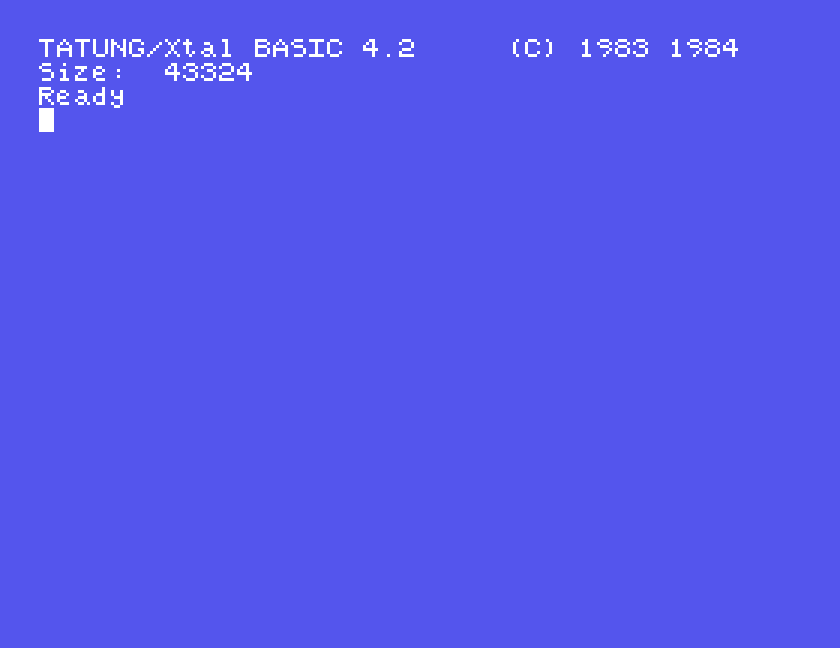
Every program on the Speech disc is started the same way, with RUN and the name, and 1: in front because the disc is in drive 1:
RUN"1:WELCOME"
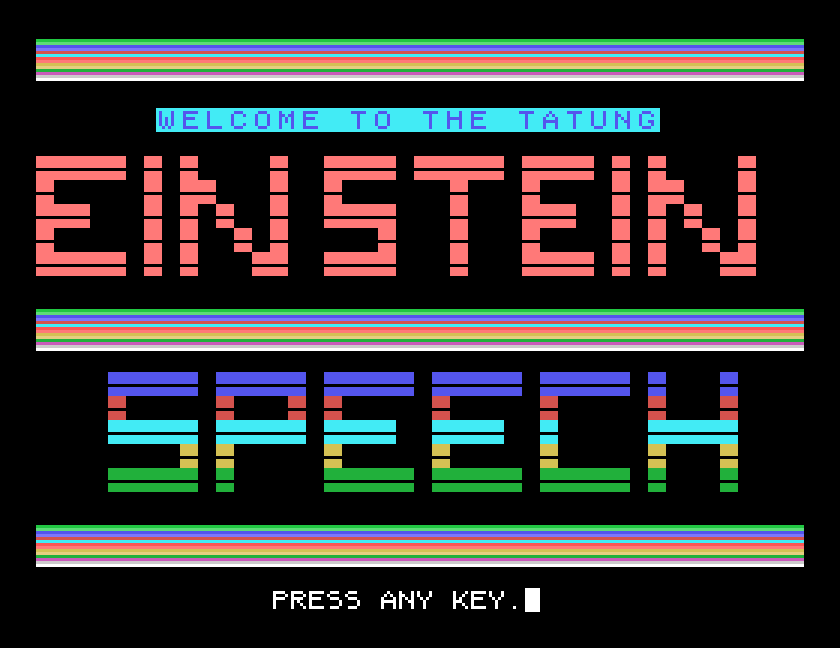
Start here. WELCOME draws its title screen and introduces itself out loud, then shows two pages of instructions, a key press apart:
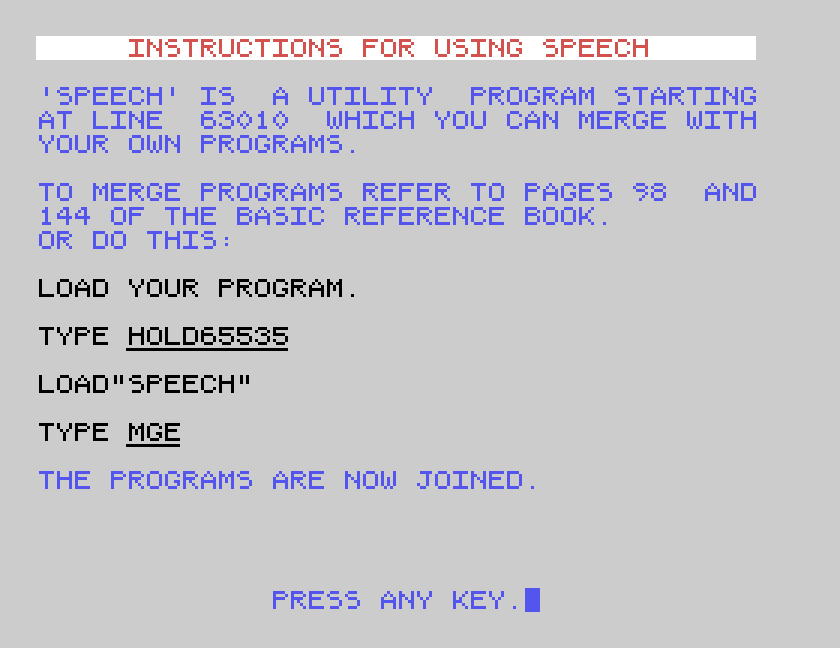
Those pages explain how to add speech to your own programs, which is covered below. At the end, 1 runs the introduction again and 2 leaves it.
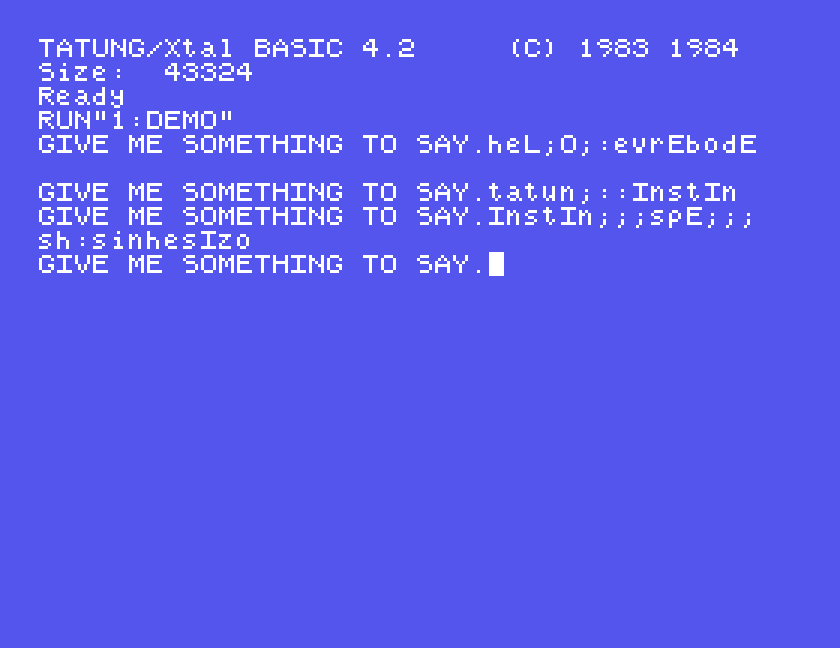
DEMO is the one to play with. It asks GIVE ME SOMETHING TO SAY., and says whatever you type when you press ENTER. Then it asks again.
What you type is not English spelling. It is a code for the speech chip's sounds, and the case of each letter matters:
A says "ay", B says "bee".a says "ah", b says "buh".The manual gives three examples, and in MAME each of them sets the speech unit talking:
| Type | Says |
|---|---|
heL;O;:evrEbodE | Hello everybody |
tatun;::InstIn | Tatung Einstein |
InstIn;;;spE;;;sh:sinhesIzo | Einstein speech synthesiser |
Read them aloud using the rule above and you can hear how it works: heL is "h", "e", then the name of the letter L, which is "ell". InstIn is the name of I, "eye", then "n", "s", "t", the name of I again and "n": "eyenstine". The capitals are doing a lot of the work.
Getting capitals in MAME. The Einstein starts with ALPHA LOCK on, so everything you type is a capital until you press ALPHA LOCK (Caps Lock in MAME). In our testing under MAME, holding SHIFT with a letter did not give a capital in BASIC, so we typed each capital by pressing ALPHA LOCK, typing the letter, and pressing ALPHA LOCK again. It is fiddly, but the difference is audible: typed all in small letters, each of the three examples came out as different, shorter sounds.
ABC is a picture book for young children, from J&K Software. It starts with a menu:
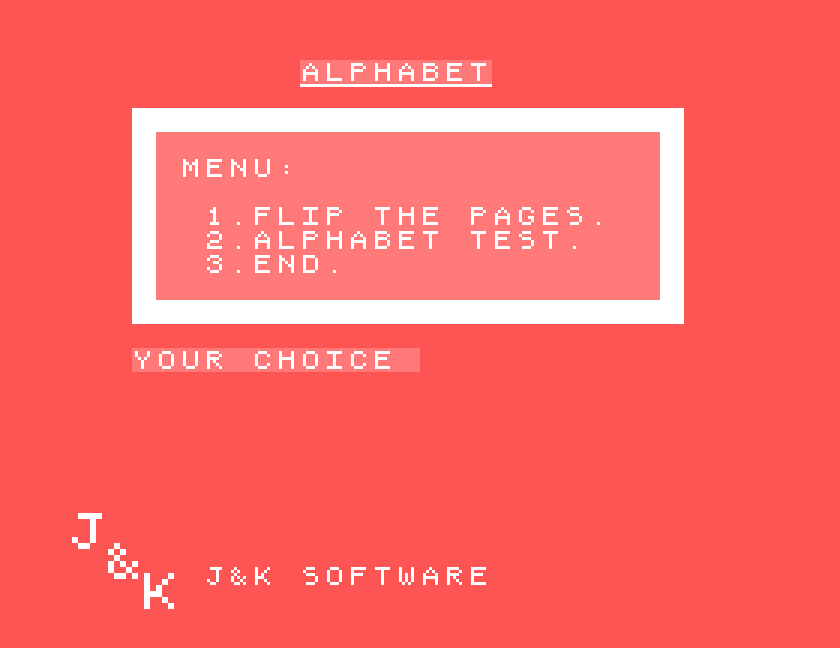
1, Flip the pages, asks you to press a letter, then draws a picture for it and says what it is:
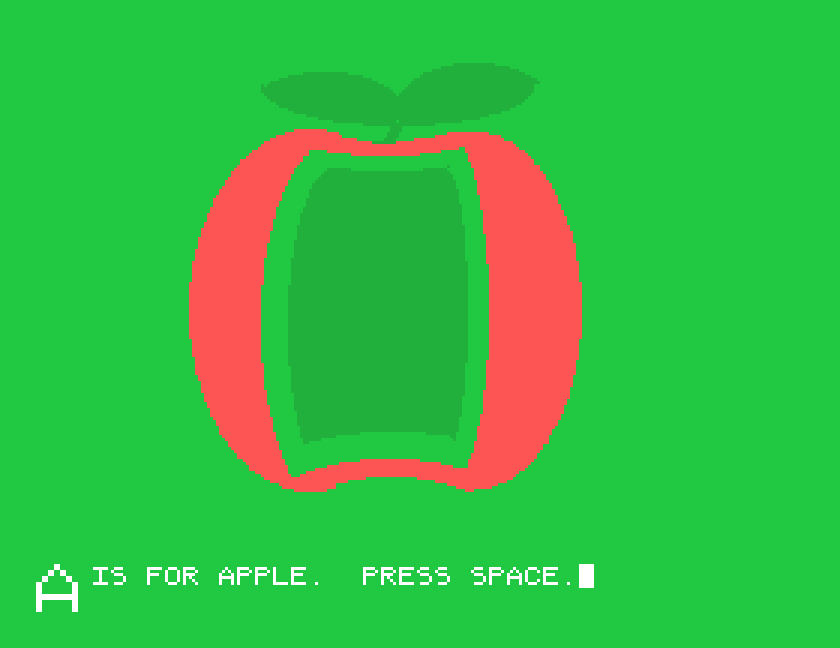
Press SPACE to go back and choose another letter. ESC returns to the menu.

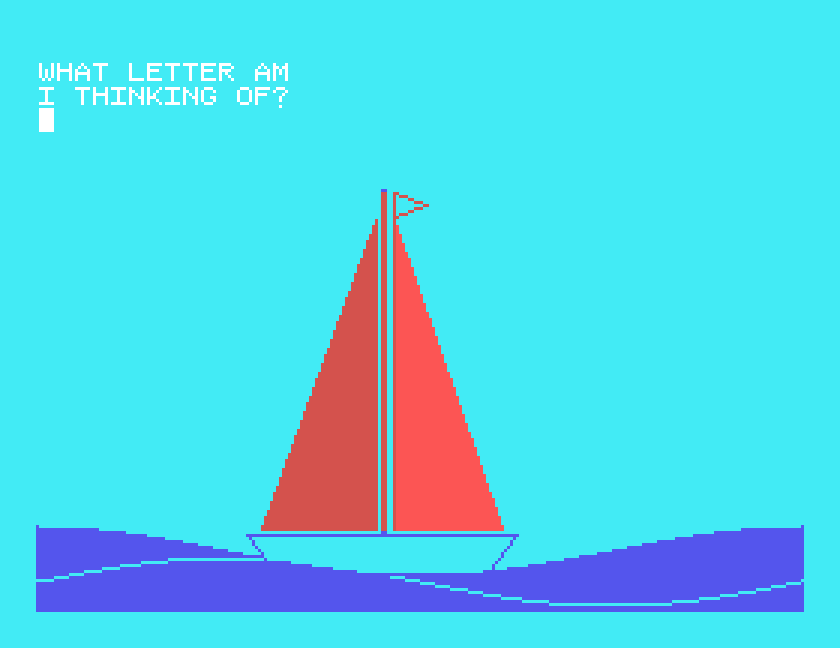
2, Alphabet test, turns it round. It shows a picture and asks WHAT LETTER AM I THINKING OF?, and you answer with the first letter of the thing in the picture. The pictures come in a random order. For a sailing boat, B and Y were ignored; S was accepted and it moved on to the next picture.
The SP0256's 64 sounds each have a number, from 0 to 63, and the manual lists them all with an example word for each: 7 is the "e" of enter, 16 the "m" of make, and so on. START is the bare minimum for sending those numbers to the chip yourself:
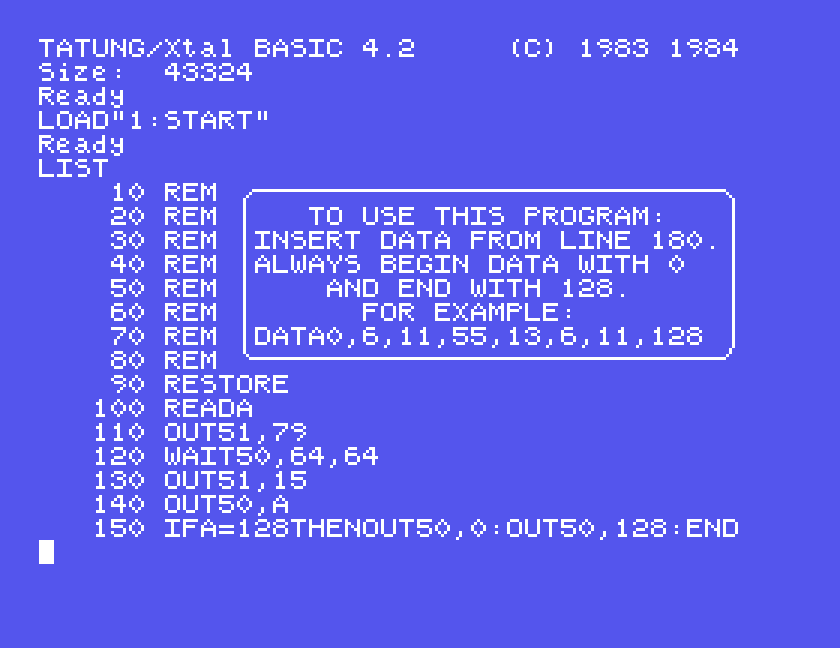
Load it, add a DATA line, and run it:
LOAD"1:START"
180 DATA 0,6,11,55,13,6,11,128
RUN
That DATA line is the example in START's own comments, and it speaks. The rule, from the comments: begin the data with 0 and end it with 128, which tells the program to stop. In between go the sound numbers, which you choose from the manual's allophone list. Everything the DEMO program can say is built from these same numbers; DEMO just turns your letters into them for you.
The lines that do the work are only a few: OUT 50,A sends a sound number to the user port, and WAIT 50,64,64 waits until the chip is ready for the next one. The manual points to the Xtal BASIC manual's pages on OUT and WAIT for the details.
SPEECH is the DEMO program's speaking routine on its own, starting at line 63010, so that you can join it to a program of yours. WELCOME's instructions give the recipe, and it works exactly as written. Type your program first; this is WELCOME's example:
10 INPUT"TYPE IN A WORD";A$
20 SPEAK$=A$
30 GOSUB63010
40 GOTO10
Put what you want said in SPEAK$, in the same letter code as DEMO, and GOSUB63010 says it. Then join SPEECH on to the end:
HOLD65535
LOAD"1:SPEECH"
MGE
HOLD65535 keeps your program in memory while SPEECH loads, and MGE merges the two. Keep your own line numbers below 63000 so that they do not collide with SPEECH's. RUN it, and it asks for a word and says it.
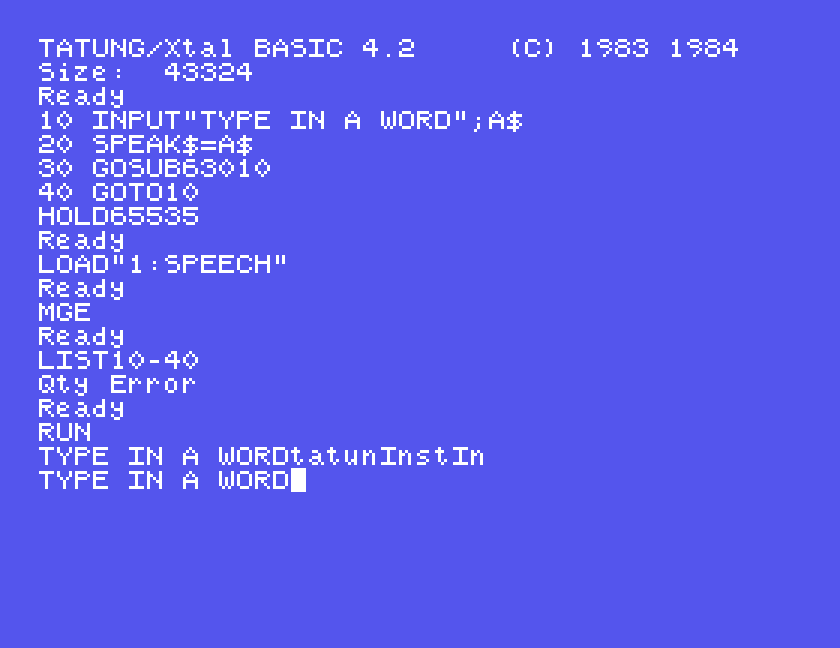
The manual suggests saving the result under a new name, so that you do not overwrite SPEECH on the disc.
One warning. WELCOME's second instruction page shows the example with GOSUB60000 on line 30, although its own text says 63010. Use 63010: with 60000 the program stops with Branch Error in 30.
| To | Type |
|---|---|
| start Xtal BASIC | XBAS at the 0: prompt |
| run a program from drive 1 | RUN"1:WELCOME", RUN"1:DEMO", RUN"1:ABC" |
| say a letter's name | its capital, A |
| say a letter's sound | its small letter, a |
| stretch a sound | ; after it |
| a silent pause | : |
| speak from your program | put the code in SPEAK$, then GOSUB63010 |
| join SPEECH to your program | HOLD65535, LOAD"1:SPEECH", MGE |
| send sound numbers yourself | START, with DATA 0,...,128 from line 180 |
If you have a real Einstein Speech Synthesiser, we would love to know how it compares with MAME's, and whether SHIFT gives capitals on the real machine. The contact form is at tatungbytes.co.uk/contact.