← Back to Guides

Getting Started with Theatre Europe

Version:
1.0
Last Updated
November 13, 2026

Theatre Europe, from Personal Software Services (PSS) in their Wargamers Series, is a turn-based wargame of the first 30 days of a war in Europe. You command either N.A.T.O. or the Warsaw Pact, moving armies and corps across a map of Europe, fighting battles, rebuilding your forces and running your air force, with nuclear and chemical weapons in the background and the DEFCON level to watch.

This guide gets you to your first turn as N.A.T.O. commander: setting the game up, reading the map, moving a unit and working through the phases of a turn. Everything here was done in MAME with the library's Theatre Europe disc. The rest of the game, from attacks to the air war, is summarised at the end from the original manual.
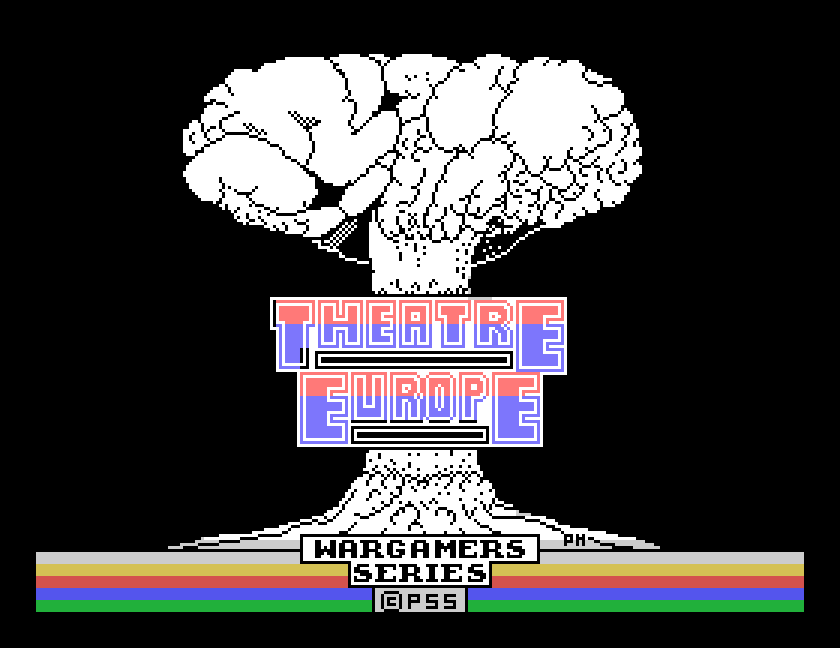
The title screen: a mushroom cloud over the words THEATRE EUROPE, WARGAMERS SERIES, PSS
The title screen.

What you need

The Theatre Europe disc. It starts the game by itself. It is a double-sided disc, recorded in a copy-protected format rather than as ordinary Einstein files, so it needs a double-sided drive.

Under MAME, set up the Einstein as in Setting Up MAME, and tell MAME that drive 0 is a 3" double-sided drive, with -i042:0 3ds:

mame einstein -window -i042:0 3ds -flop1 theurope.dsk

Without that, MAME's standard Einstein drive is single-sided and cannot read the whole disc.

Setting up a game

After the title, the game asks a series of questions, one screen at a time.
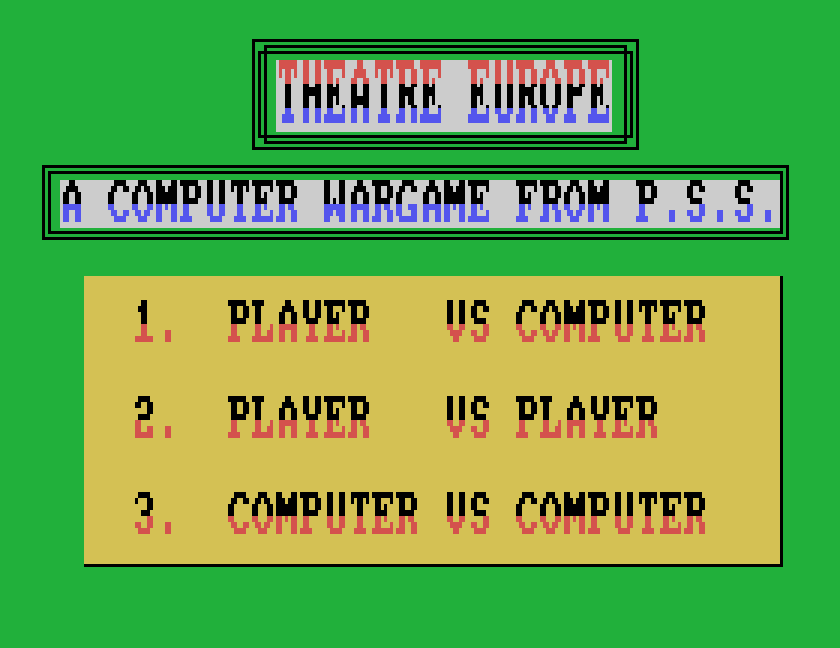
The first menu: 1 Player vs Computer, 2 Player vs Player, 3 Computer vs Computer
Who plays.
  1. 1 for Player vs Computer. 3, Computer vs Computer, is worth watching once: the computer plays both sides and you can see how a turn unfolds.
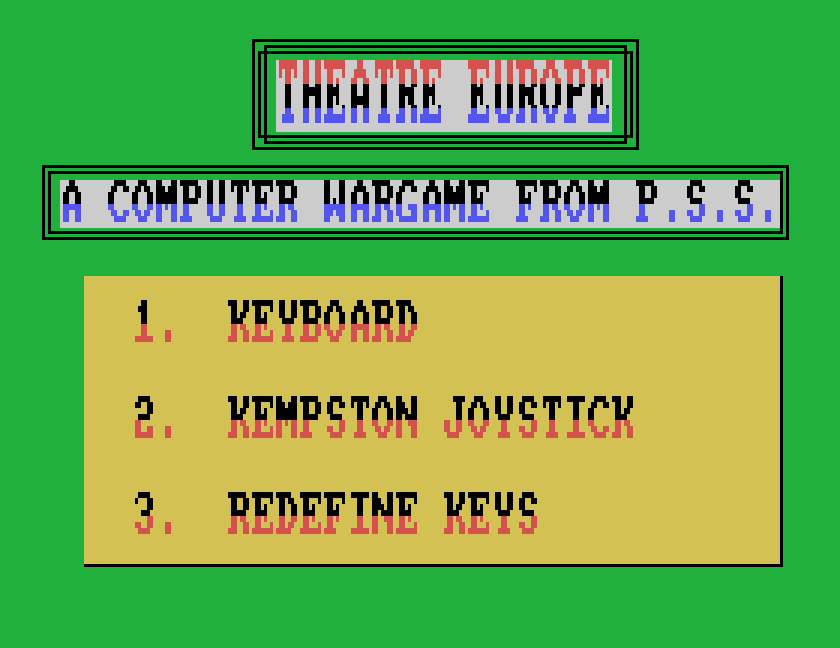
  2. 1 for the keyboard. The other choices are a Kempston joystick and redefining the keys.
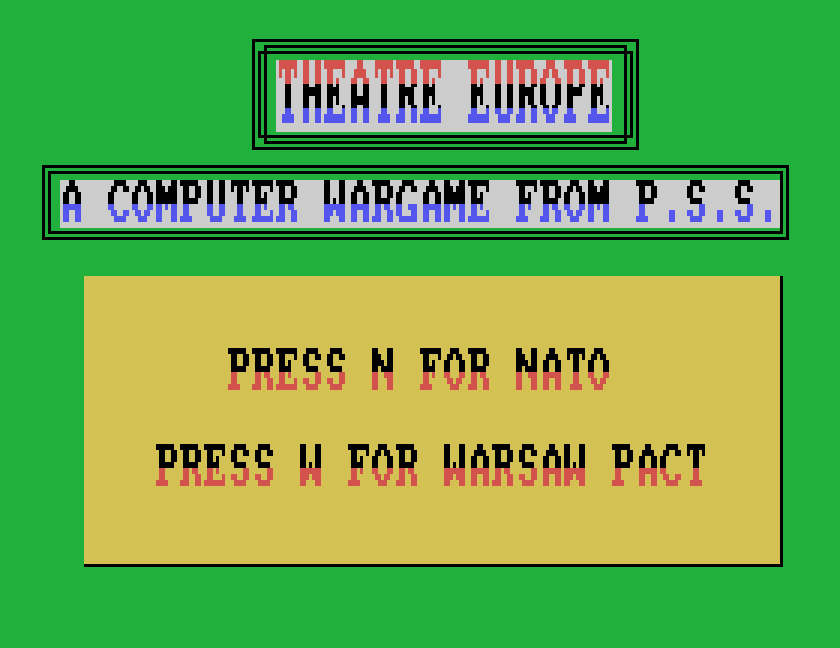
  3. N for N.A.T.O., or W for the Warsaw Pact. This guide plays N.A.T.O.
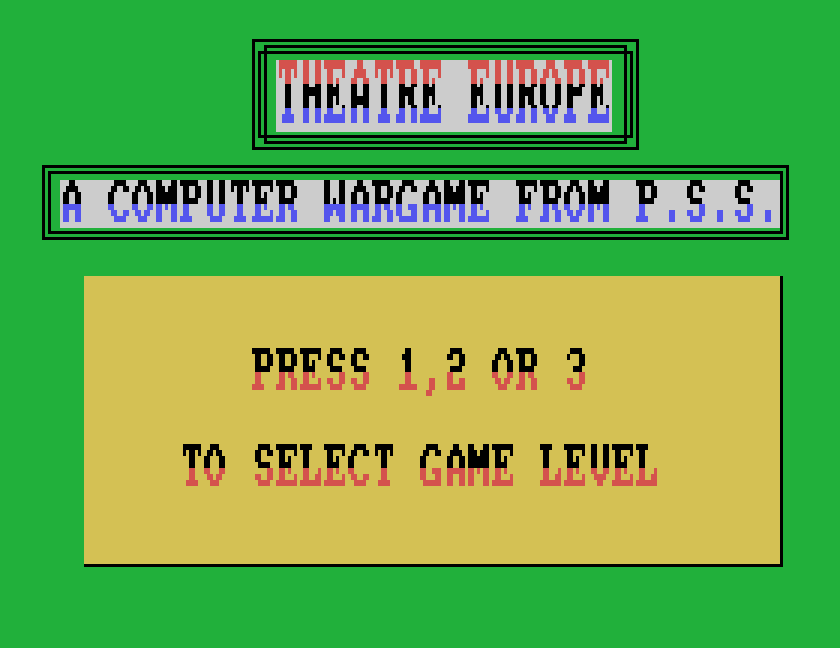
  4. 1 for game level 1, the simplest.
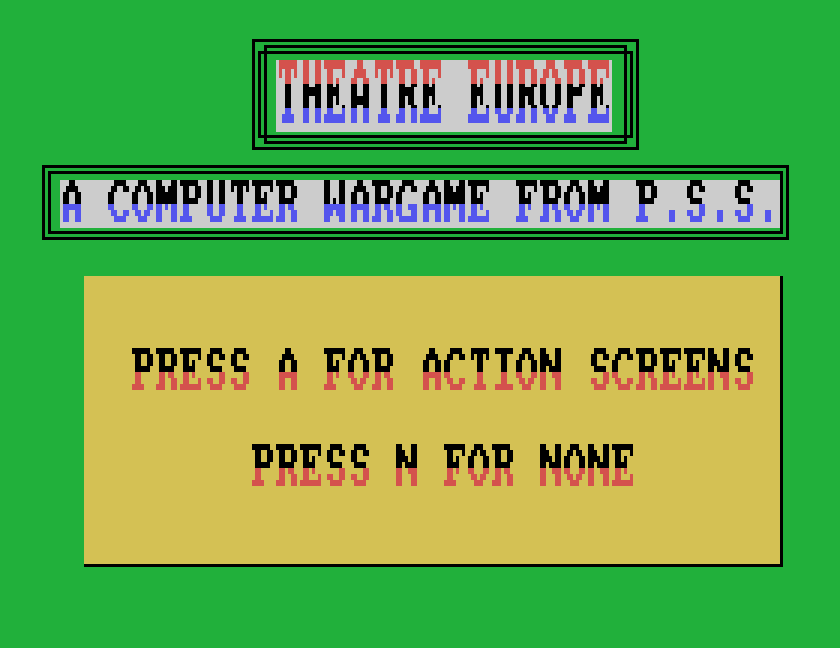
  5. N for no action screens, for now. With A, some battles are fought out as an arcade scene; see below.
  6. P to play. R goes back to the start of the questions, and J loads a saved game.
KEYBOARD, KEMPSTON JOYSTICK, REDEFINE KEYS
Choosing the controls.
PRESS N FOR NATO, PRESS W FOR WARSAW PACT
Choosing a side.
PRESS 1, 2 OR 3 TO SELECT GAME LEVEL
The game level.
PRESS A FOR ACTION SCREENS, PRESS N FOR NONE
Action screens or not.
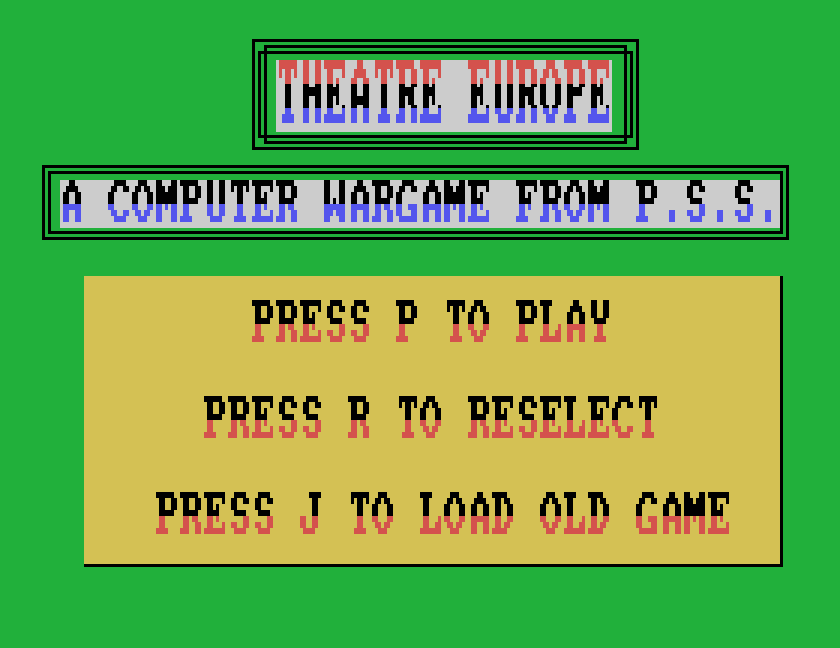
PRESS P TO PLAY, PRESS R TO RESELECT, PRESS J TO LOAD OLD GAME
Ready.

The keys

KeyDoes
Qup
Adown
Oleft
Pright
ENTERfire: pick up and put down
SPACEend the phase

Hold each direction key down for about half a second. A shorter tap is missed. Each press moves the cursor one square.

The map

The Warsaw Pact goes first. You watch its forces move and attack, with a red border round the map while it is the enemy's turn, and then it is yours.
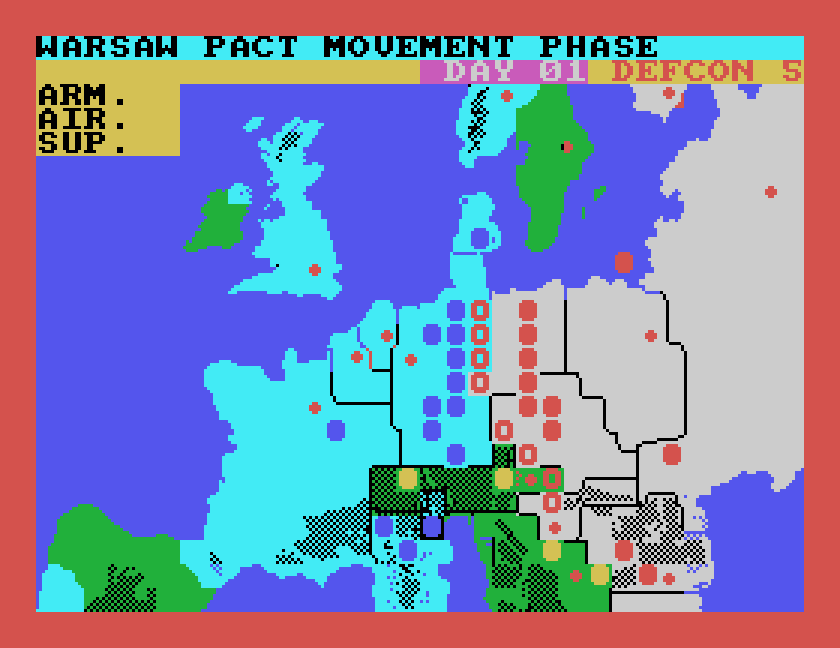
WARSAW PACT MOVEMENT PHASE, with red outlines showing units on the move
The Warsaw Pact moving.
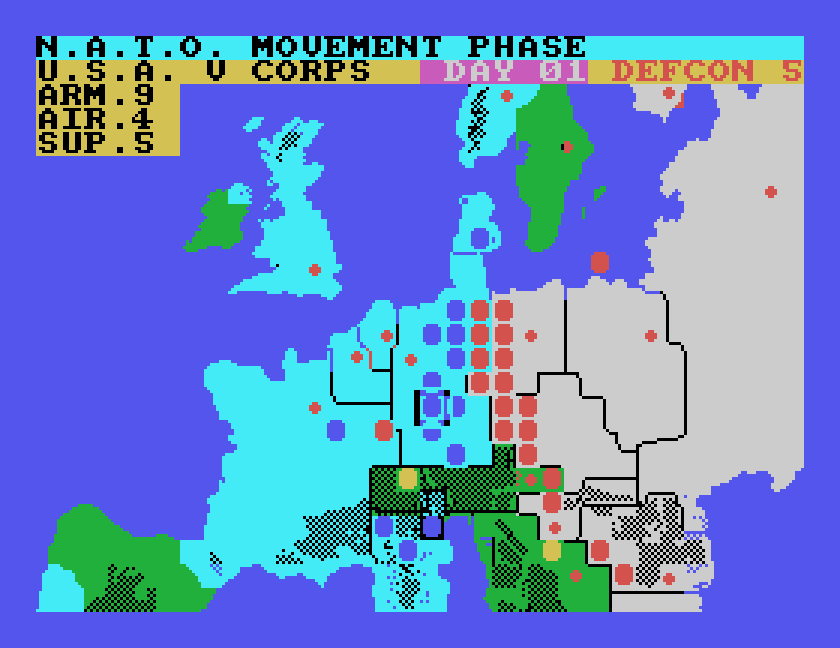
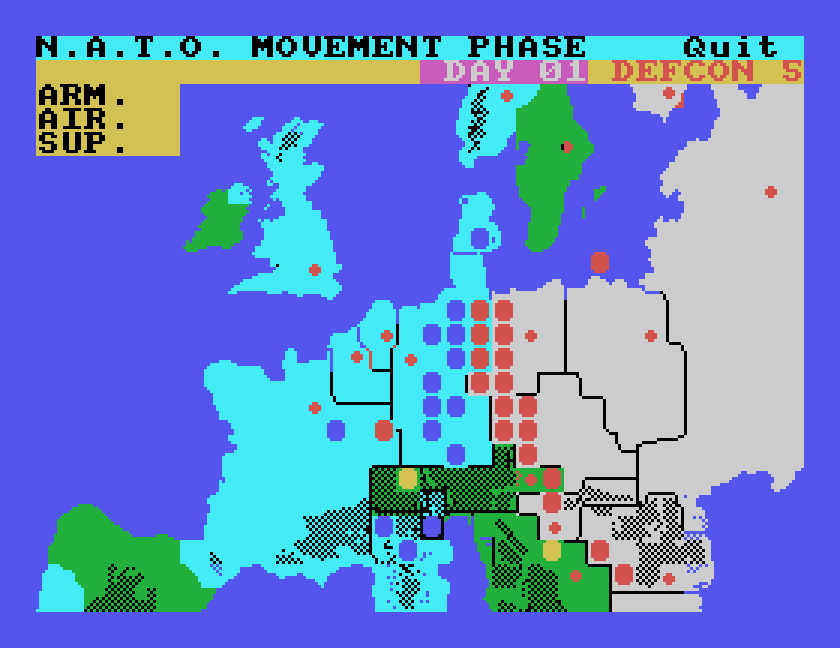
The map of Europe in the N.A.T.O. MOVEMENT PHASE: blue N.A.T.O. units facing a line of red Warsaw Pact units across Germany, DAY 01, DEFCON 5, and the ARM., AIR., SUP. report box
Your turn.
  • Blue circles are N.A.T.O. units, red the Warsaw Pact, and yellow the armies of neutral countries. Small crosses are cities.
  • The top line says which phase of the turn you are in. Below it are the DAY of the war and the DEFCON level, which starts at 5; the lower it goes, the closer the war is to a major nuclear exchange.
  • The cursor, a square outline, starts over Sweden. Move it with Q, A, O and P.
  • The report box, top left, says what is under the cursor: the sea, mountains, a city, or a unit. For an enemy unit it gives its name and ARM. (combat strength). For one of your own it also gives AIR. (its air support) and SUP. (supplies).
The report box showing U.S.A. V CORPS, ARM. 9, AIR. 4, SUP. 5
One of your corps.

Moving a unit

In the N.A.T.O. MOVEMENT PHASE:

  1. Put the cursor on one of your units and press ENTER.
  2. Move the cursor to where you want the unit to go.
  3. Press ENTER again.

The unit moves to its new square. We moved the U.S.A. V Corps two squares west like this.
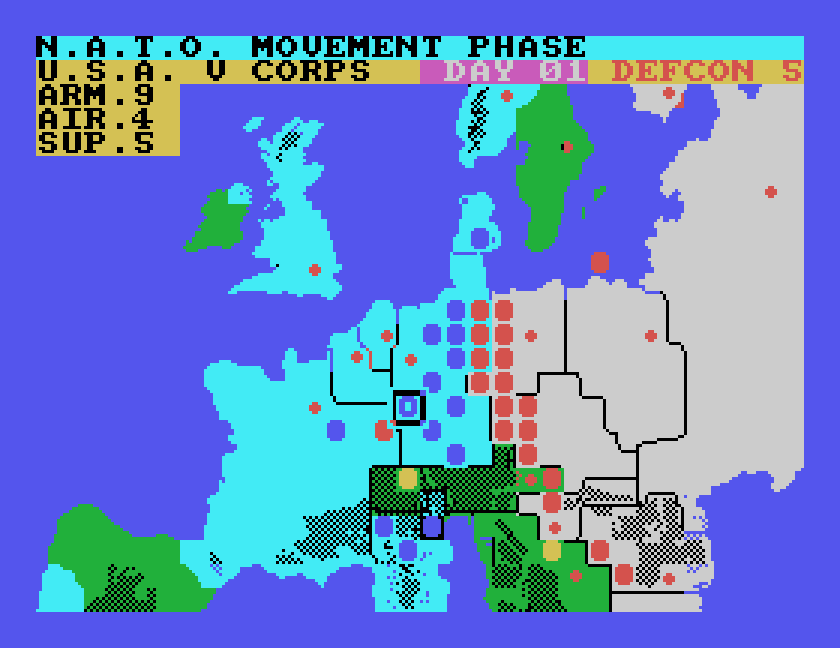
The U.S.A. V Corps moved two squares west, under the cursor
The corps in its new position.

Move as many units as you like, then press SPACE to end the phase.

A turn

Each turn is a string of phases, and each turn covers two days of the war: day 1, then day 3, then day 5. In a game played through by the computer, a turn ran:

  1. The air phase.
  2. Warsaw Pact movement, attack and rebuild phases.
  3. N.A.T.O. movement, attack and rebuild phases.

SPACE ends each of your phases. In the rebuild phase, the map shows each of your units' strength as a number, and the top line shows the reinforcements you have to hand out.
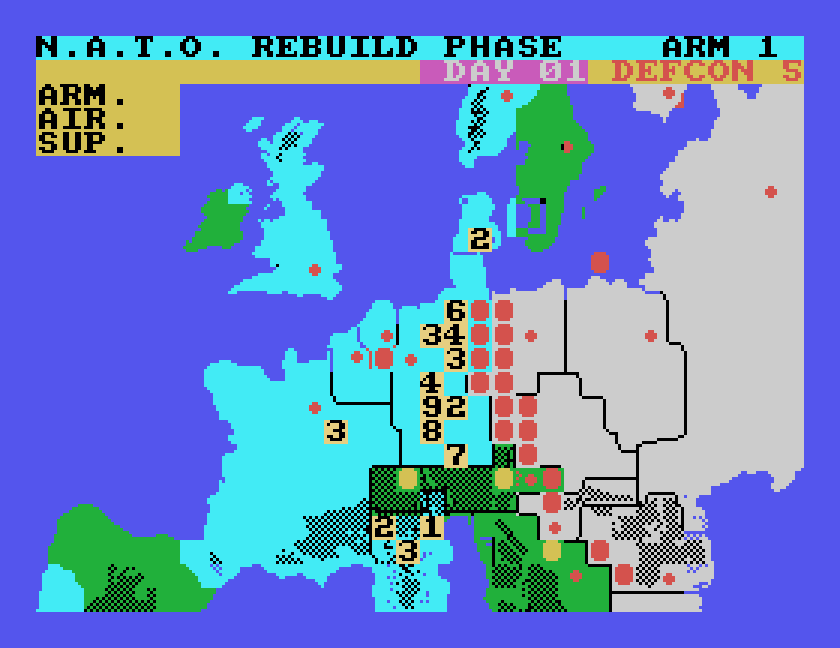
N.A.T.O. REBUILD PHASE ARM 1, with each N.A.T.O. unit shown as its ARM strength
Rebuilding: one point of ARM to hand out.

With action screens on, when the Warsaw Pact attacks the game asks you to SELECT BATTLE: the manual says to pick one of your units under attack with the cursor and ENTER to fight that battle yourself. We pressed SPACE, which lets the battles be worked out on the map and carries on with the turn.
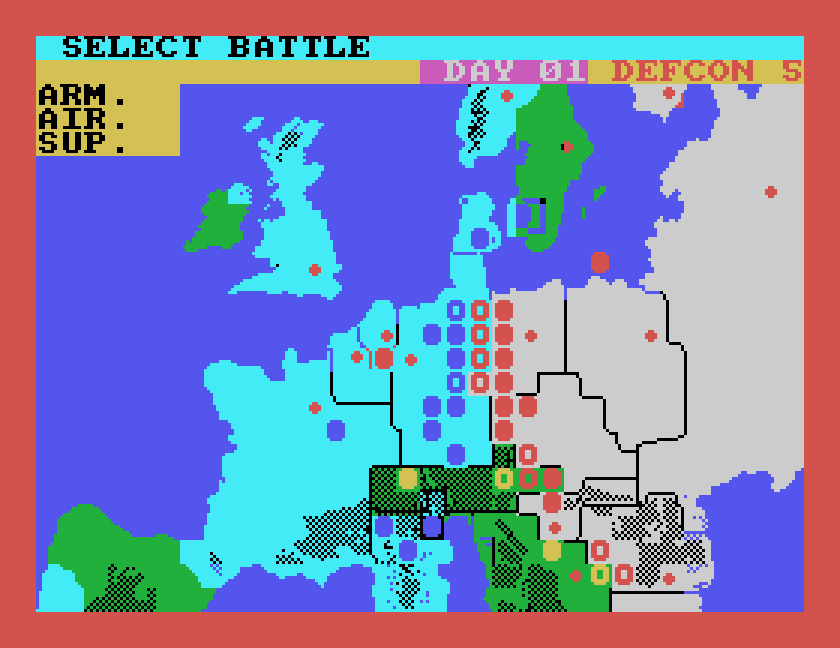
SELECT BATTLE during the Warsaw Pact's attacks, with the map framed in red
Choosing a battle to fight.

The rest of the game, from the manual

We have not yet tried everything else in MAME. This is how the original PSS manual, written for the Commodore 64 and Spectrum versions, describes it; the Einstein game has the same menus, keys and messages. The manual is online at Spectrum Computing.

  • Attacking. In the attack phase, put the cursor on one of your units and press fire; then move to the enemy unit you want to attack, within range, and press fire again. Both are marked with a dot. Each unit attacks once a turn, and several can attack the same enemy.
  • Rebuilding. Put the cursor on a unit and press fire to give it the ARM reinforcement shown on the top line, then SPACE for AIR and again for SUP. Reinforcements cannot be saved up, and no unit goes above 9.
  • The air phase. Air units are moved between a reserve and four missions: air superiority, counter air (attacking enemy airfields), interdiction (delaying enemy reinforcements) and reconnaissance (how much the report box tells you about enemy units).
  • Special missions. Chemical and nuclear strikes. The manual's advice at level 1 is to press N, maintain present status, and use none of them: the computer answers in kind. A nuclear strike needs an authorisation code, which the manual gives on its last page.
  • Winning. As N.A.T.O. your task is to stop the Warsaw Pact taking West Germany over 30 days, not to march on Moscow. The manual suggests a careful defence, and warns against letting a unit's ARM fall to 0.
  • Saving. At the start of your movement phase, Quit shows at the top right for a few moments; the manual says pressing Q then lets you save the game with S, and J on the start screens loads it again.

Quick reference

KeyDoes
Q, A, O, Pcursor up, down, left, right
ENTERpick up / put down, select
SPACEend the phase
Nno special missions (from the manual)

If you played Theatre Europe on the Einstein, or have its Einstein manual, we would like to hear from you. The contact form is at tatungbytes.co.uk/contact.

Gavin Watson
Gavin Watson

Get the Newsletter

New guides, disk images and community finds, roughly once a quarter. No spam, we promise, this isn't Tatung's marketing department.
Your subscription could not be saved. Please try again.
Your subscription has been successful.

Newsletter

Subscribe to our newsletter and stay updated.

This form is protected by reCAPTCHA, and the Google Privacy Policy and Terms of Service apply.