← Back to News
Play and Program the Einstein in Your Browser
The Online Player boots 205 discs from the library in your browser, and the Assembly Lab lets you write Z80 assembly and run it on an Einstein, with nothing to install.
October 19, 2026
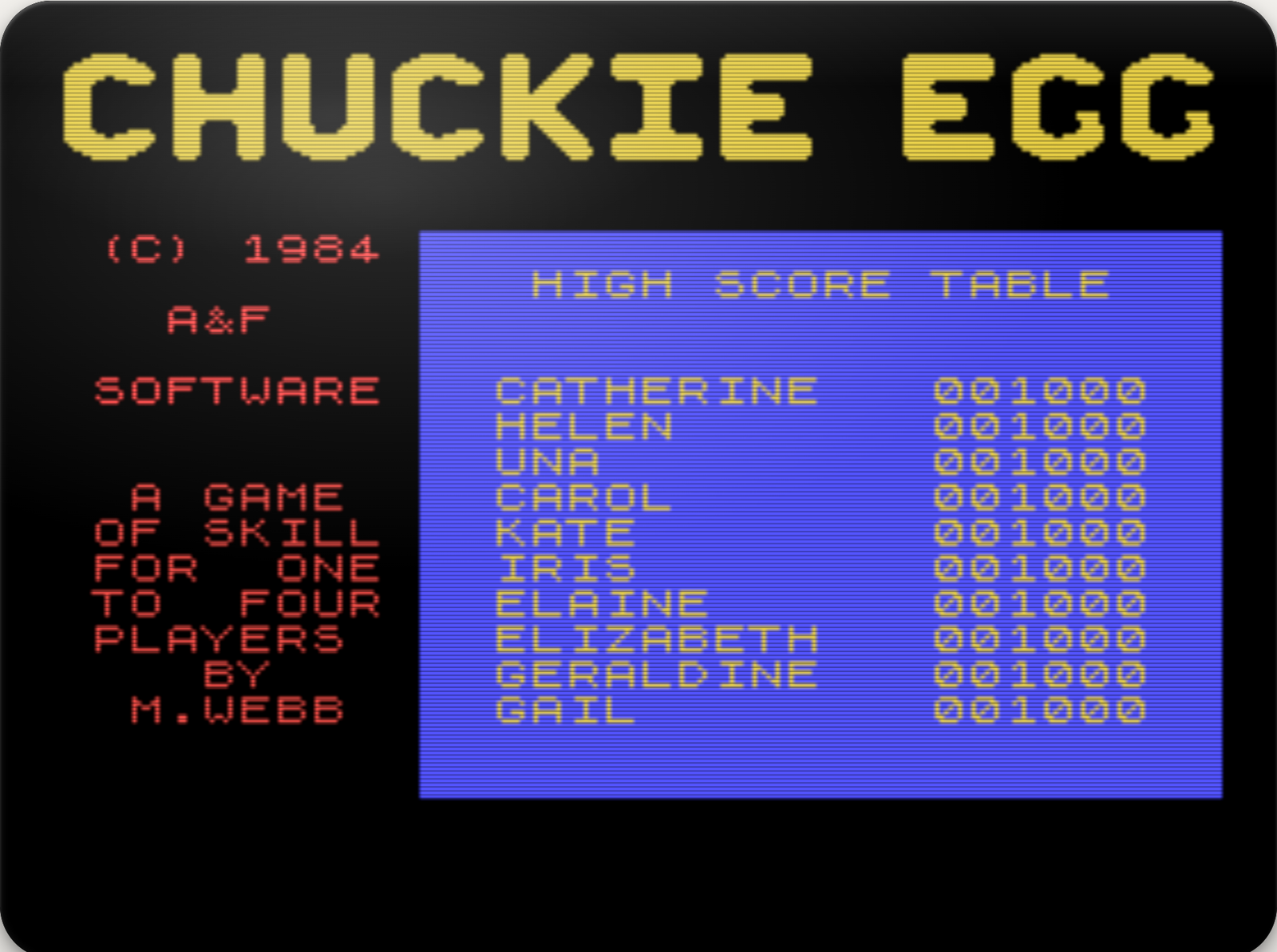
You can now use a Tatung Einstein in your web browser, in two ways. The Online Player boots discs from the TatungBytes library: 205 of them so far, 150 games and 55 programs, 8 of them for the Einstein 256. The Assembly Lab gives you an Einstein with a code editor underneath it, so you can write Z80 assembly language and see it run straight away. Neither needs anything installed, and both are in the menu at the top of every page.
Open the player, choose a disc from the list and press Start, and a Tatung Einstein boots in front of you.
The player has both machines. Pick the Tatung Einstein TC-01 or the Einstein 256 at the top of the page, and the player switches its ROM, its keyboard and its list of discs to match. Each machine has two drives, so you can put a System Master in drive 0 and a disc of programs in drive 1, just as on the real thing. A disc that needs a System Master gets one automatically.
A modern keyboard has no BREAK or GRPH key, its function keys are numbered differently, and several symbols sit in different places. So the player has an Einstein keyboard on screen, coloured like the real one, with the red ENTER key. Every key works, including SHIFT, CTRL and GRPH, and holding a key down repeats it. You can still type on your own keyboard, and Key Help shows where the Einstein's keys are on it. When you do not need the on screen keyboard, hide it and the screen grows to fill the space.
Where a game shows its keys on its own title screen or in its instructions, the player shows them beside the screen, so you are not left guessing how to move or jump.
Programs can save to their discs while you play, so editors, databases and games that keep scores behave as they should. Save State takes a snapshot of the whole machine at that moment, and Restore State takes you back to it. Power Off and On restarts the machine and keeps anything saved to the discs, and Download This Disc gives you a copy of a disc as it is now. Everything you save lasts until you close the page. Nothing is stored on our side.
The screen has a CRT filter, with scanlines and a soft glow, switched on to start with. Turn it off for crisp pixels, or go full screen.
Every disc in the player has been tested in it first: it has to boot, respond to its keys and do its job before it appears in the list. More discs join as they pass, so the list will keep growing.
The Assembly Lab is for writing your own programs. Type Z80 assembly language into the editor, press Run, and a moment later it is running on the Einstein above. Every program from our Z80 Assembly course and the Einstein 256 Primer is in it, ready to open, and the course now suggests the lab as the quickest way to start.
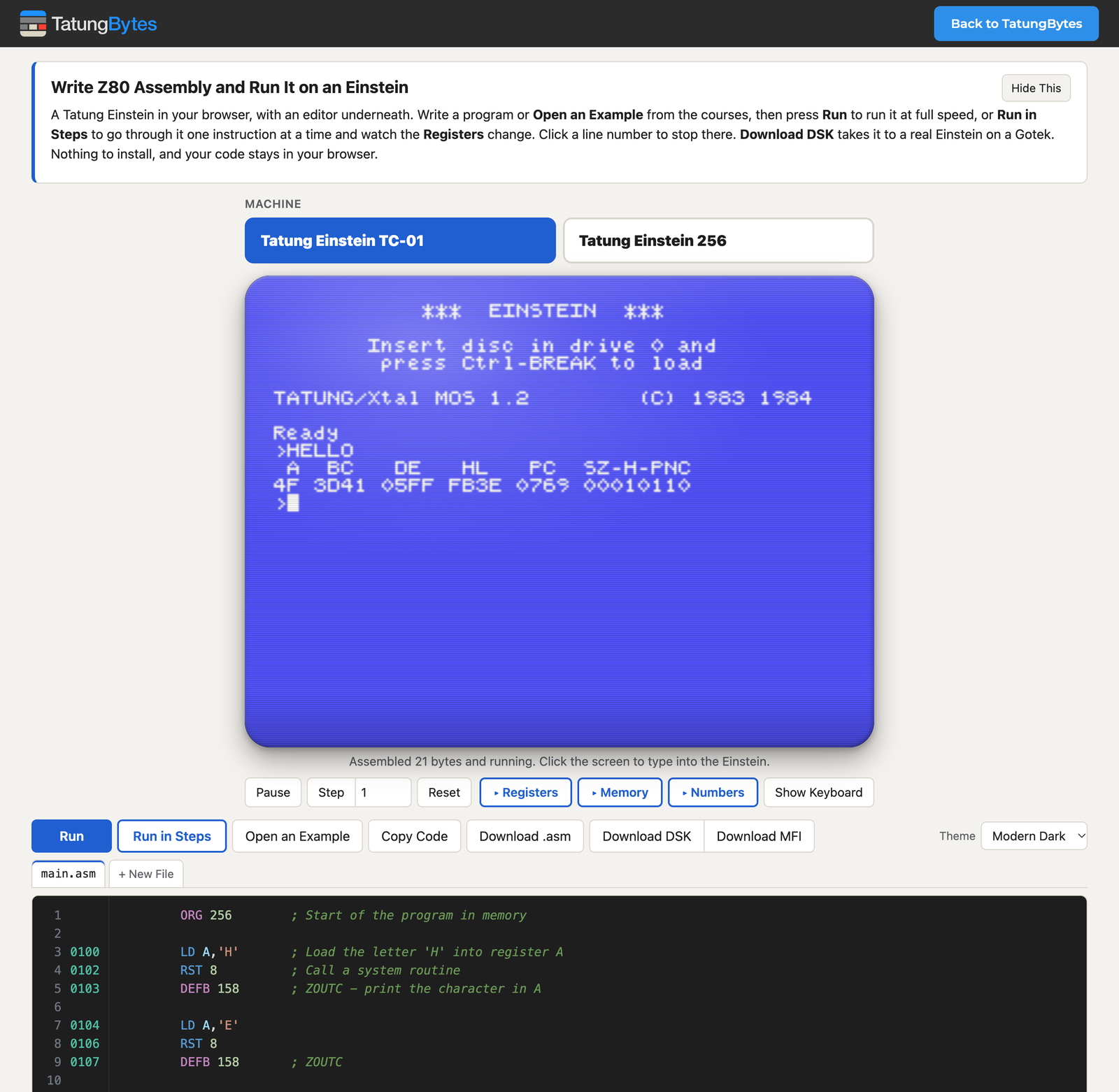
It is also a way to see inside the machine. Run in Steps stops your program before its first instruction, and each press of Next Step runs one more, while the Registers and Memory panels show exactly what changed: the accumulator, each flag as a 1 or a 0, the stack, and the bytes of your program in memory. Click a line number to stop there. A number converter turns hex, decimal, binary and characters into one another as you type.
When your program is ready, Download DSK makes a disc that boots on a real Einstein from a Gotek drive and runs it. Your code stays in your browser, and nothing is sent to us. Using the Assembly Lab explains every feature.
Both run MAME, built for the browser with only the Einstein drivers, and the Assembly Lab assembles your code with GNU z80asm. MAME is free software under the GNU General Public License, and the player page links the source of the exact build it uses. Thank you to the MAME team, and to the authors of MAME's Einstein driver, Kevin Thacker, Dirk Best, Phill Harvey-Smith and Nigel Barnes.
If a disc does not behave as it should, or the lab does something you did not expect, please tell us.