module
3
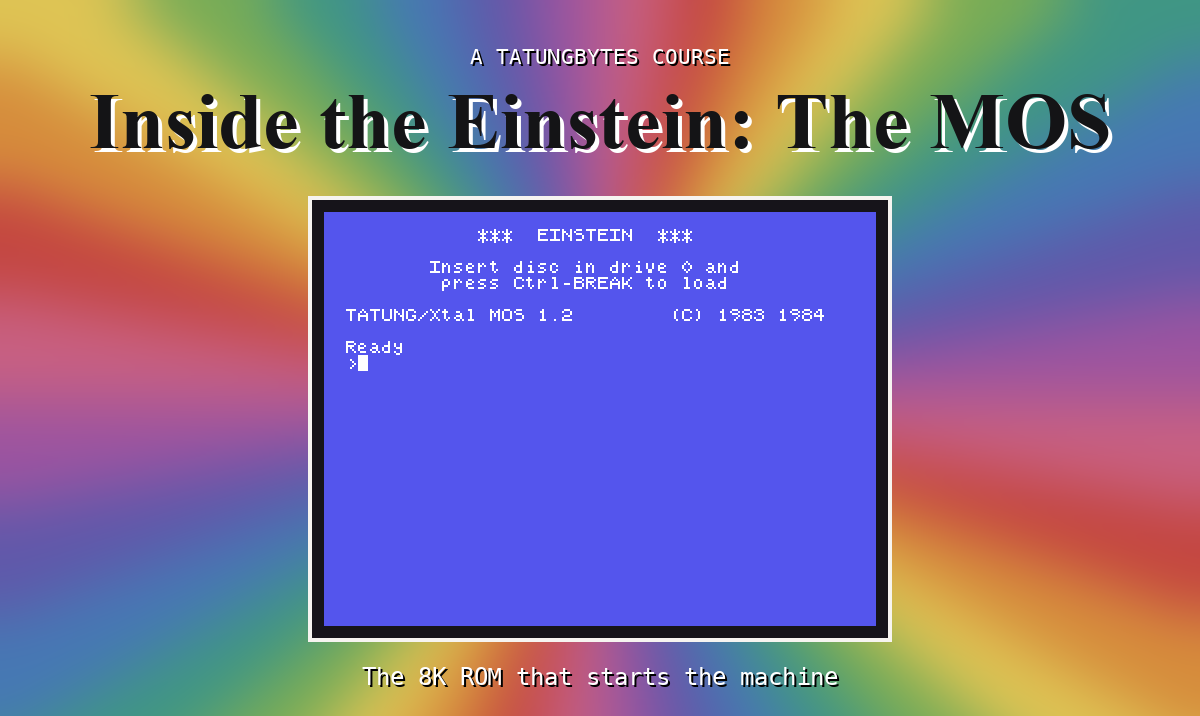
Switch on any computer and the processor starts running instructions immediately. It has no choice: that is all a processor does. So the very first question in the design of a home computer is: which instructions, and where do they come from?
The Z80 starts at address 0000h. On the Einstein, at the moment of power-on, the ROM is switched in at the bottom of memory, so the first instruction the machine ever runs is the MOS's first byte. Here are the first eight bytes of the ROM, from the course's source:
l0000h:
        ld hl,08000h            ;0000
        ld de,08001h            ;0003
        jr l0040h               ;0006
Three instructions, then a jump past the next 56 bytes to 0040h, where start-up proper begins. Why jump? Because the addresses in between are special to the Z80: RST 8, RST 10h, RST 18h and their siblings each call a fixed low address, so the MOS keeps those slots for itself. S7 opens the one at 0008h - the one every RST 8 in your programs has called.
There is nothing else the machine could run. RAM holds no program at power-on. If the ROM were not there, the Z80 would execute whatever meaningless values the RAM happened to contain.
Starting the processor is only the first of the MOS's jobs. Between the first instruction and the > prompt, and after it, the MOS:
RST 8 and a number gets your program any of these services without knowing a single port. (S7, S8)> prompt reads a command letter and runs it: arithmetic, memory display, fill, copy and more. When your program returns, the monitor shows you its registers. (S9)All of that fits in 8K.
The monitor has a command that converts hexadecimal to decimal, D. The ROM runs from 0000h to 1FFFh, so it ends one byte before 2000h. At the prompt, type:
D 2000
and press ENTER.
What you should see
>D 2000
8192
>
8,192 bytes: everything the MOS does is in that many.
The Z80 starts at 0000h, where the ROM sits at power-on, so the MOS is the first program the machine runs. From there it starts the hardware, drives the screen and keyboard, keeps time, offers calls to your programs and runs the monitor - all in 8K.
S4: the ROM shares its addresses with RAM. How can one address hold two things, and what does that do to a program that wants to call the MOS?
This form is protected by reCAPTCHA, and the Google Privacy Policy and Terms of Service apply.
