← Back to News
Manic Miner Fun
A Harry the Hacker trick for starting Manic Miner on any level on the Tatung Einstein using a DOS/MOS memory poke.
August 21, 2026
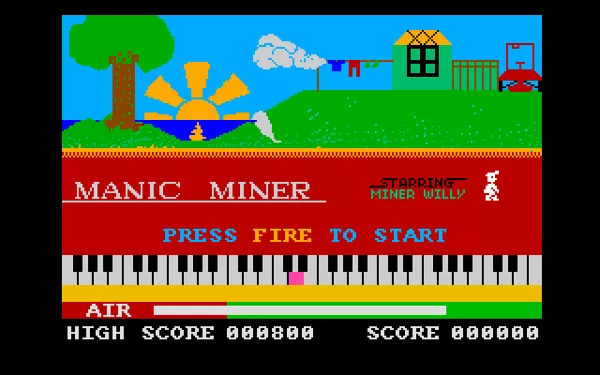
Having Fun With Manic Miner
Introduction
This article like many others I will be doing, is a recreation, tidy up, etc of articles originally
published in old User Group Magazines. As the quality of these old magazines is quite
poor, I decided to take it upon myself to recreate those articles and present them in an
improved format, with pictorial enhancements and where possible improved content.
This time I thought I would have some fun with the excellent Manic Miner This article was
originally Published in Einstein Monthly News as part of their Harry the Hacker series of
articles.
Where to begin
Manic Miner comes on an auto-boot disk so the first thing we need to do is put in an
Einstein Boot Disk and boot to the normal prompt.
Now swap the boot disk with your Manic Miner disk and from DOS type;
LOAD MANIC.COM and press ENTER ;note the number of Blocks which will be
used for saving the program
MOS and press ENTER
M 1526 and press ENTER
nn. and press ENTER ;Where nn is the required start screen number
minus one in hex - i.e. for screen 2 enter 01 and
for screen 20 enter 13
Next insert a blank disc, on which you want to save the modified MANIC MINER to and
press CTRL/BREAK, this will return you to DOS. Then type:
SAVE nn MANIC1.COM and press ENTER ;note nn should be the number of
Blocks noted for saving earlier
You should now have your modified copy of MANIC MINER on disc. Load and enjoy.
Happy gaming.