module
29

There are two files on your disc besides Dr Logo itself:
QUIZ     LOG
SKETCH   LOG
They are Dr Logo programs, they came with the machine, and they are the best thing on the disc for seeing what the language was thought to be for in 1984.
They are on the course disc because they were on the original. If you are working from a real Einstein System Master, they are on that too, along with everything else described below.
They were not written for this course. They come from the Einstein System Master, the disc that came with the machine, and the course disc carries them because leaving them out would lose the only Dr Logo anybody wrote for the Einstein that we still have.
Look at what else was on that original disc:
XBAS.COM | Extended BASIC |
CLOCK, DEMO, EINSTEIN, HANGMAN, INTRO, KEYBOARD, MASTMIND, OTHELLO, PICPEN, SNAKES | ten BASIC programs |
LOGO.COM | Dr Logo |
QUIZ.LOG, SKETCH.LOG | two Logo programs |
The System Master is a demonstration disc. It carries two languages, and each one arrives with programs that show it off: ten for BASIC, two for Logo. That is all SKETCH and QUIZ are: Logo's share of the same exercise. They are not leftovers and they are not part of the interpreter.
Both open with the same three lines:
;SKETCH by David Wess
;V 001 15/10/84
;Copyright (c) Tatung (UK) Ltd. 1984
October 1984, written in-house at Tatung.
load "sketch
sketch
and
load "quiz
quiz
load reads the procedures into the workspace; typing the name runs them. If you have been working on something, save it first; load merges into whatever is already there, and both of these define a lot of names.
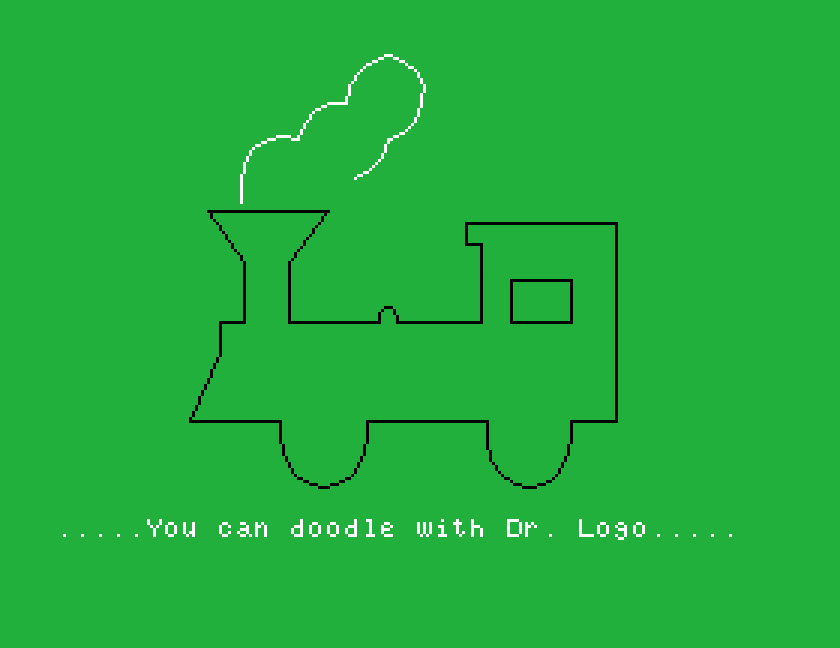
SKETCH: about five minutes, hands offA guided tour. It introduces the turtle, draws a pattern of nested triangles in changing colours, and then asks your name: type it and press Return, and it uses it again at the end.
After that it draws a face that smiles, and then this:
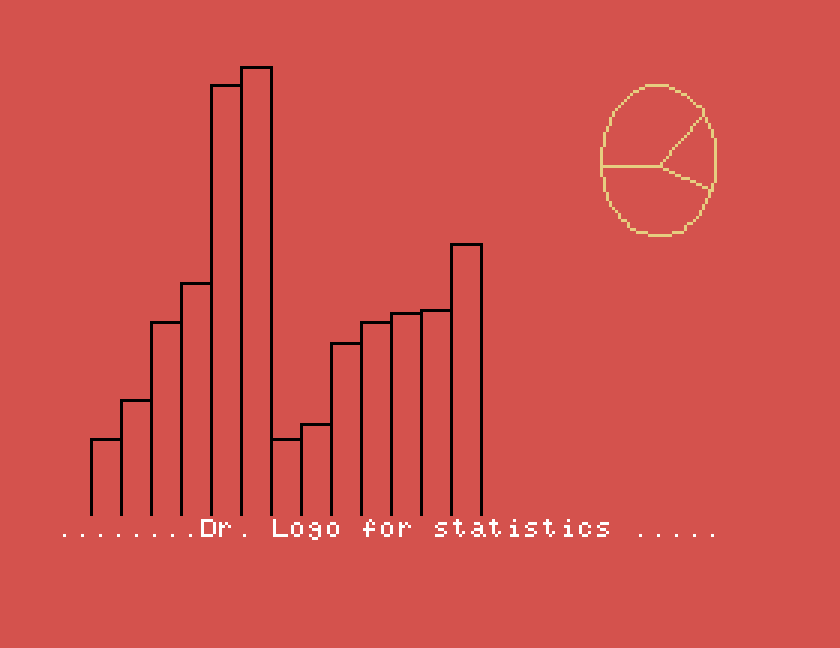
"Dr. Logo for statistics." A histogram of seventeen values with a pie chart beside it, the same idea as S22, done in 1984.
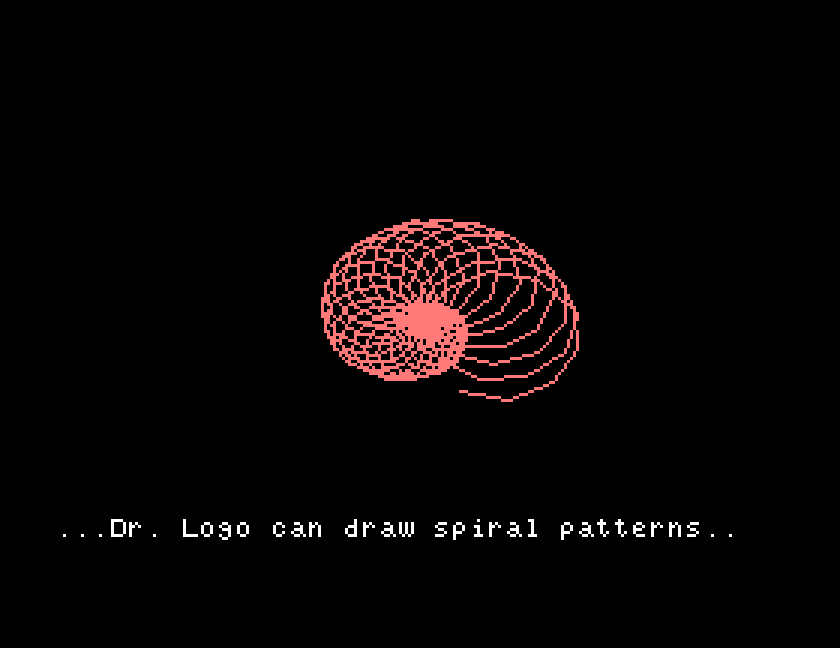
Then spiral patterns, built up circle by circle over about a minute:
and two sine waves, one drawn as a curve, one as vertical strokes about a centre line. Then it says goodbye, by name.
Everything in it is made of things this course covers. There is nothing in SKETCH you could not now write.
QUIZ: ten questions, scored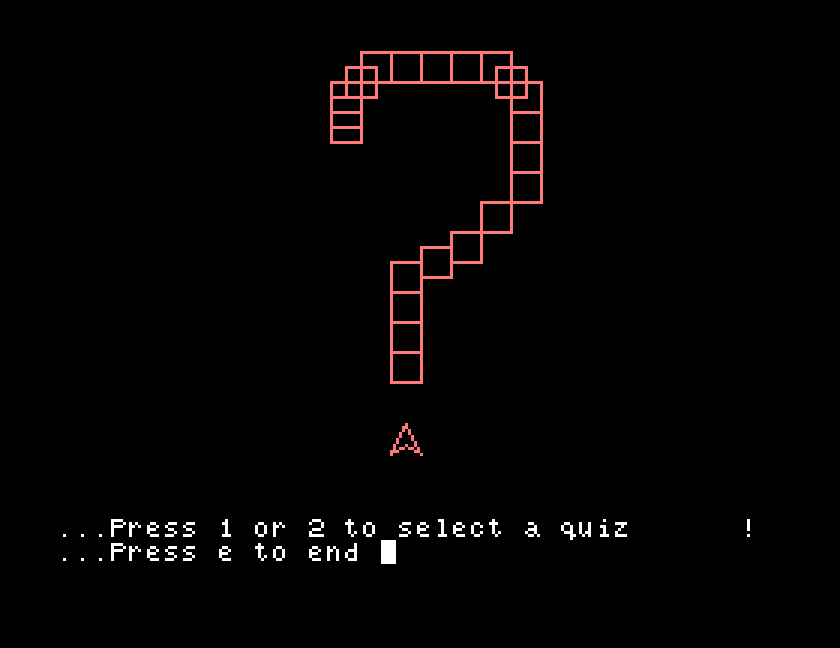
A jingle, a large ? drawn with the turtle, and a menu. Press 1 or 2 for one of two ten-question general-knowledge quizzes, or e to stop. The menu reads a single keypress, rc, from S19, so there is no Return to press.
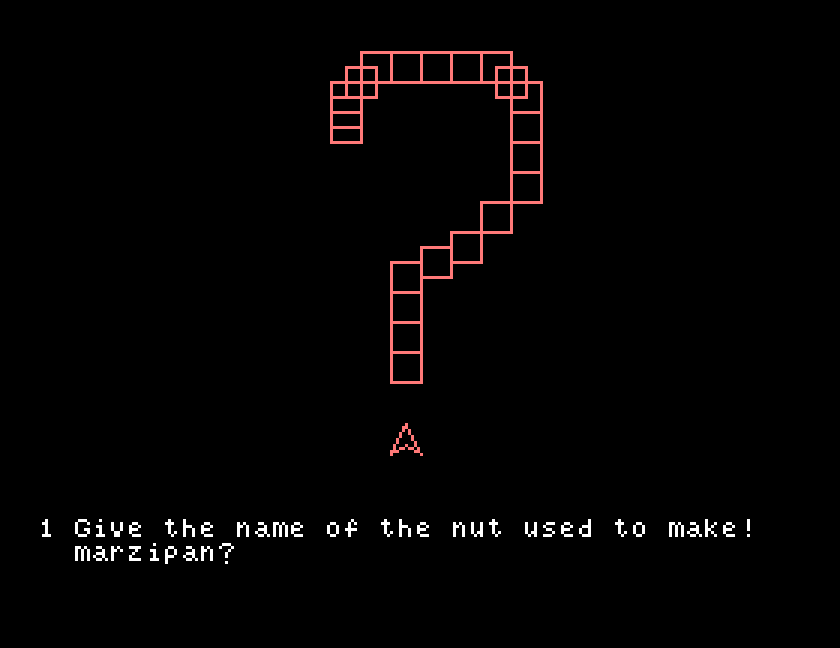
Type an answer and press Return. Get it right and it plays a rising phrase, adds one to your score and tells you the total. Get it wrong and it buzzes at you and asks whether you want another go; answer n and it tells you what the answer was and moves on.
The comparison at the heart of it is one line:
if rl = :answer [cheer stop]
Read a line, compare it with the stored answer, and act. That is the whole mechanism, and it is what S25 builds from scratch.
They are plain text. po any of their procedures after loading, or read the files directly, and you will find 1984 solutions to the problems this course sets, arrived at independently:
? drawn with turtle moves, because there was no other way to get a big character on screenwhile loopThey also use things this course does not teach: label and go, which are a way of jumping about inside a procedure, and setscrunch to squash the drawing. If you meet an unfamiliar word while reading them, that is why.
SKETCH sets the background colour and the scrunch and does not always put them back. If your screen looks wrong afterwards, setbg 0, setscrunch 1 and cs will sort it out, or just leave Dr Logo with bye and start again.
This form is protected by reCAPTCHA, and the Google Privacy Policy and Terms of Service apply.
