module
1
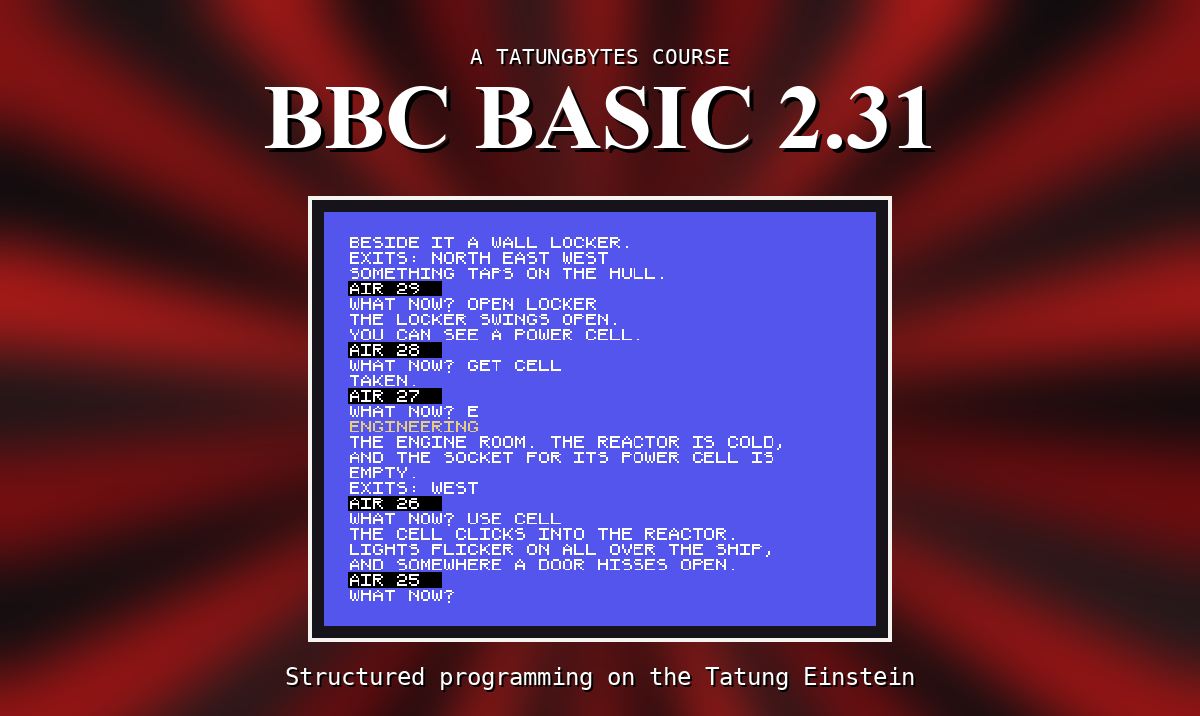
The Tatung Einstein came with its own BASIC on the System Master disc, and a second BASIC came for it on a disc of its own: BBC BASIC, the language of the BBC Micro, made to run on the Einstein. It is the BASIC this course teaches.
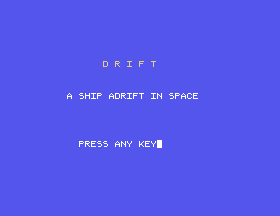
It builds towards one thing: DRIFT, a small text adventure. You wake on a cargo ship drifting dead in space, and you have to get it going again before the air runs out. By the time you have written it you will have used most of the language: words and numbers, decisions and loops, lists, procedures and functions, and the screen.
BASIC was designed in the 1960s as a language for people who were not going to become programmers, and by the early 1980s nearly every home computer had one. They were all called BASIC and they were all different, in ways that matter exactly when you sit down to type.
BBC BASIC is Richard Russell's. The manual for the Einstein's version - written by Doug Mounter of M-TEC in 1984, and edited by Russell - says it was made to be as compatible as possible with the BBC Micro's, but that the Einstein's different graphics and sound make full compatibility impossible. So it is its own thing, and this course teaches it as it behaves on the Einstein.
Two ideas do most of the work in any BASIC, and this one is no exception.
The first is that a line is either done now or kept for later. Type PRINT 7-2 and the answer, 5, comes straight back. Type 10 PRINT 7-2 and nothing happens - the line has been kept as line 10 of a program, and it waits until you type RUN.
The second is that the machine tells you when it cannot understand you. When a line has worked you get the prompt, >, back. When it has not, you get a message first - Mistake for a word it does not know - and then the prompt. You are never left wondering.
What makes BBC BASIC worth learning is what it lets you do with a program once it grows. You can give a piece of a program a name of its own - a procedure - and use it by name wherever you need it. A long program then reads like a list of the things it does, not a tangle of line numbers. A text adventure is exactly that kind of program, which is why this course builds one.
When BBC BASIC starts it says what it is:
Einstein BBCBASIC Version 2.31
(C) Copyright R.T.Russell 1984
>
This course covers version 2.31, and only that - the one on the course disc. BBC BASIC exists in many versions, for many machines, and a book about one is not a book about another. They look alike, which is exactly why they catch people out: almost everything is nearly the same. Everything in this course - every listing and every result it describes - is about 2.31 on the Einstein.
If you have a BBC BASIC disc of your own, look at the sign-on before you start. If it says 2.31, you are on the same ground as the course. If it says anything else, follow along by all means, but where you find a difference, believe your machine rather than this course.
If you already know BBC BASIC from a BBC Micro, or from anywhere else, be careful in a different way. Most of what you know will work. The parts that do not - the screen, the sound, the keyboard - are the parts this course is careful about, and it points them out as it goes.
The Tatung Einstein is a British computer, built around the Zilog Z80 processor and sold from 1984. It came with a disc drive built in, at a time when most home computers loaded from cassette, and BBC BASIC leans on that: your programs are kept in files on the disc, saved and loaded by name.
You do not need to own one. The course runs on an emulator.
This course builds one program. Not from the first page - the first part is the language, in short programs you type and throw away - but from the middle onwards each section adds a piece of the game, and the listing you run at the end of a section is the game so far.
The game is deliberately small. Four rooms: the cryo bay where you wake, a corridor, engineering and the bridge. A few things to find and carry. A dead reactor that needs power, and a console that needs a code. And the ship's air, running down one turn at a time. You type what you want to do - GET PAD, say - and the program has to understand you, which is where most of the interesting work is.
The pieces come in the order you need them. The first part of the course is the language: typing a program in, correcting it, keeping it on disc, numbers and words, questions and answers, decisions, repetition, lists, chance, and procedures. The second part is words and the screen: taking a sentence apart, and putting text where you want it in colour. The third part is the game, one piece a section: the map, moving, looking, things, carrying them, understanding the player, the puzzles, the air, and the finishing touches. Then you read a real program from the disc - a game that learns about animals from the people who play it, adapted for BBC BASIC by Chris Atkinson and Richard Russell - and find you can follow it.
Nothing.
You do not need to have programmed before. Everything is explained as it comes up, in the order you need it, and nothing is used before it has been explained.
If you have programmed before, the first sections will go quickly. Read them anyway: the places where this BASIC surprises people are in them.
Three things, all free: the MAME emulator, the Einstein's ROM image, and the BBC BASIC course disc from the Downloads page. S2 installs them, on macOS or Windows, and finishes with BBC BASIC running in front of you.
The course disc carries BBC BASIC, the 1984 animal-guessing game, the finished DRIFT, and 160K of room for your own work.
If you have a real Einstein and a BBC BASIC disc, you are very welcome to follow along. The course is written and checked against the emulator, so where the two differ you will be ahead of us, and we would like to hear about it. S2 begins with what is different for you.
Every section has the same shape.
All three are worth a message, and the last one most of all. Nothing in this course has yet been tried on a real Einstein.
S2, Setting Up - the emulator, the ROM and the disc, and BBC BASIC signing on on your own machine.
This form is protected by reCAPTCHA, and the Google Privacy Policy and Terms of Service apply.
