About
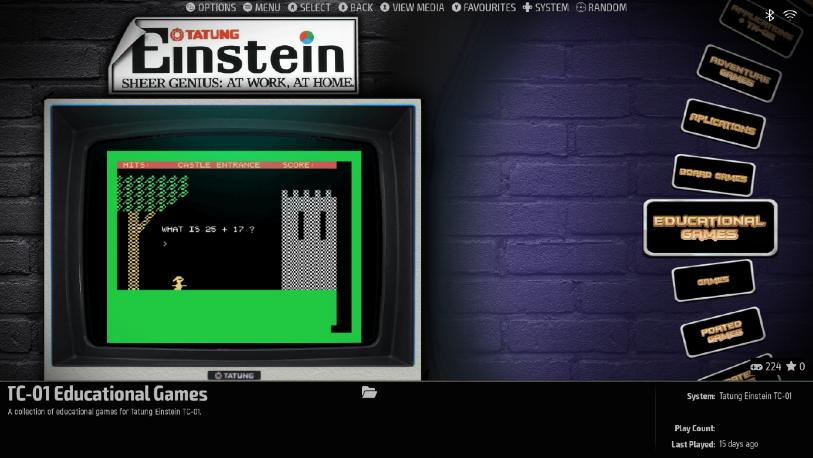
This package turns a Windows PC into a complete Tatung Einstein. It wraps MAME in the ES-DE front end with a custom TatungBytes theme, so you pick a machine and a category from a menu with a joystick or keyboard and the software just runs. Both the TC01 and the Einstein 256 are covered, and the library is built in: games, adventures, applications, board games, educational titles, strategy games and ports, each with cover art, screenshots and, where we have them, videos. The Einstein's manuals and every issue of the Einstein User Magazine we hold are included too, readable inside the front end without leaving your seat.
What You Get
- Tatung Einstein TC01 and Einstein 256 emulation with the correct system ROMs.
- Around 400 titles across both machines, organised by category and ready to launch.
- Joystick support for every game in the Games section, including titles that never had it on the original machine. Select keyboard control in the game and the joystick is mapped for you.
- Options for the TK02 80 column card, the Silicon Disc and the Speech unit where the software supports them.
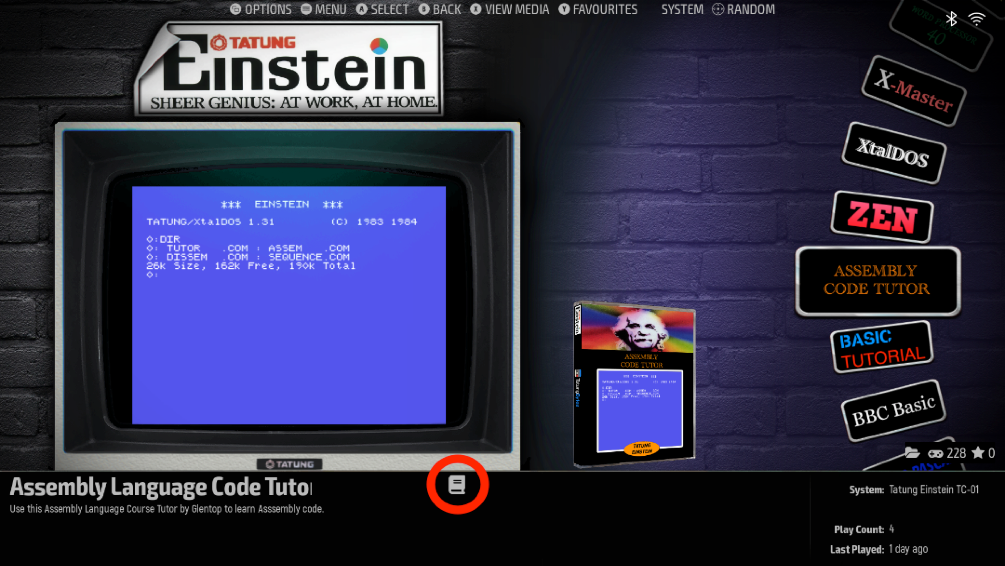
- The Tatung Einstein Library: the manuals and reference books, plus documents attached to the software they belong to, opened from the same screen as the program.
- The magazine archive, with more to follow as donations arrive.
- A full Development Environment with the Einstein's programming tools, each booting with a boot disc, a writable application disc and two work discs, so what you save is still there next time.
- A Recovery option per application that resets its disc to the original without touching your work discs, and a Disk Conversion option that turns your modified discs into standard .dsk files for a Gotek drive in a real Einstein.
Before You Start
This is a large download at 6.6 GB and it is for Windows only. You will also need four free programs, all covered step by step in the included guide: MAME, the ES-DE front end (Windows portable version), Python 3, and Adobe Reader for the manuals and magazines. The guide walks through installing each one into the right folder, then extracting the eight zip files in this package to their correct locations. Follow the folder names exactly. Once it is set up, the whole ES-DE folder is portable and can be moved to another drive or a USB stick.
Getting Around
Up, down and Enter, or the joystick and its A button, do almost everything in the front end. Inside the emulator a few keys differ from the Einstein's own: Backspace is Delete, Alt is Break, and the F keys are shifted up by one, so the Einstein's F0 is F1 on your keyboard. Press keypad 7 to switch MAME's user interface back on and then Escape to return to the menu. In a document, Ctrl and Q returns you to the menu. Full mappings are in the guide's appendices.
Trimming It Down
Everything in the menus is driven by small batch files in the ES-DE Roms folder, one per title, grouped in folders per section. Delete a batch file and that entry disappears, delete a folder and the whole section goes. Take a backup first, since there is no undo.
This is a first release. If something does not work on your machine, tell us through the Contact page with the title you were trying to run and we will look into it.
Gallery